Platform-Engineering-Lab
Built a full hybrid environment spanning AWS, GCP, and on-prem ProxMox — complete with multi-tenant Kubernetes, Terraform IaC, and observability pipelines.
Troubleshooting Callout
Over 9 distinct troubleshooting events were logged, demonstrating skills in resolving Docker image mismatches, pod crash loops, network policy, JSON errors, and Terraform configuration failures across GCP and ProxMox.
Deployments
Summary: Creating, updating, rolling out, scaling, and troubleshooting Kubernetes deployments. Pod lifecycle managemnent, replication, rollout strategies, annotations, and error handling.
- 2025-08-17 Create deployment manifest, deploy, and validate pod status.
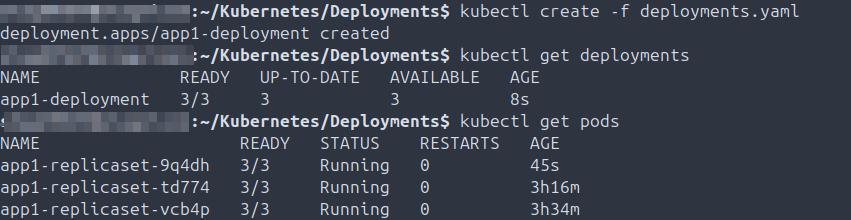
- 2025-08-17 Validate deployment details.
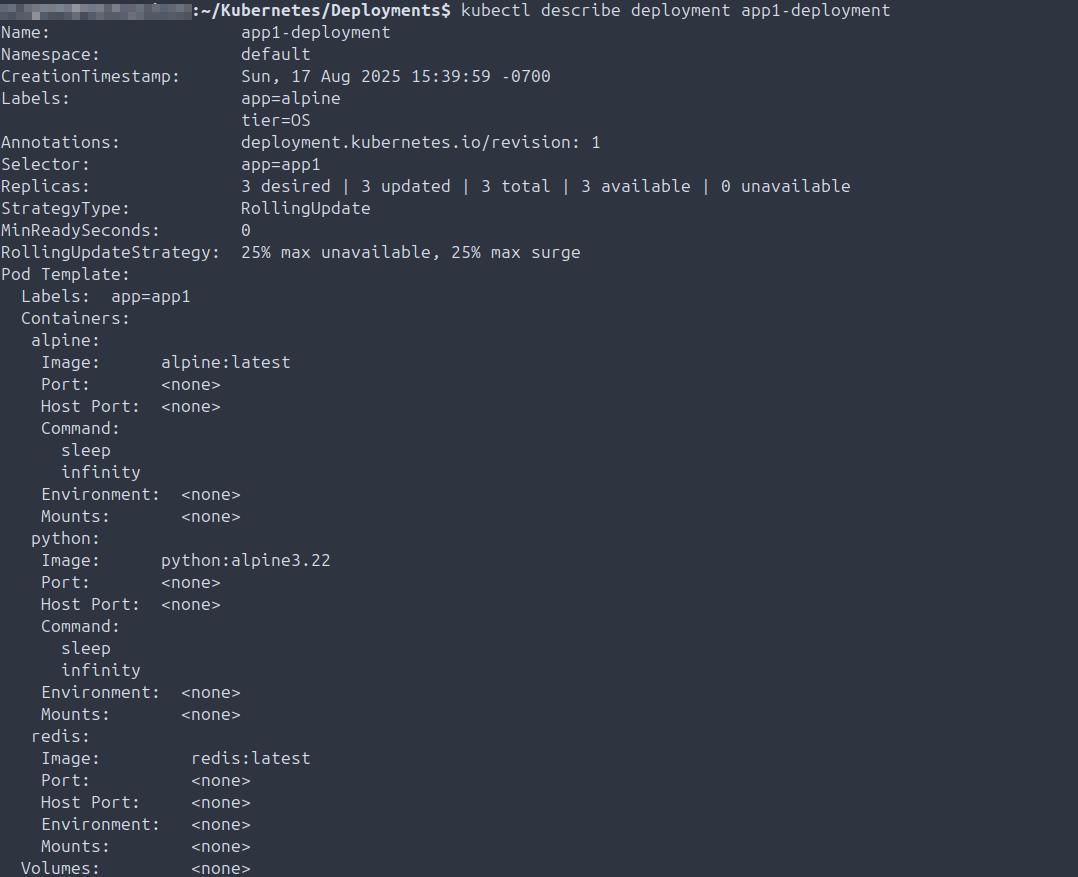
- 2025-08-17 Validate auto-scaling of replicas per deployment specifications.

- 2025-08-17 Confirm all components are running and in intended state.
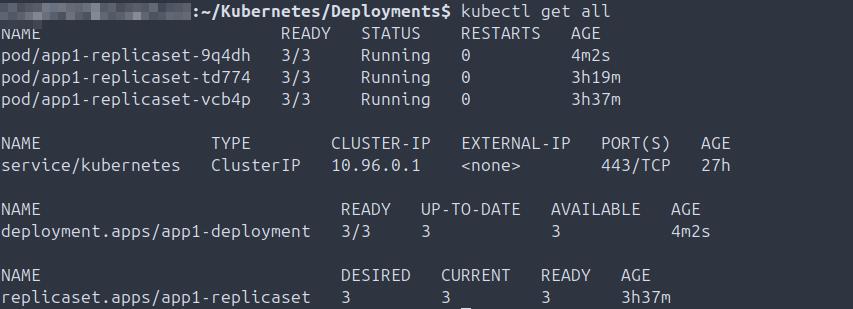
- 2025-08-17 Delete deployment, scale replicas, create new deployment, validate replicas and health.
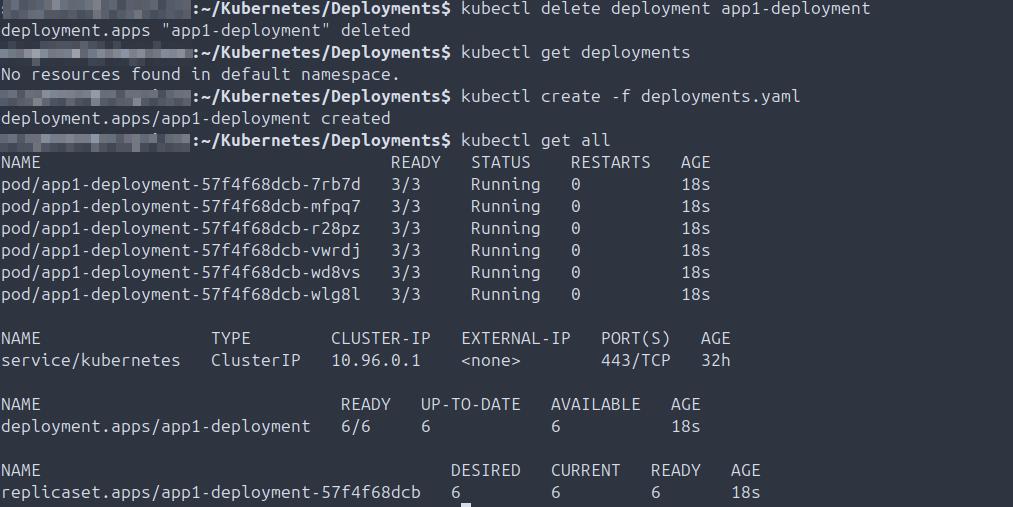
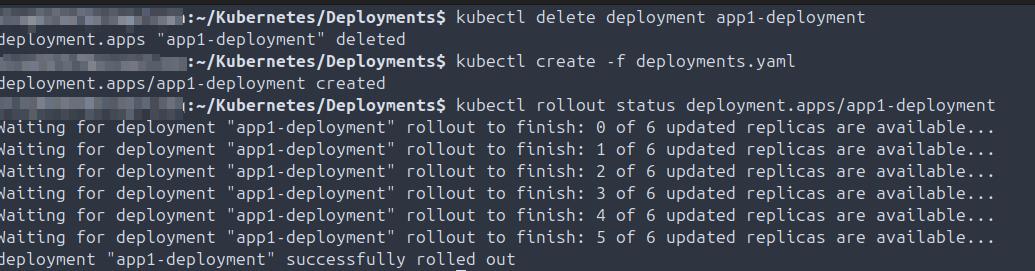
- 2025-08-17 Rollout new deployment, validate 6/6 pods are up and healthy.
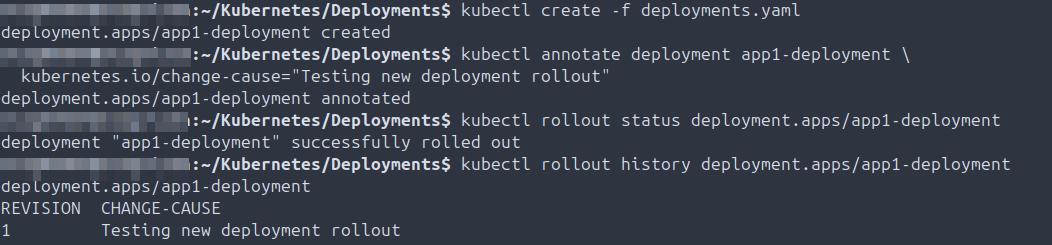
- 2025-08-17 Annotate deployment, roll it out, check history, confirm change-cause annotation.
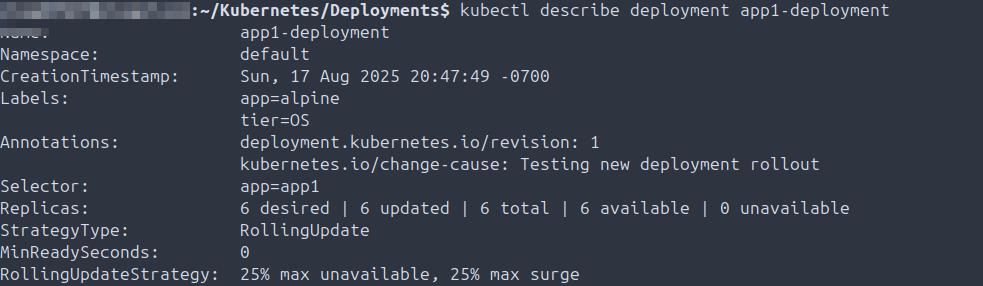
- 2025-08-17 Validate change-cause in deployment description.
- 2025-08-17 Update deployment image, annotate change-cause, rollout, validate history.
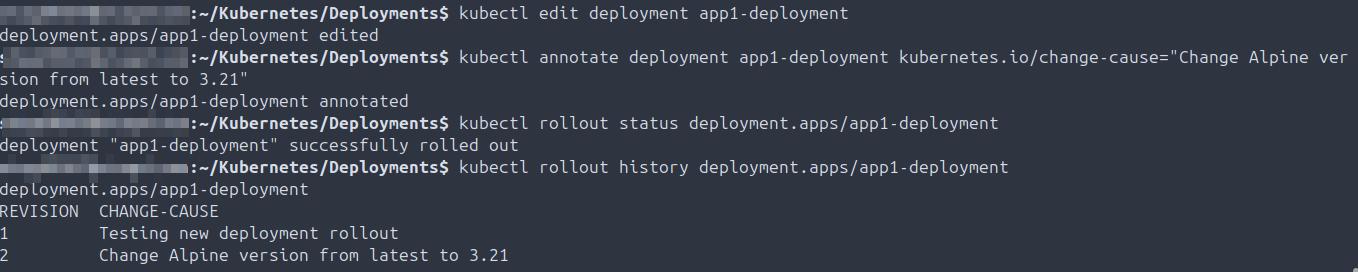
- 2025-08-17 Validate scaling of replicas.

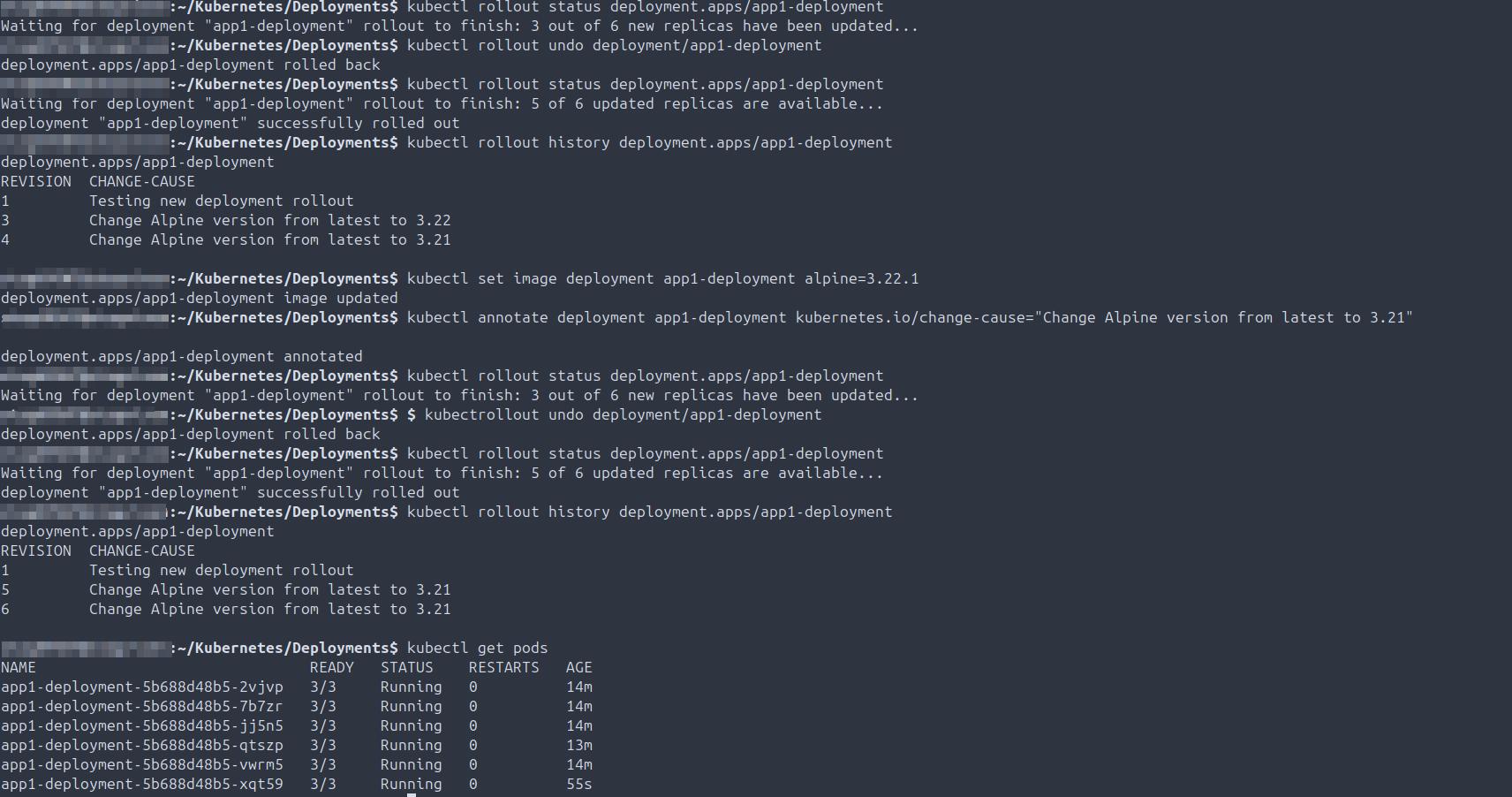
- 2025-08-17 Downgrade deployment (fail), rollback, validate change-cause annotations and pod health.
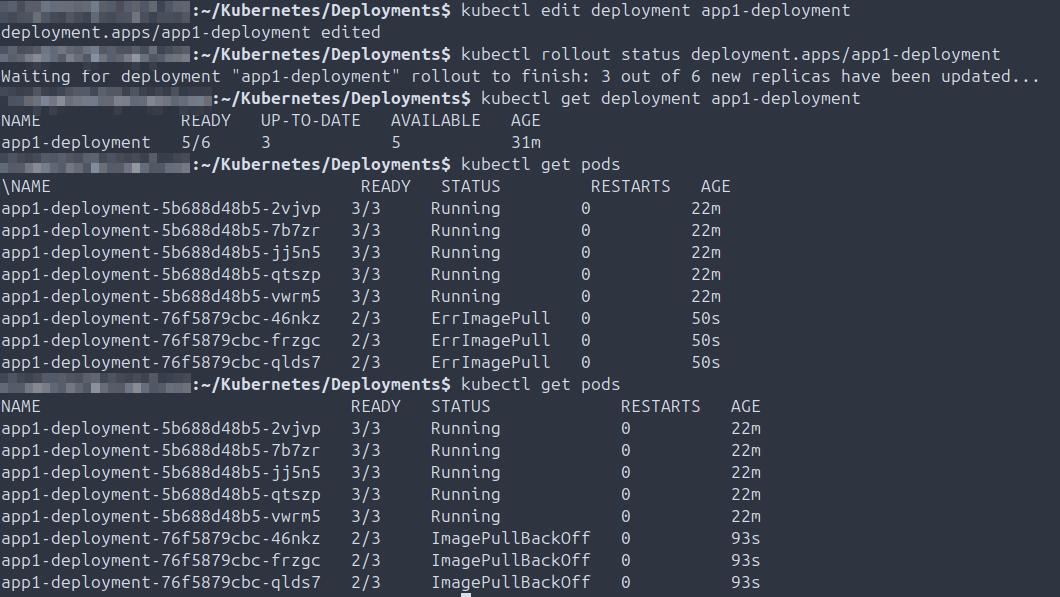
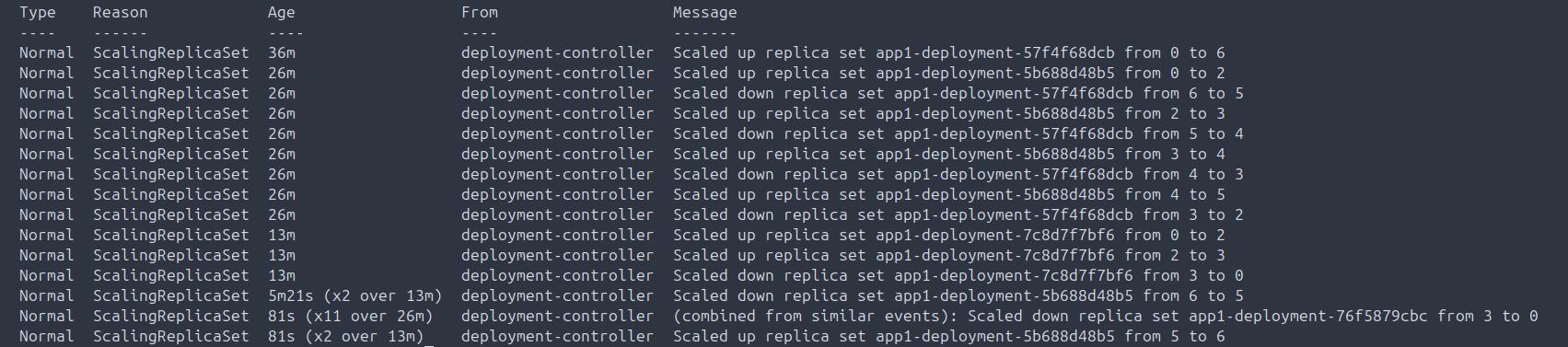
- 2025-08-19 Deploy invalid image, confirm rollout error, validate broken pods and correct replica count.
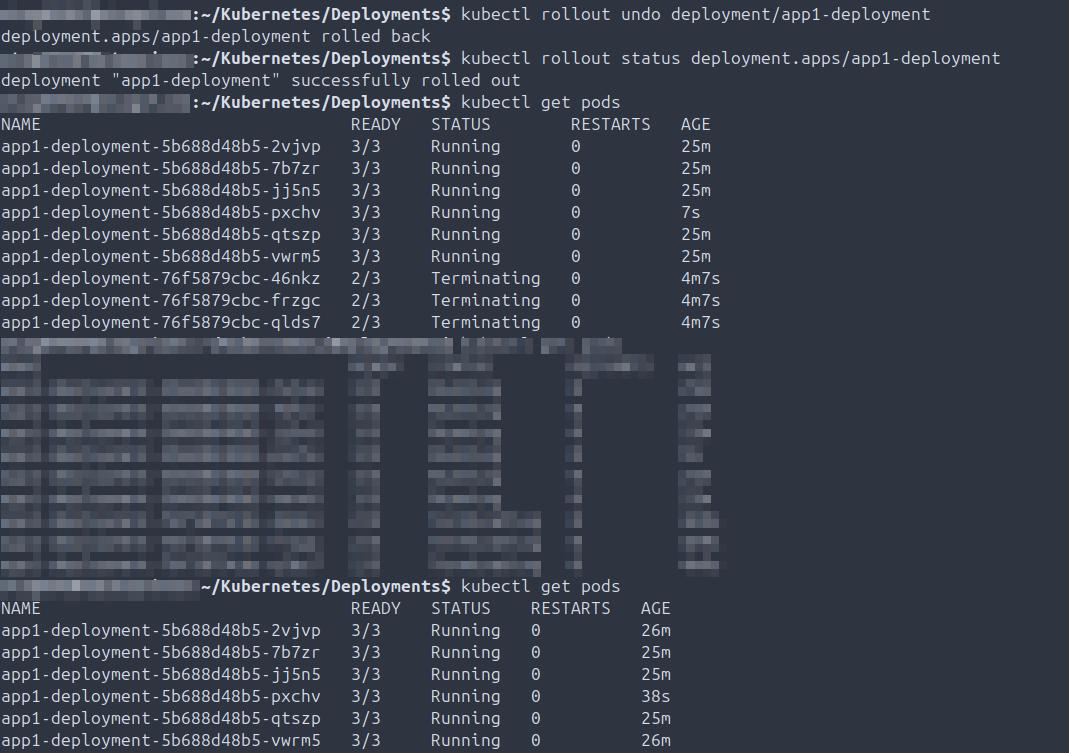
- 2025-08-19 Rollback deployment, confirm pods terminated and correct replicas running.
- 2025-08-19 Validate image version rolled back.
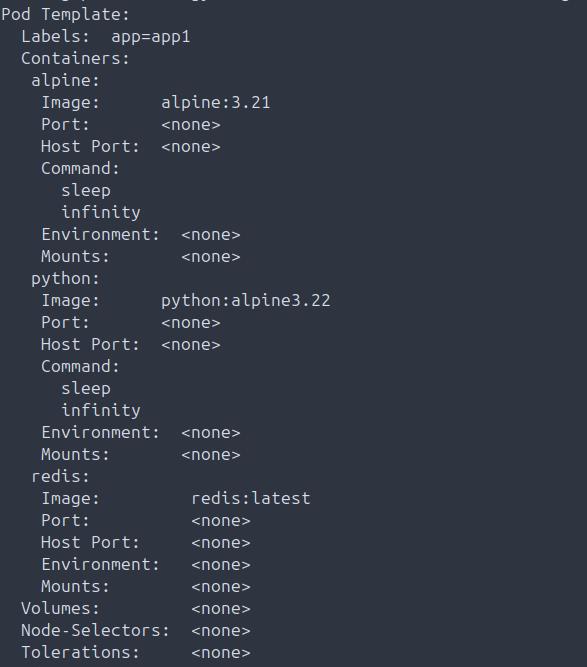
- 2025-08-19 Confirm replica count via deployment description.
Docker
Summary: Installing Docker, launching containers, creating and mounting volumes, and validating persistent storage at the container level.
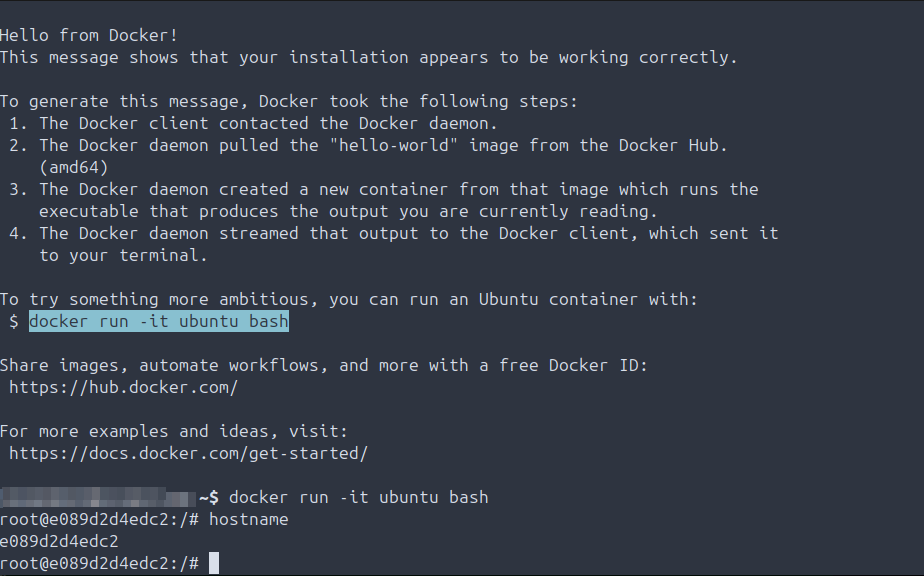
- 2025-08-13 Install Docker and launch Hello World container.
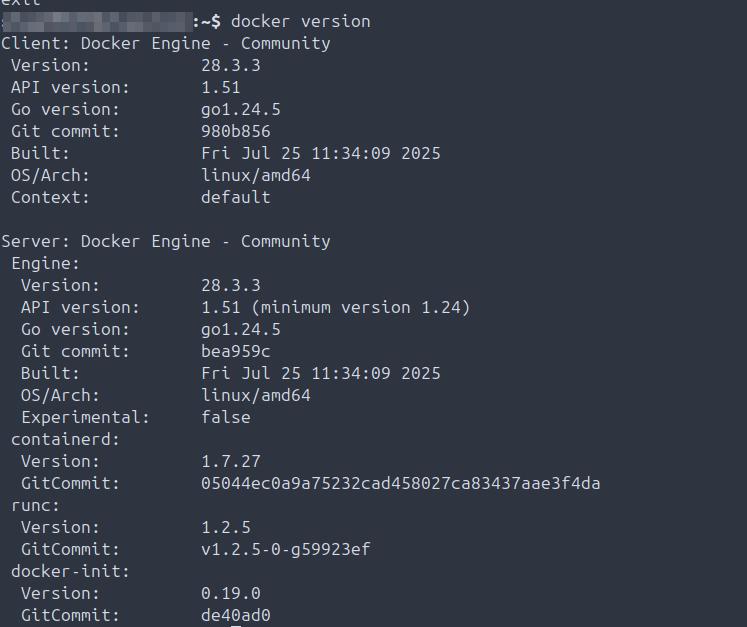
- 2025-08-13 Validate locally installed Docker version.
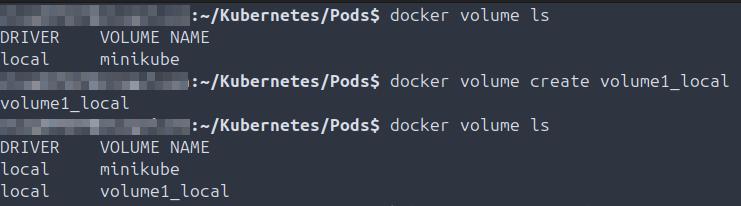
- 2025-09-01 Create local volume on node, validate availability.
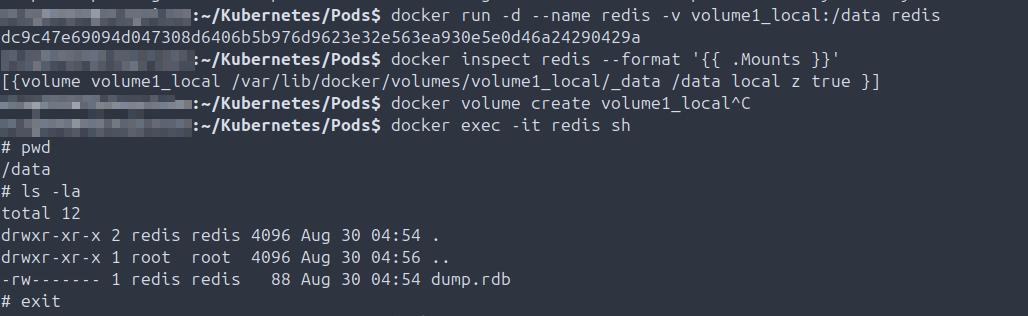
- 2025-09-01 Start container with attached local volume, validate pod writing to volume, connect via exec -it, confirm data written.
GCP
Summary: Provisioning compute resources and storage buckets, configuring IAM and gservice accounts, managing billing, creating snapshots, and enabling authentication from local workstation. Emphasis on cloud operations and observability.
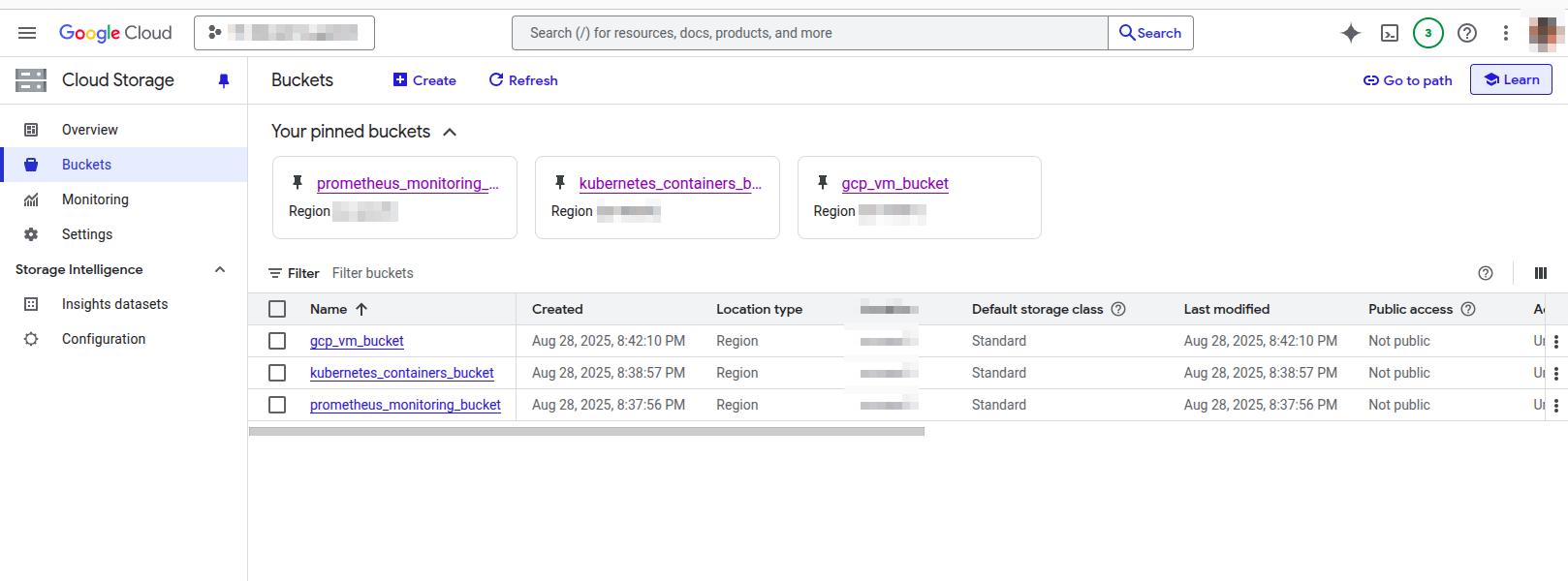
- 2025-08-29 Create storage buckets in GCP project for compute VMs, Prometheus monitoring/observability, and Kubernetes.
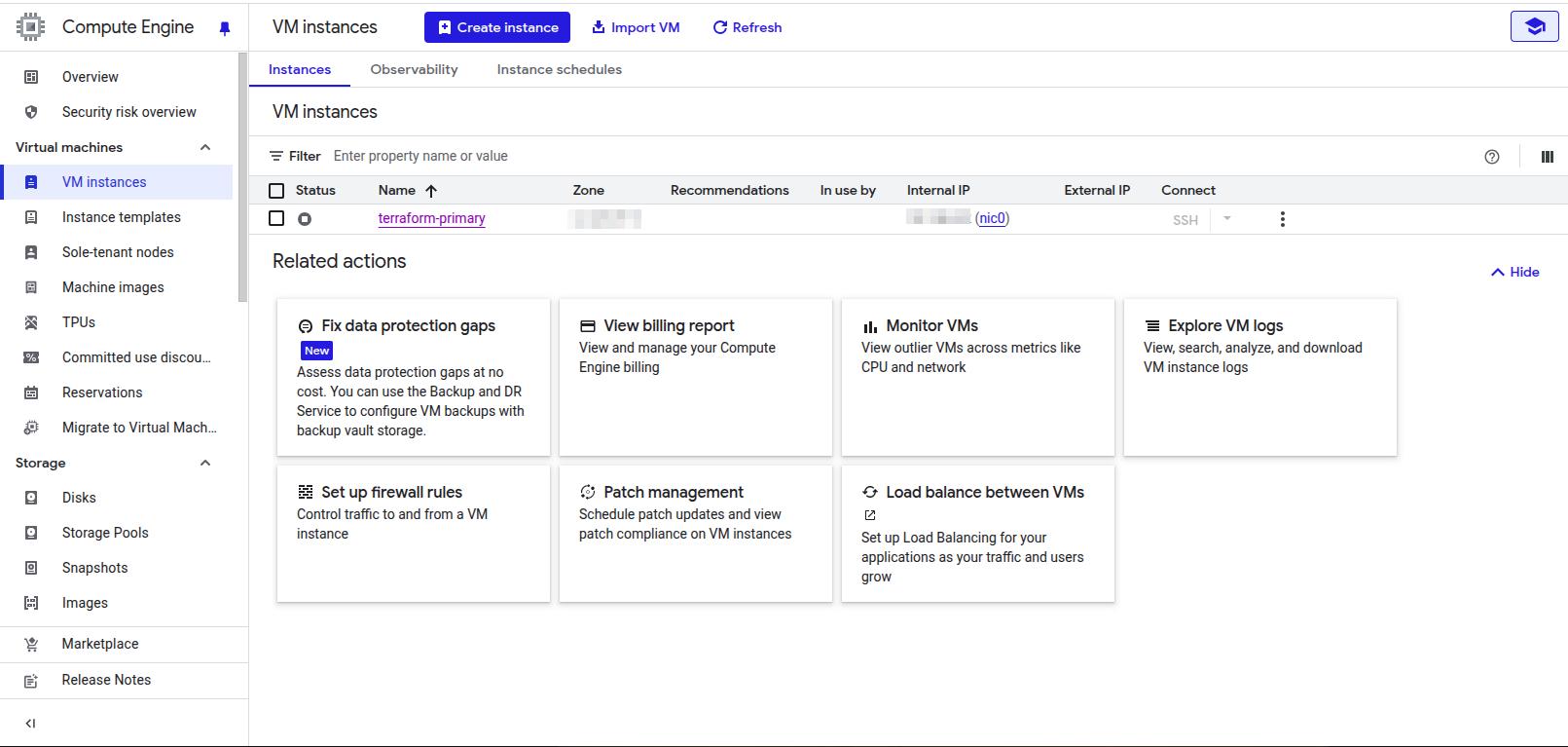
- 2025-08-29 Create primary VM in GCP project to provision worker VMs with Terraform.
- 2025-08-29 Create RSA keypair on main workstation to facilitate SSH authentication to primary GCP VM.
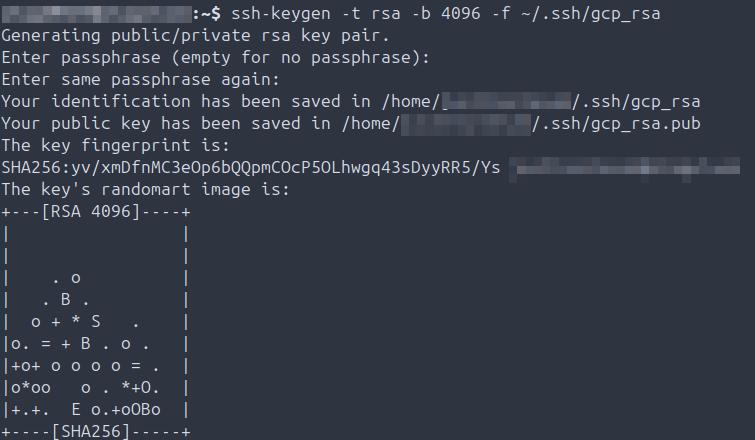
- 2025-08-29 Add public key to primary GCP VM, validate SSH authentication from main workstation.
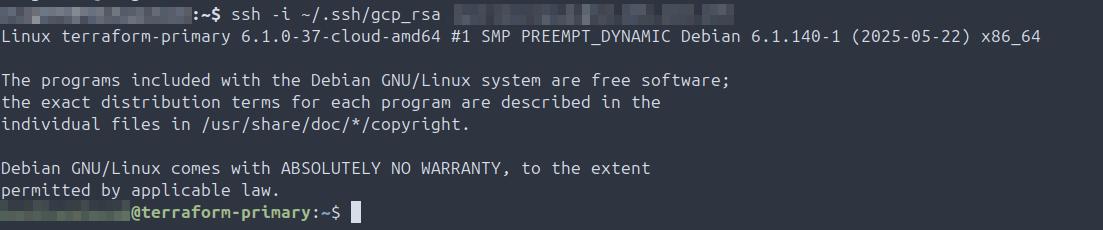
- 2025-08-29 Create bash script on primary workstation to facilitate faster SSH authentication to primary GCP VM.

- 2025-08-29 Change primary Terraform GCP VM IP type to standard ephemeral and network type to standard in GCP Compute.
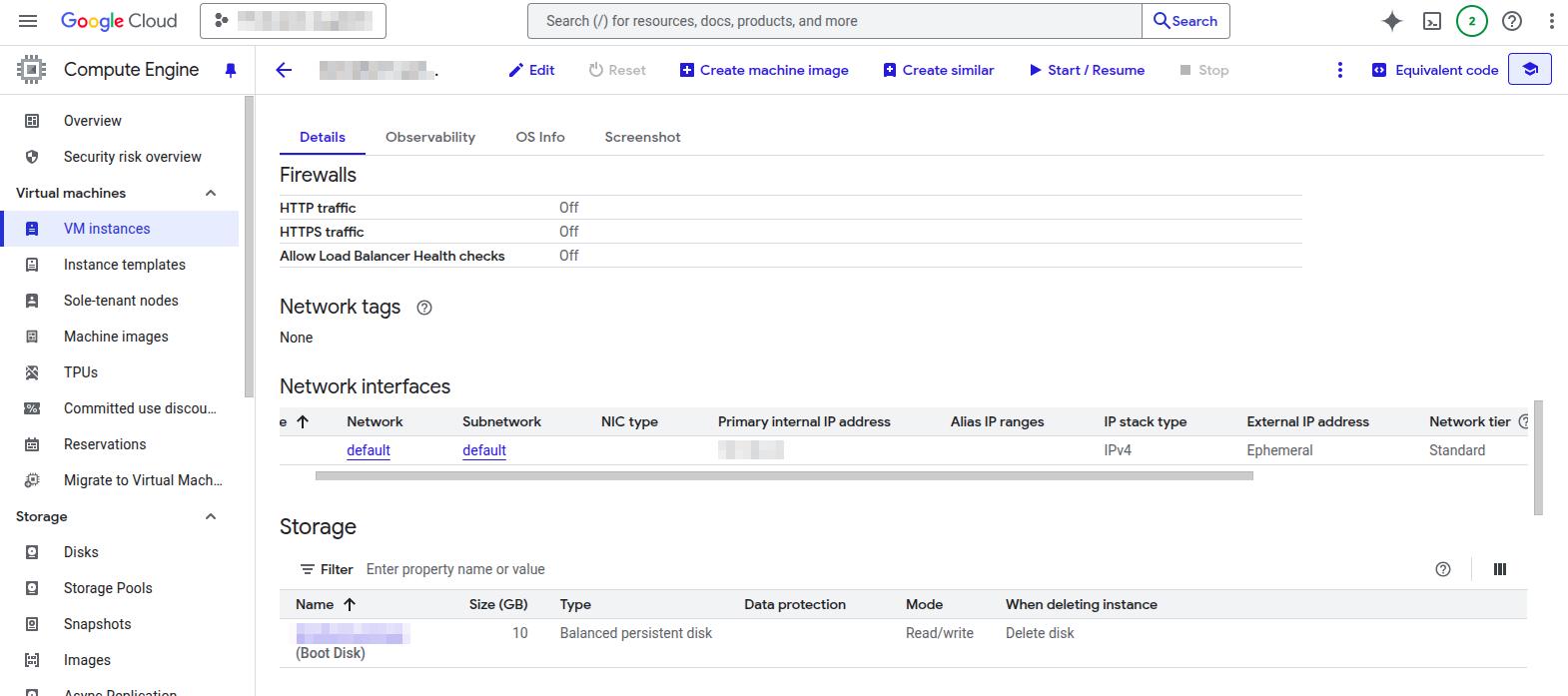
- 2025-08-29 Install and validate the gcloud shell on main workstation.
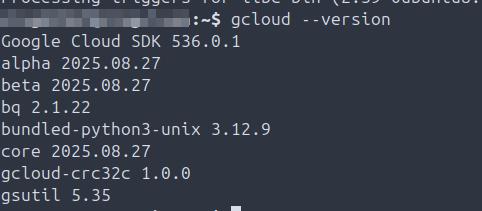
- 2025-09-02 Review and analyze overall spend for the month in Billing.
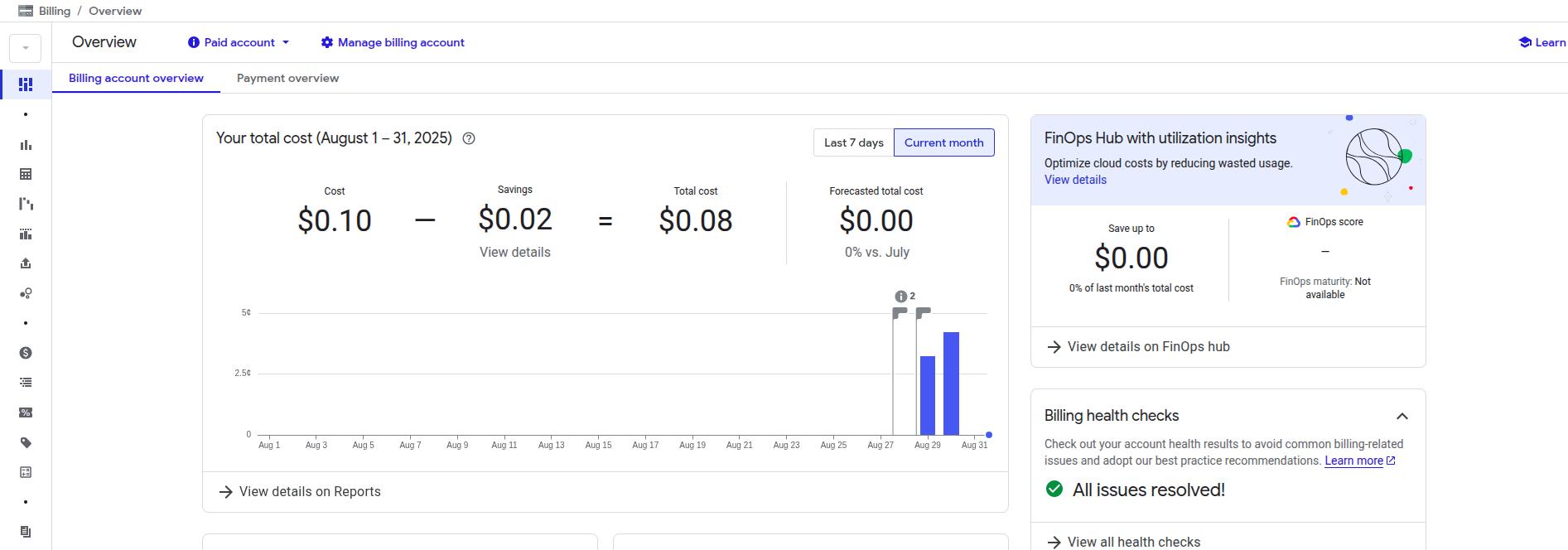
- 2025-09-02 Additional review and analysis of spend by project and service.
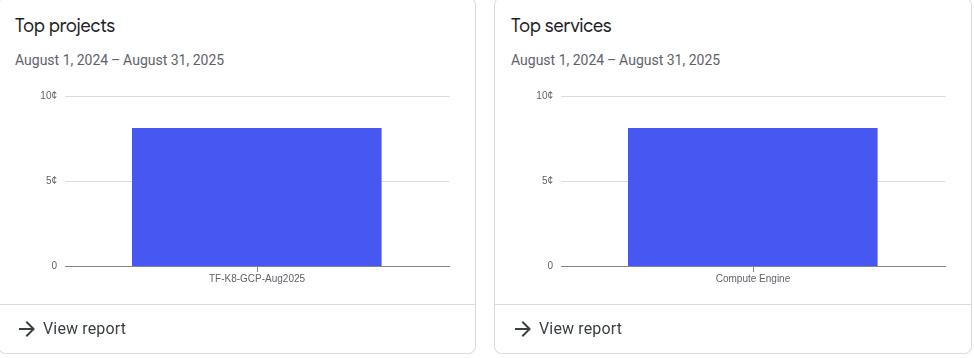
- 2025-09-02 Review Billing dashboard.
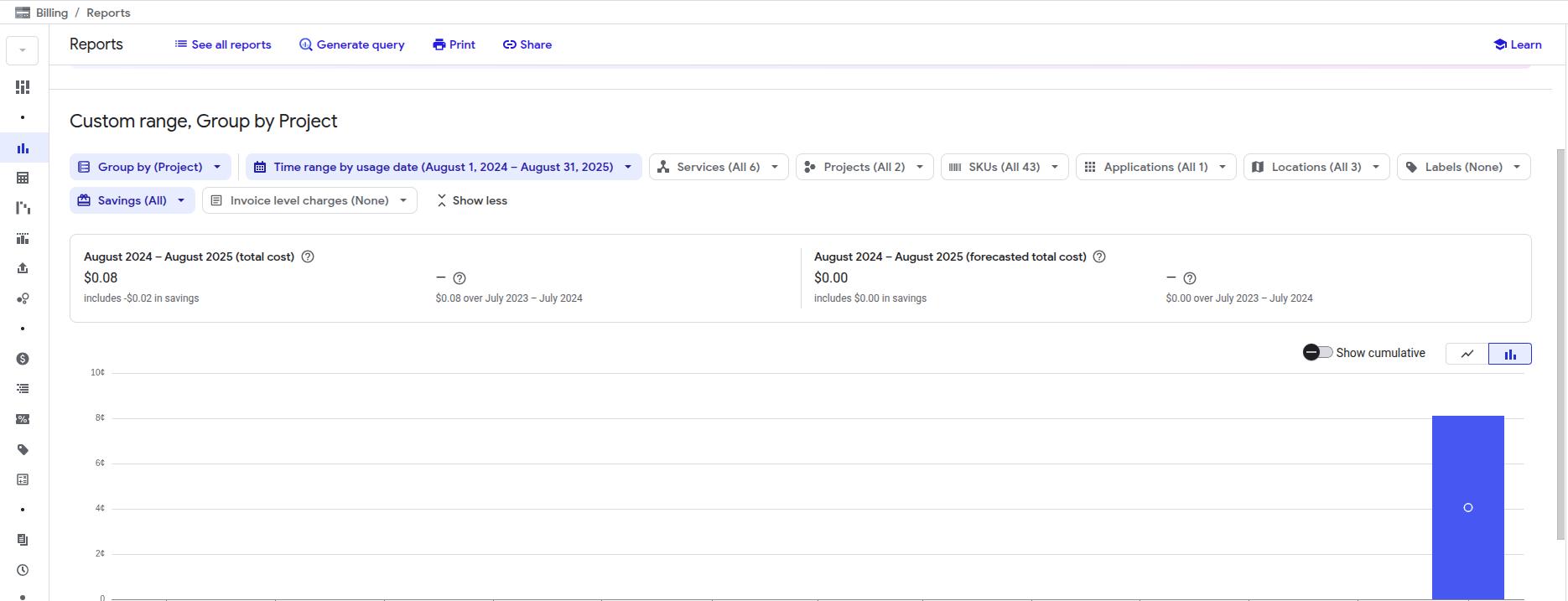
- 2025-09-02 Filter Billing dashboard by SKU.
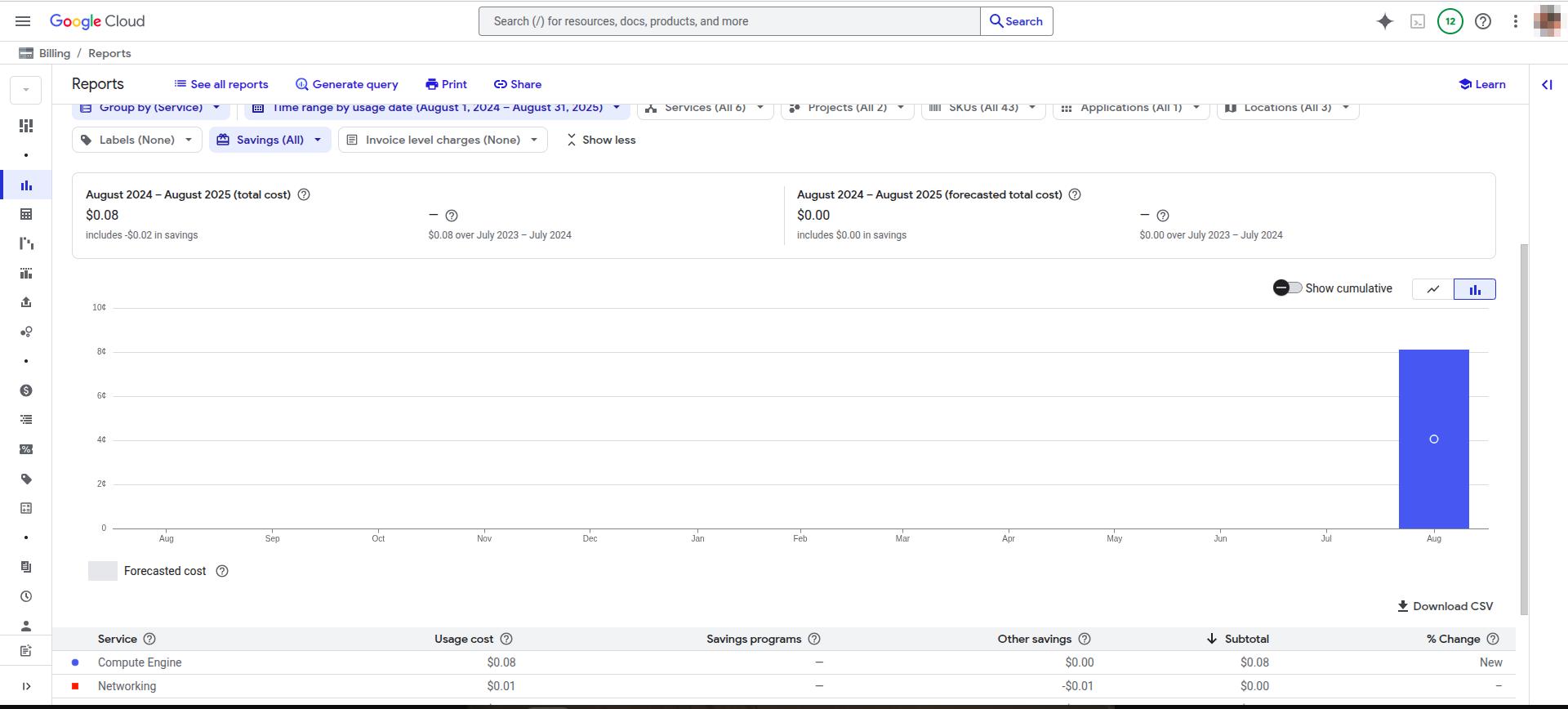
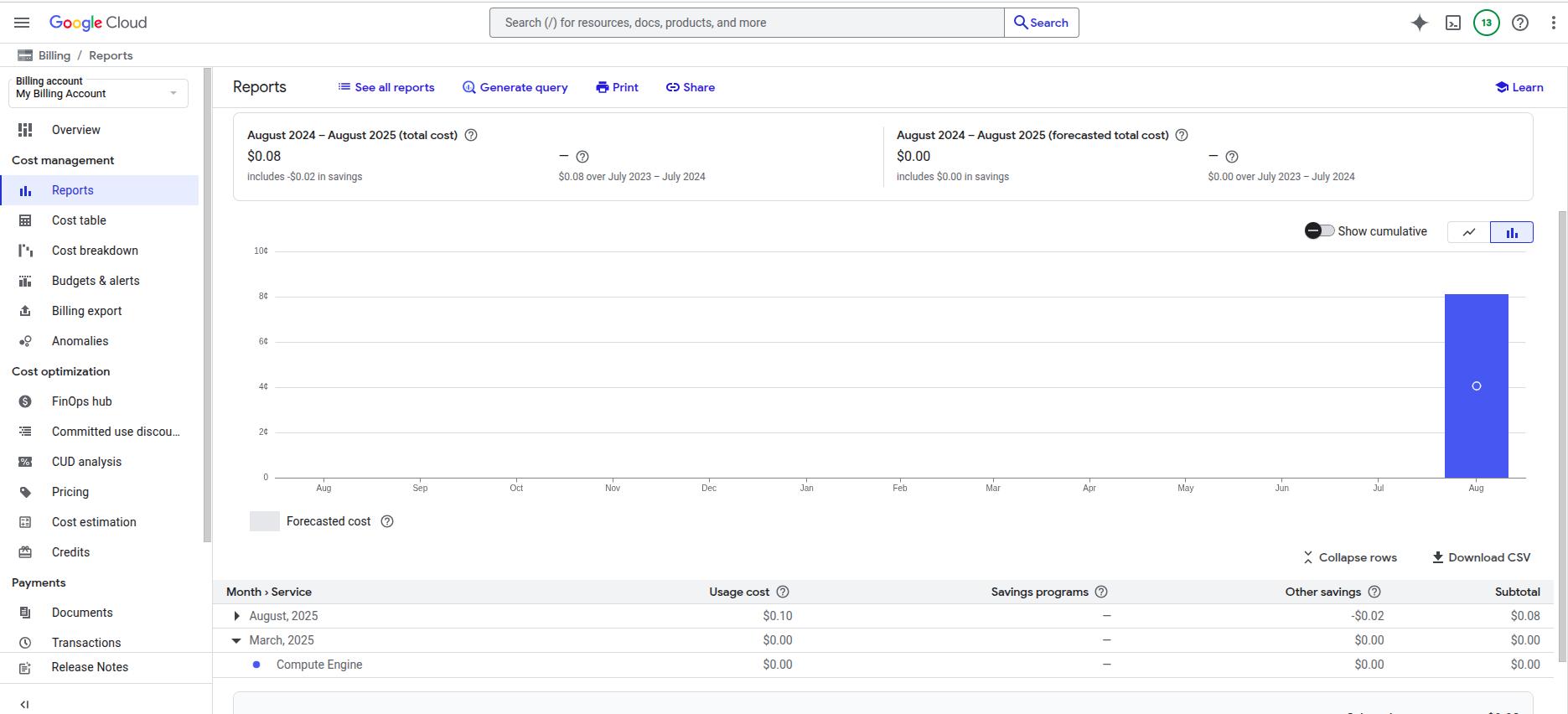
- 2025-09-02 Generate billing report.
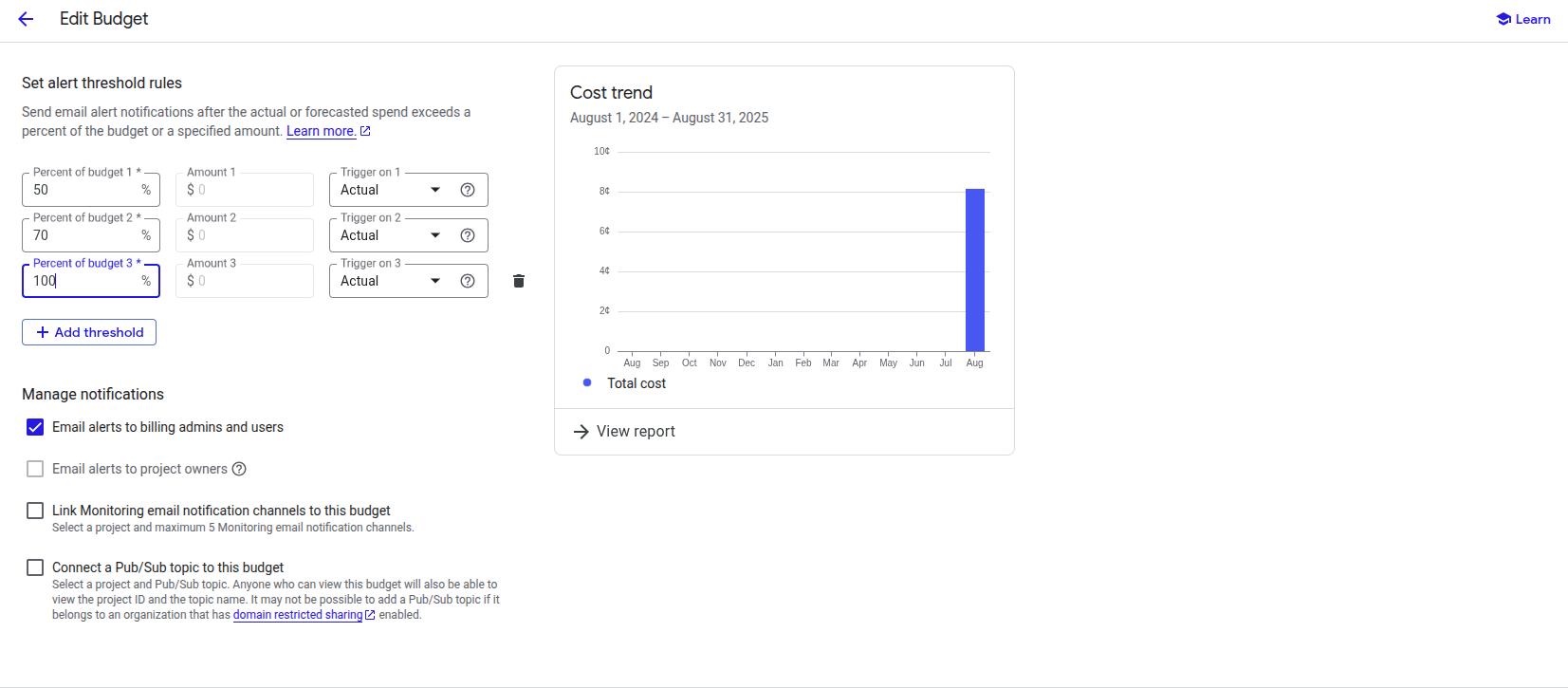
- 2025-09-02 Set alerting thresholds for budgeting in Billing.
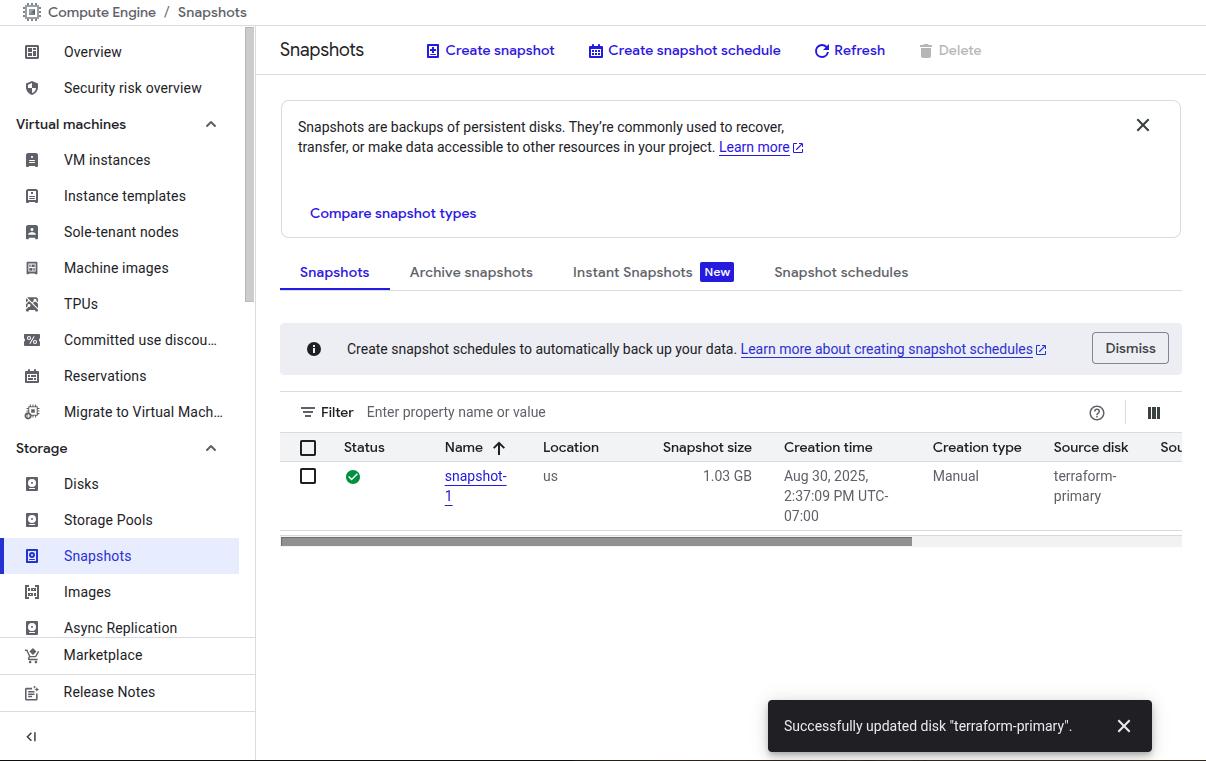
- 2025-08-29 Assign primary VM persistent disk to snapshot schedule.
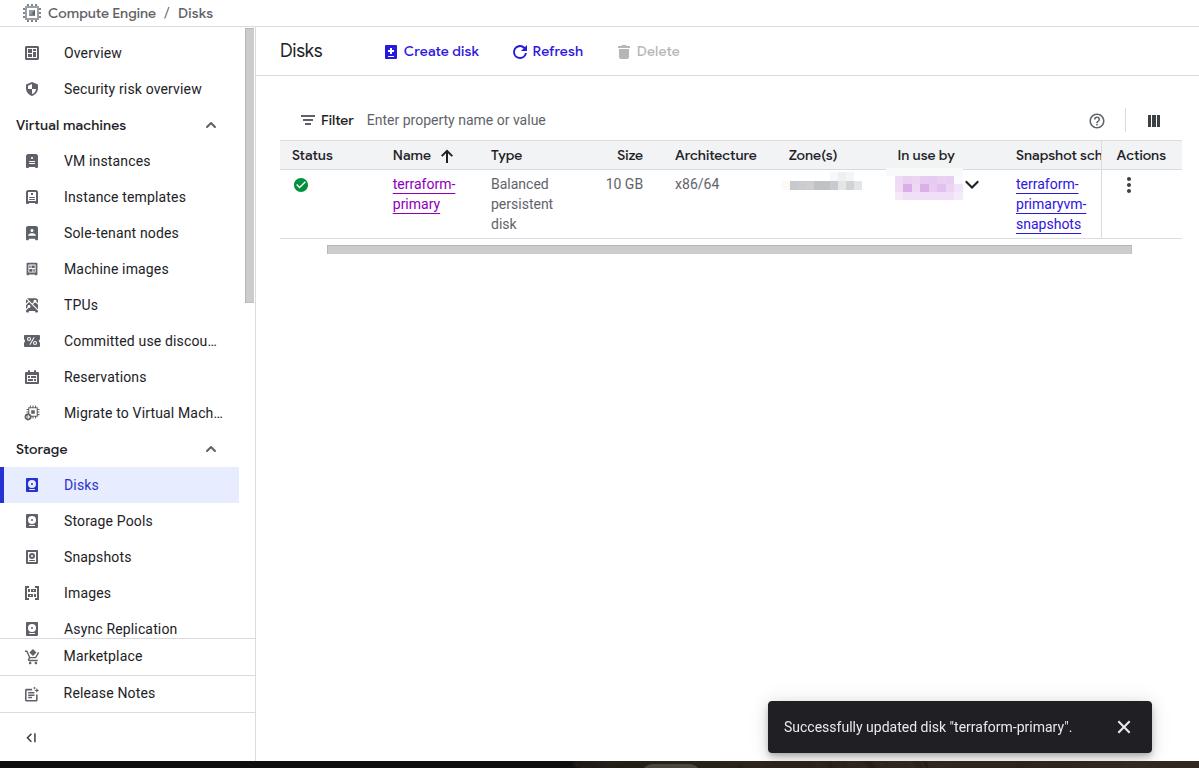
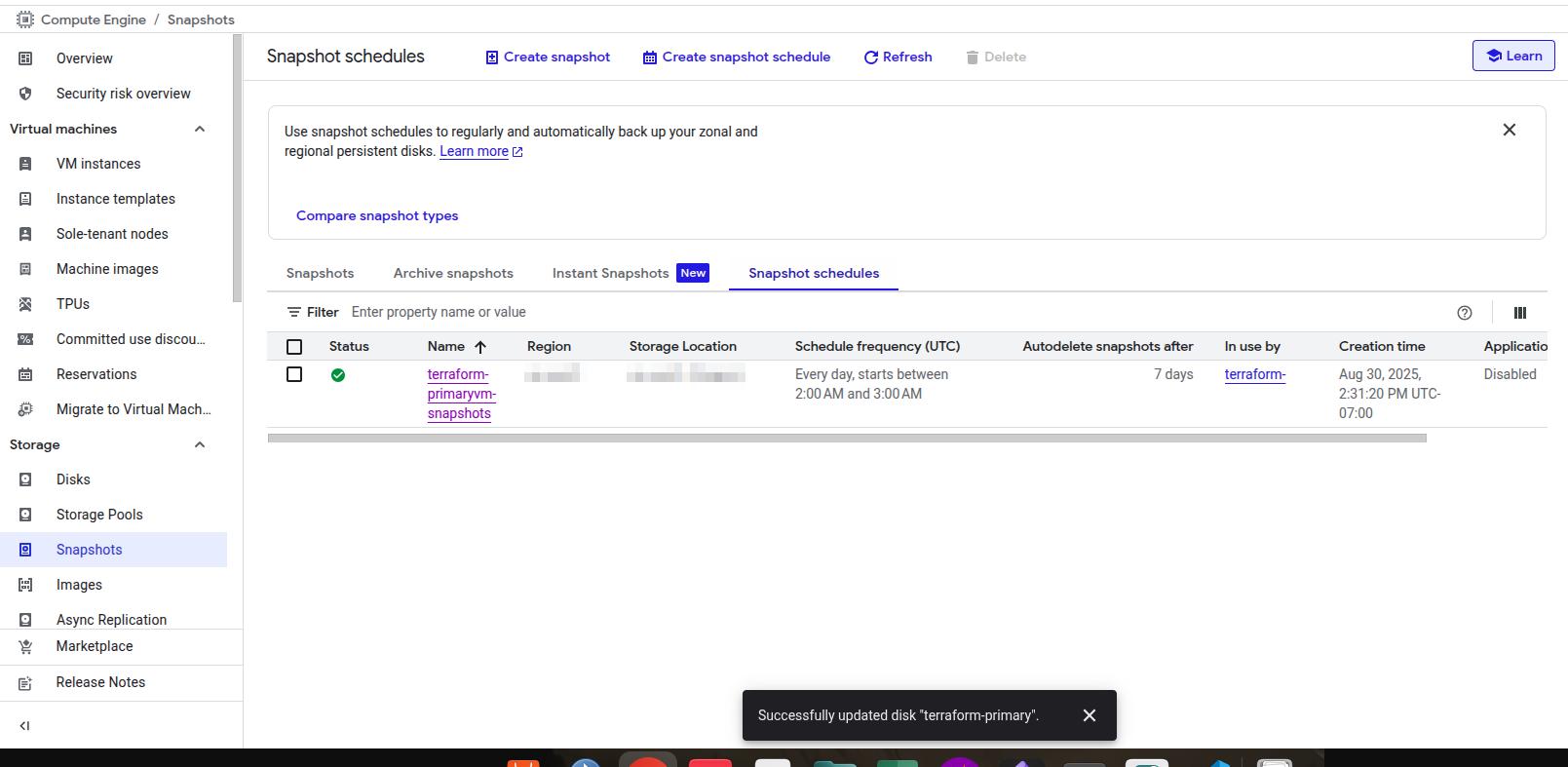
- 2025-09-01 Validate primary disk for Terraform bastion host assigned to snapshot schedule, confirm run times.
- 2025-09-01 Create one-off snapshot for primary disk/bastion host, validate success.
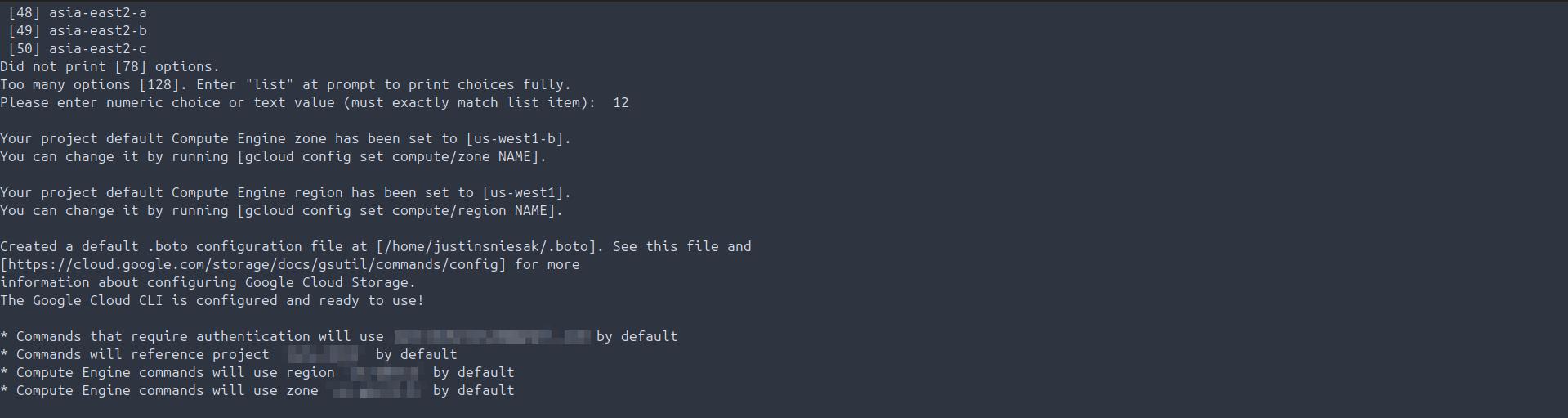
- 2025-09-02 Enable authentication to GCP project using gcloud from primary workstation.
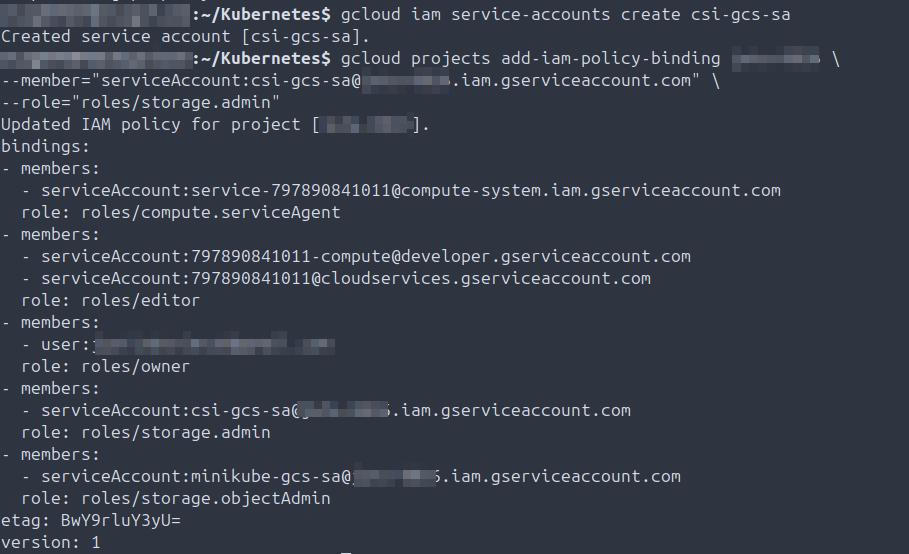
- 2025-09-02 Create service account, assign Storage Admin IAM binding via gcloud.
- 2025-09-02 Validate current buckets in Cloud Storage accessible via gcloud from Minikube.

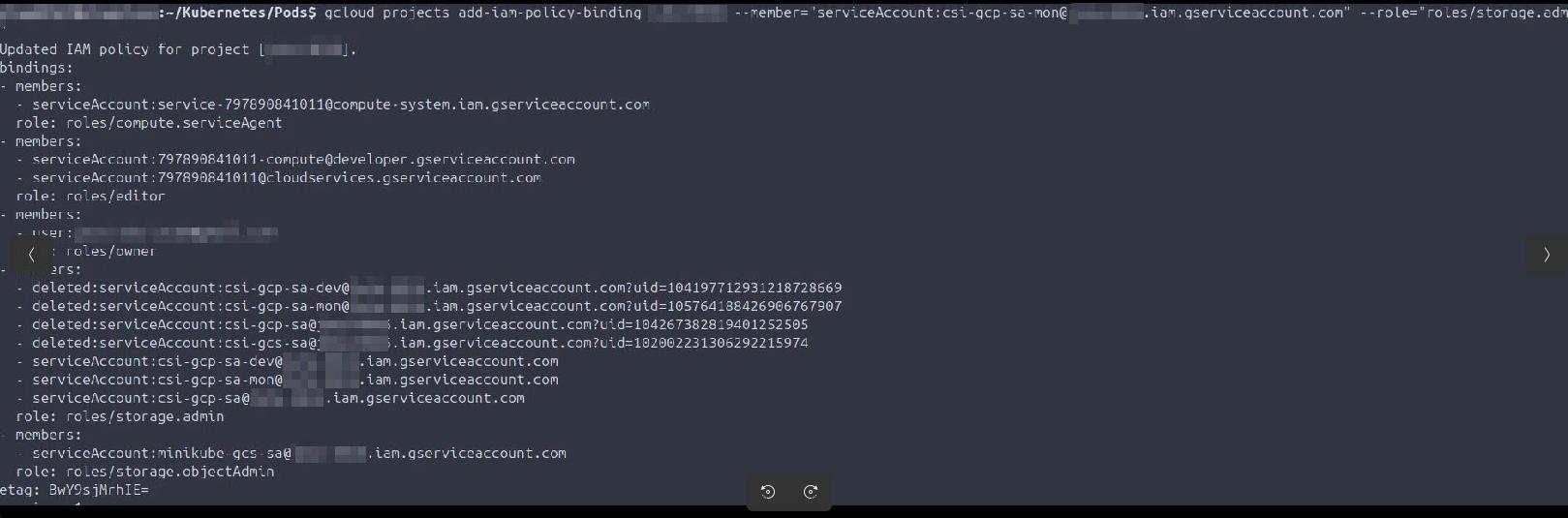
- 2025-09-02 Create multiple service accounts, assign Storage Admin IAM bindings via gcloud.
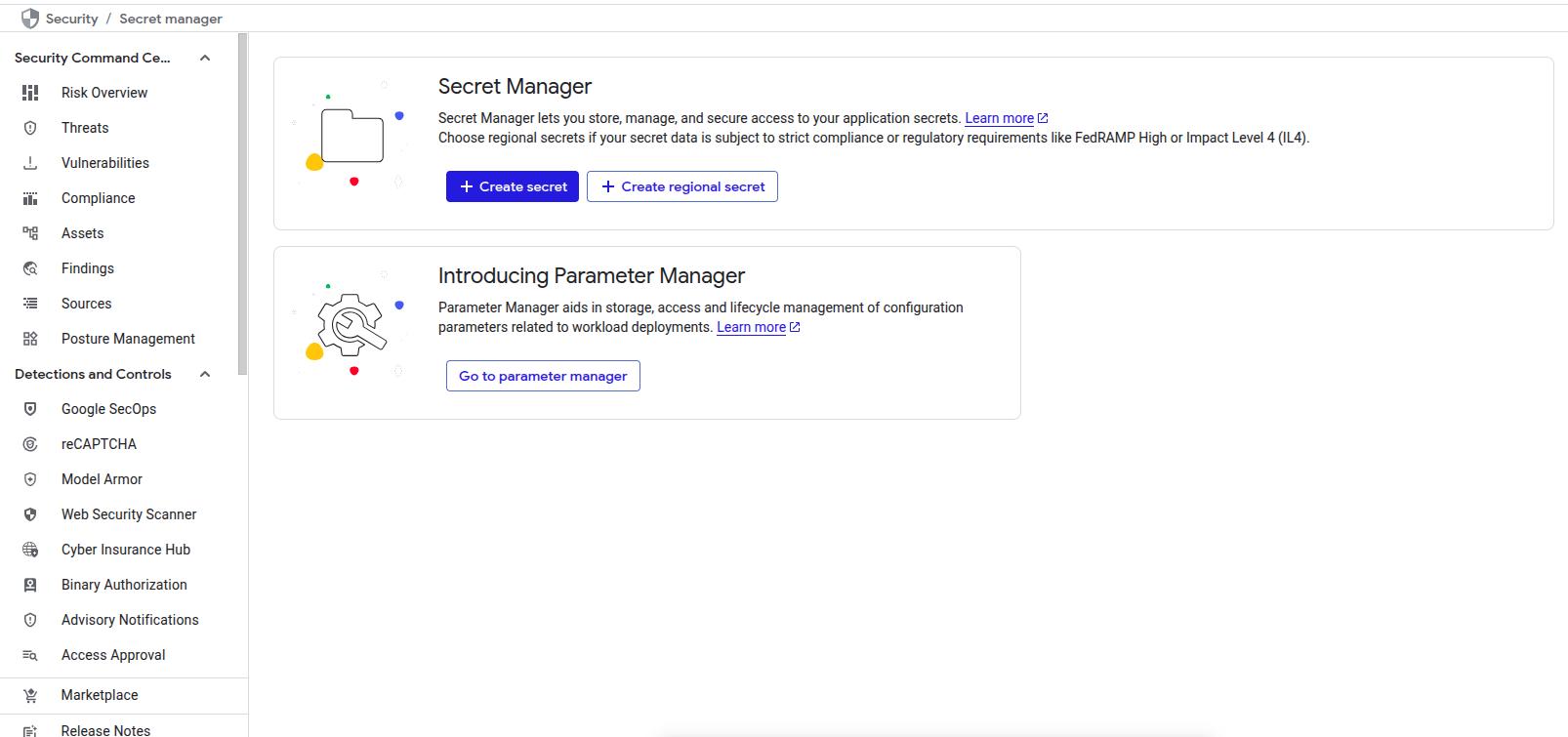
- 2025-09-19 Enable Secret Manager.
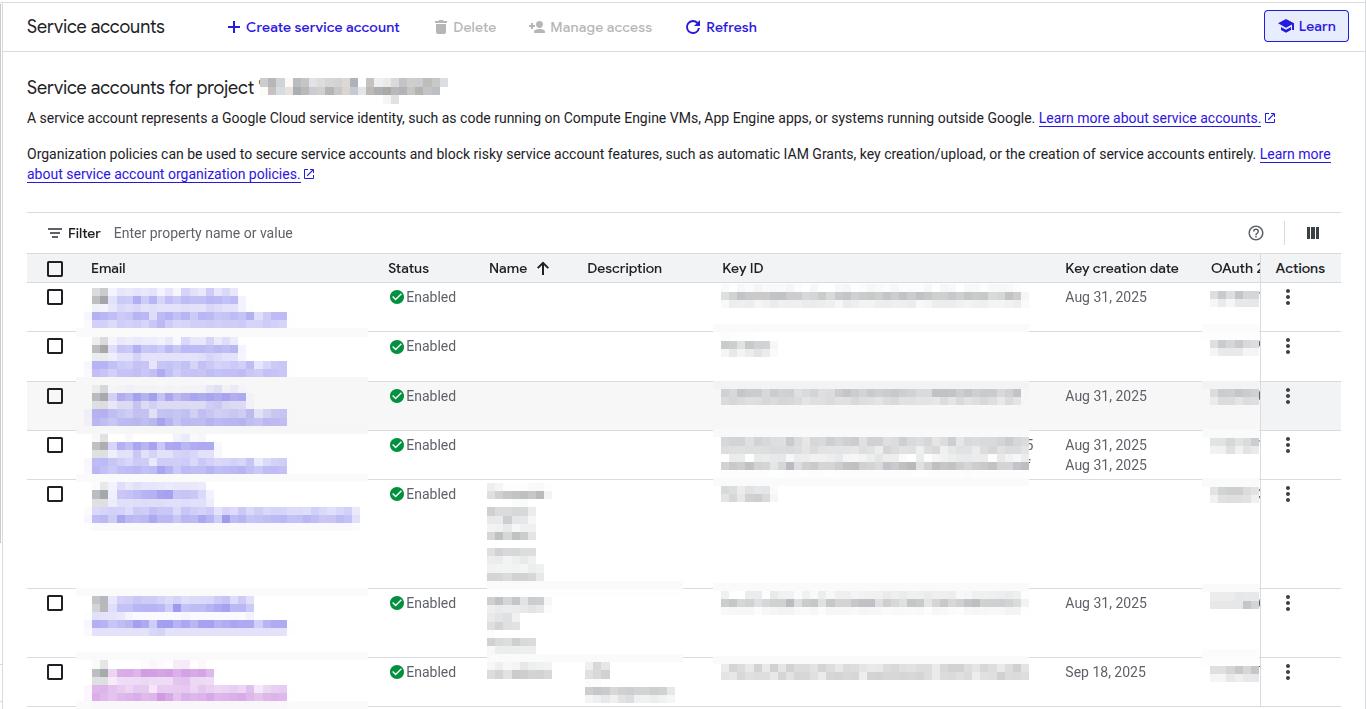
- 2025-09-19 Create compute engine service account and associated JSON key.
- 2025-09-19 Disable SSH access to compute engine VM and delete all SSH keys.

- 2025-09-19 Prevent oslogin in compute engine VM.

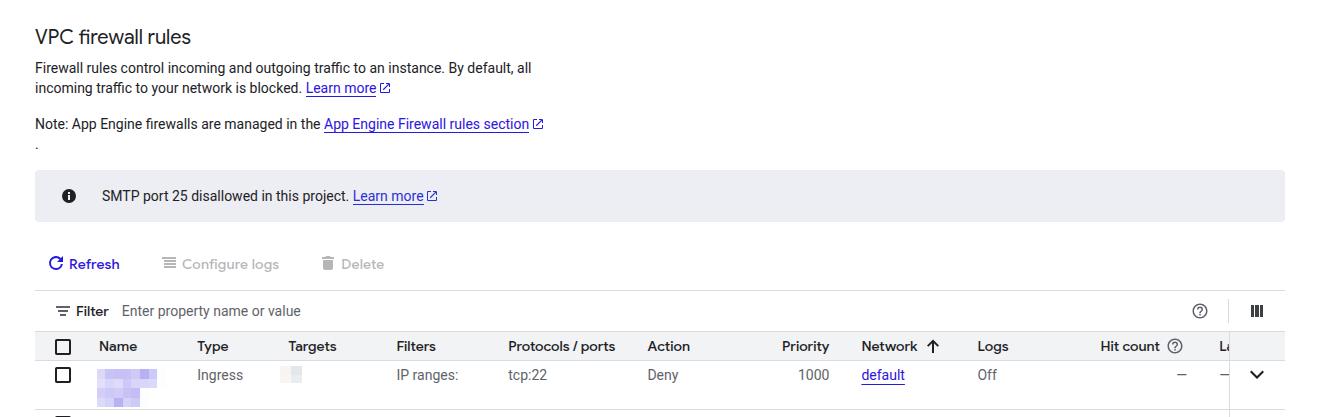
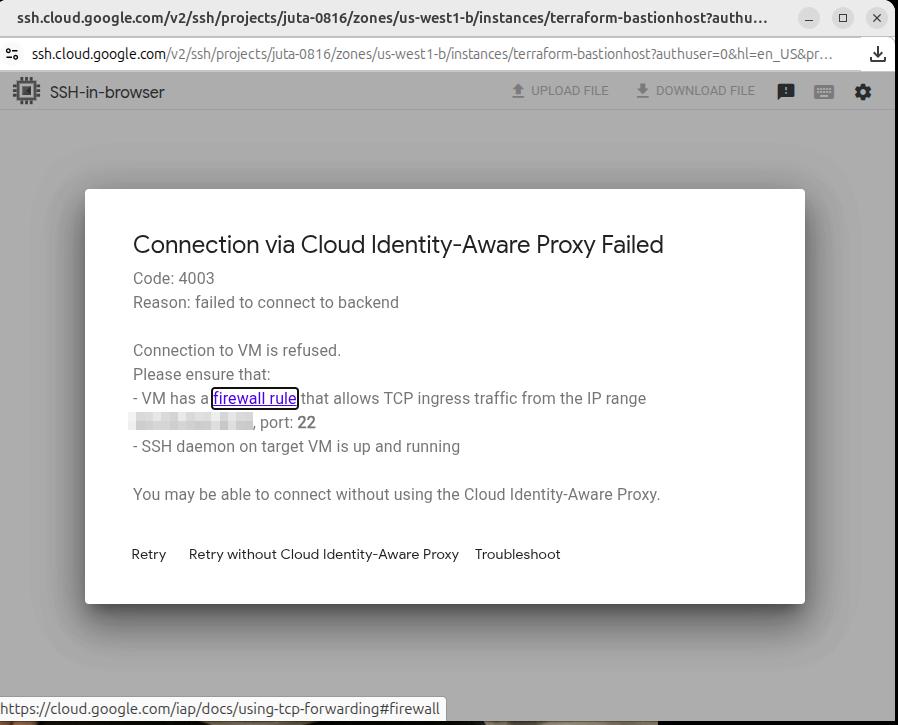
- 2025-09-19 Create a firewall rule blocking all ingress traffic on port 22 (ssh), also create network tag for compuite engine VM.
- 2025-09-19 Activate compute engine service account and confirm active using gcloud shell.

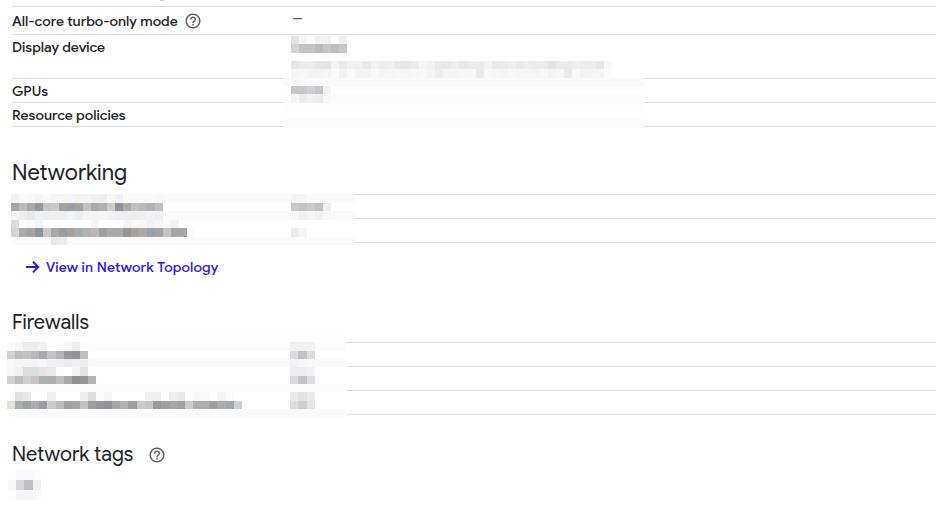
- 2025-09-19 Assign firewall tag to VM to apply rule from firewall to all ingress traffic (Block ingress port 22 traffic - SSH)
- 2025-09-19 Validate ingress SSH attempts in primary compute engine VM are blocked.

- 2025-09-19 Migrate all API keys to Secrets manager.
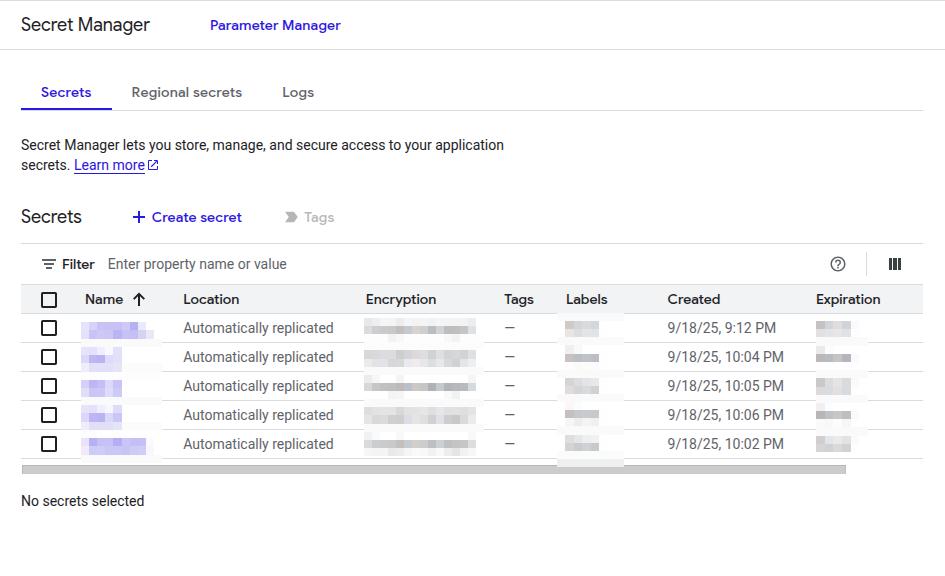
- 2025-09-20: Second smoke test, this time when logged into project console, validate SSH in browser to compute engine VM is blocked.
Istio
Summary: Installation and validation of Istio service mesh, deploying sample applications, creating gateways, exposing services externally, and validating ingress traffic.
- 2025-08-24 Install Istio with demo profile, validate installation stability.
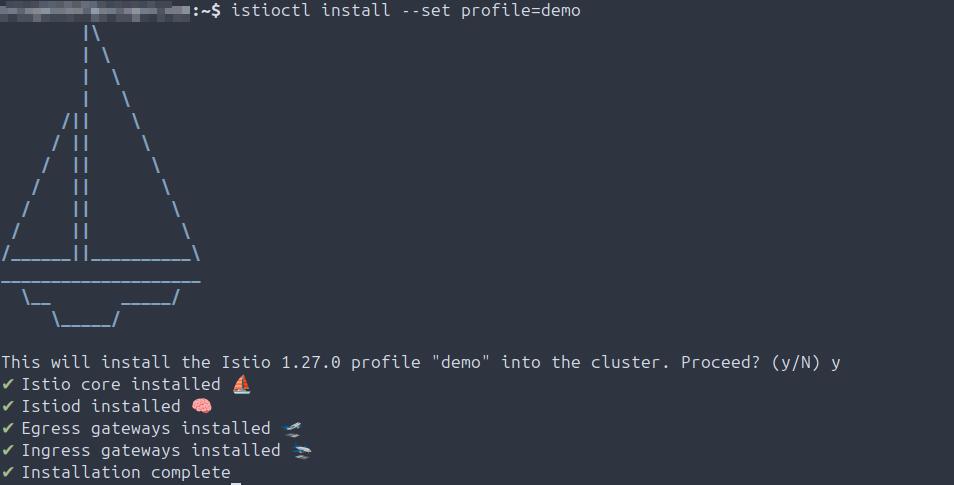
- 2025-08-13 Validate locally installed Istio version.
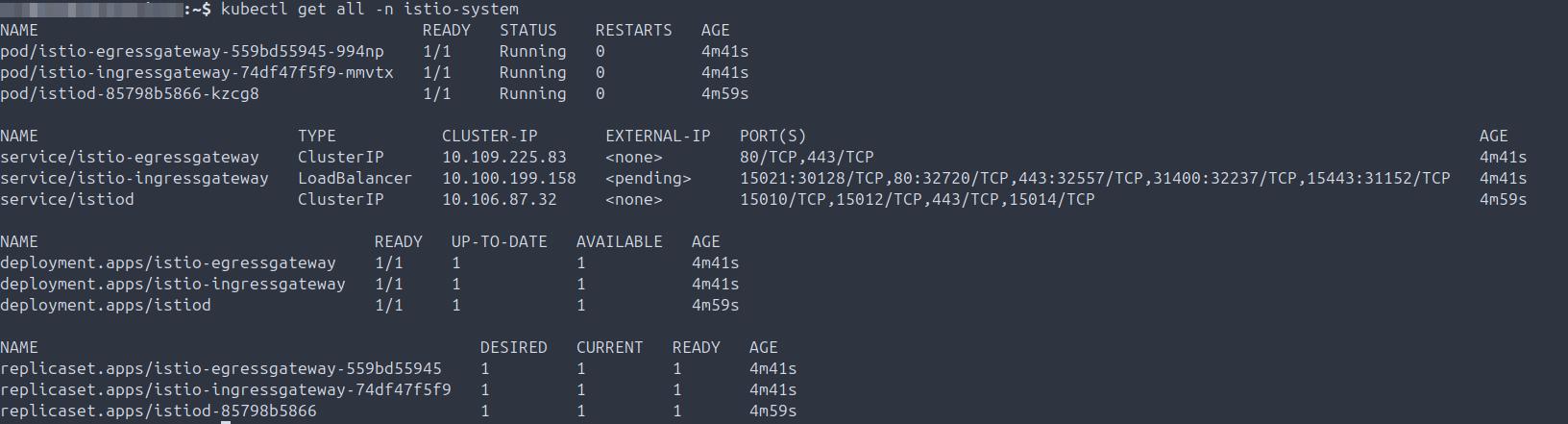
- 2025-08-29 Install Bookclub app in Istio default namespace with demo profile, validate services and pods are running.
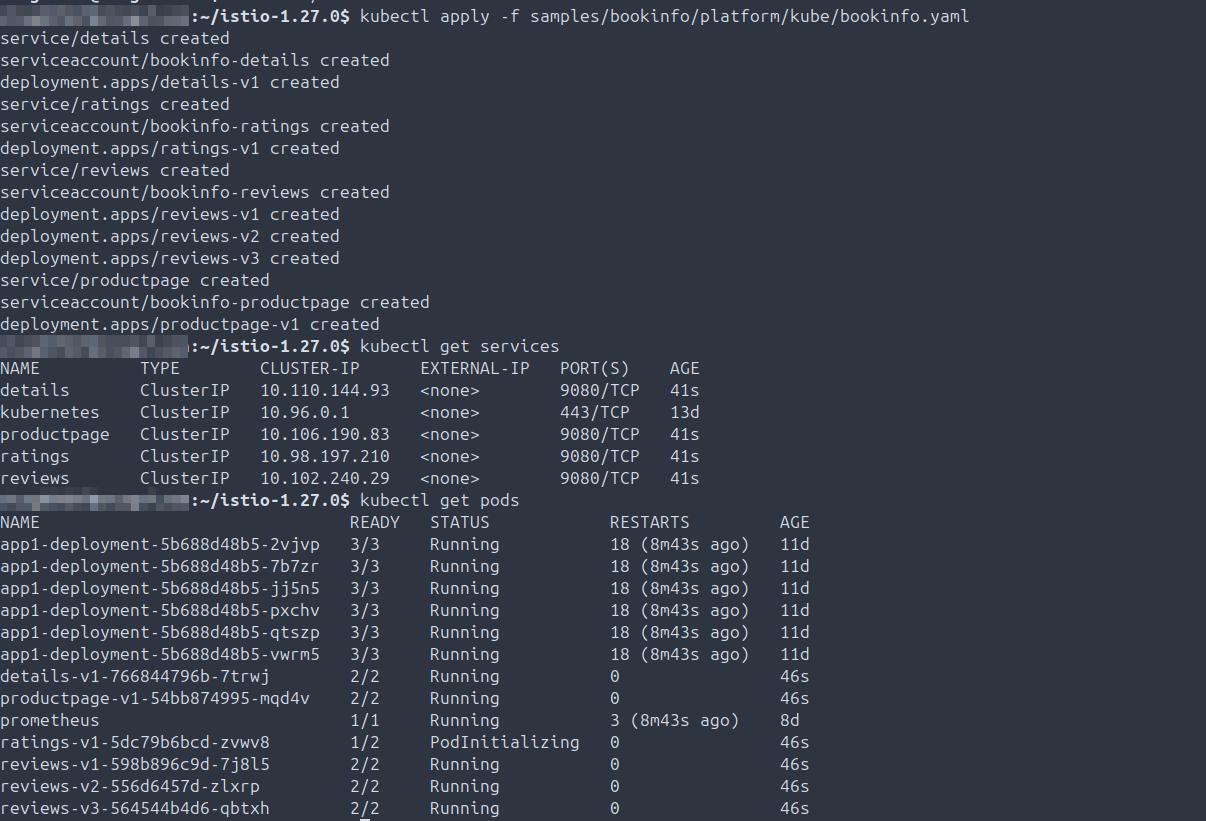
- 2025-08-29 Validate Bookclub app in default namespace is accepting HTTP requests served by Praqma pod using curl.

- 2025-08-29 Create gateway and virtual networking services in Istio default namespace, confirm gateway is up, export INGRESS_NAME, validate external IP created, export INGRESS_PORT, SECURE_INGRESS_PORT, and TCP_INGRESS_PORT.
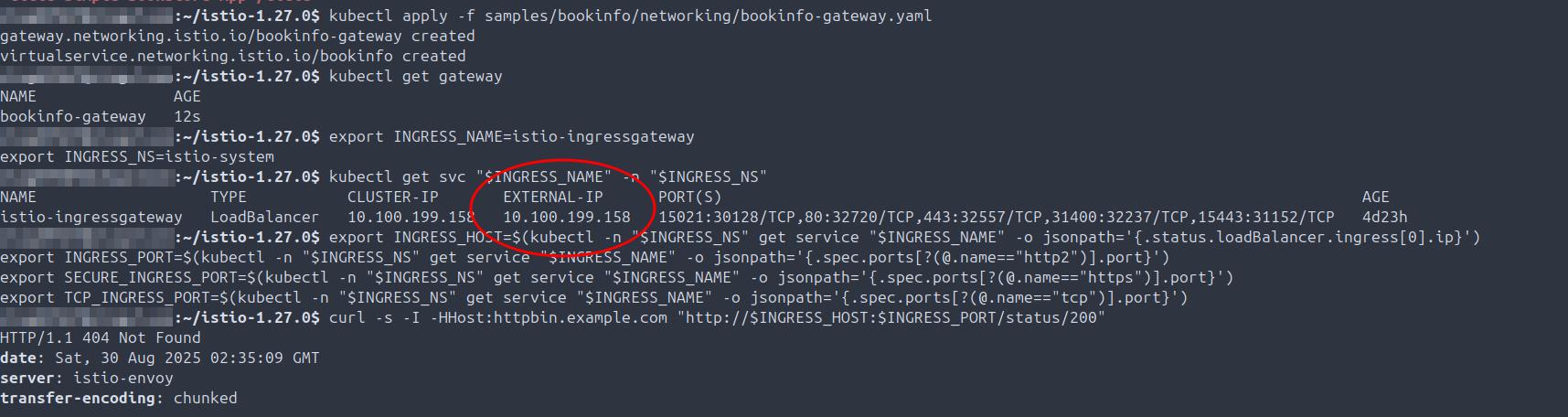
- 2025-08-29 Validate Bookclub app is accessible via curl in default Istio namespace.

- 2025-08-29 Validate both load balancer external IP & internal cluster IPs, confirm $GATEWAY_URL matches external IP.

- 2025-08-29 Validate Bookclub app IP exposed externally, reachable via browser.
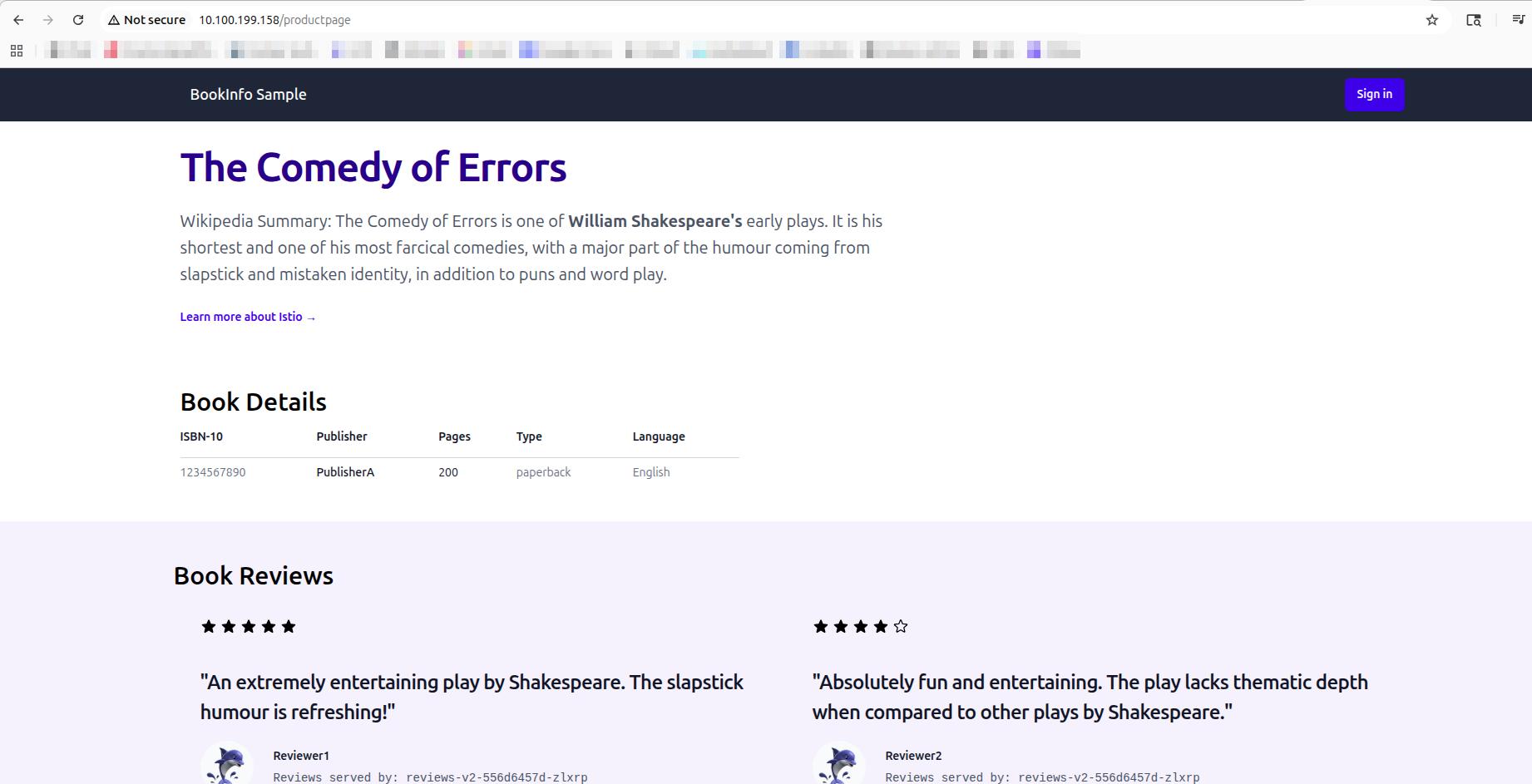
- 2025-08-29 Validate Bookclub app is externally exposed and serving round-robin reviews from app in default Istio namespace.
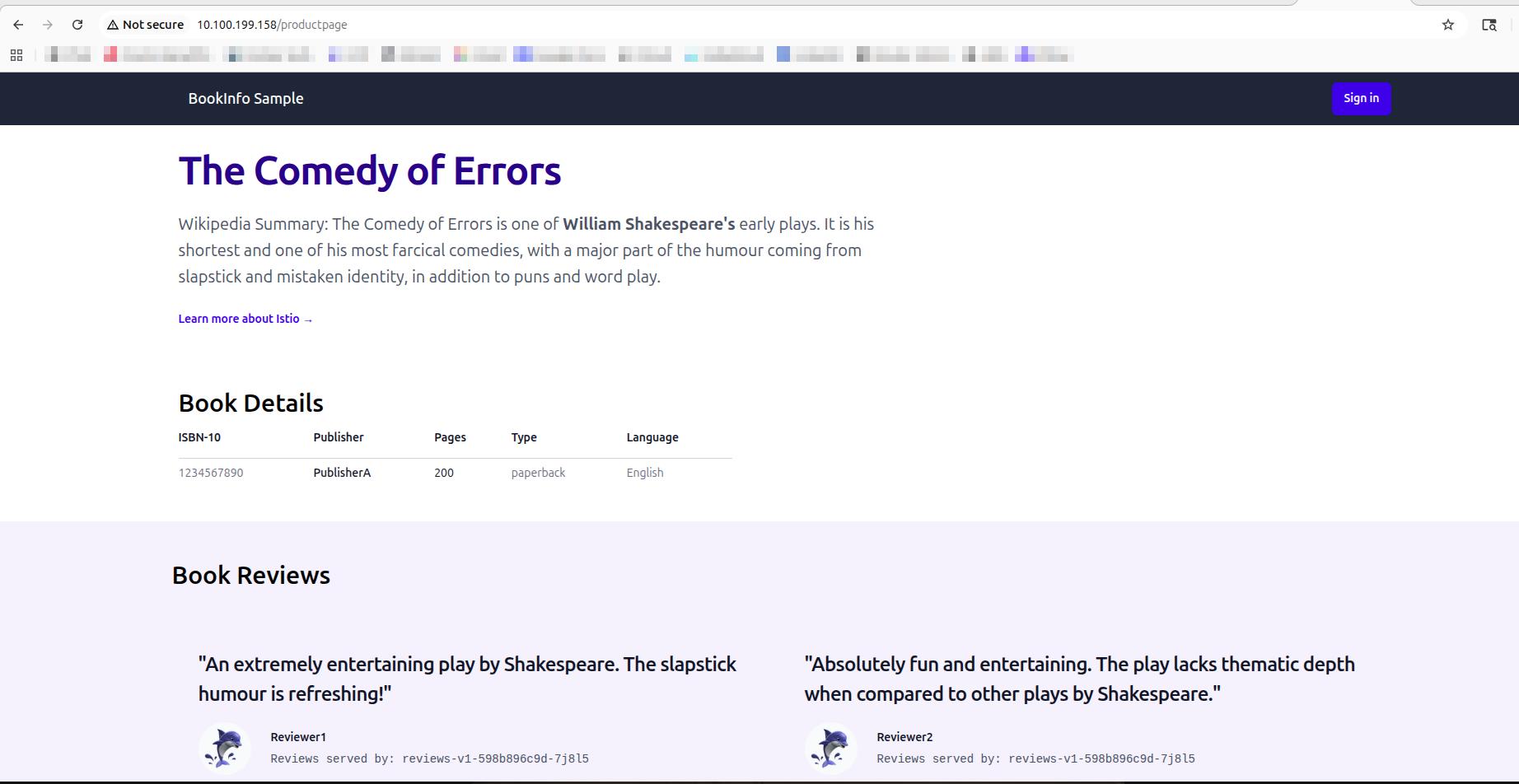
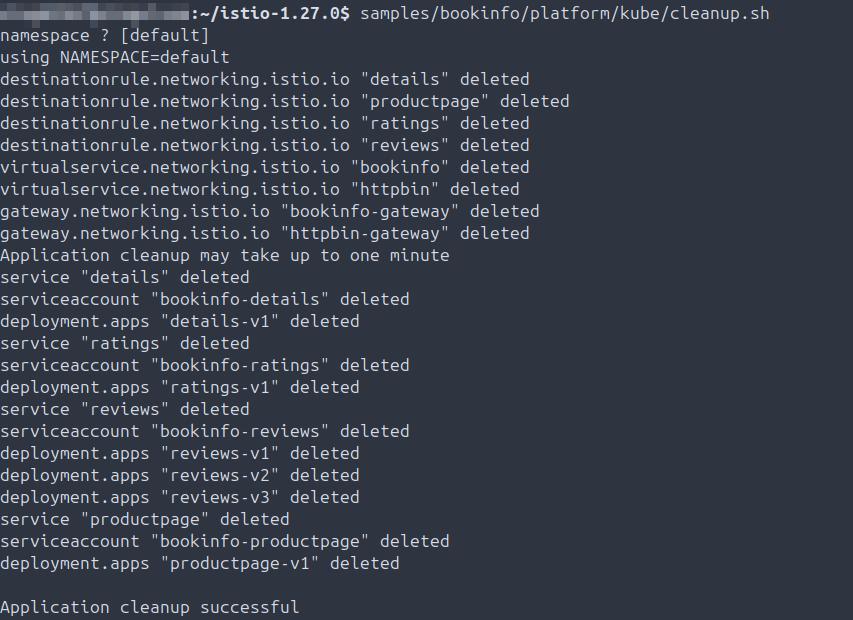
- 2025-08-29 Cleanup and shutdown Bookclub application in default Istio namespace.
Minikube
Summary: Local Kubernetes cluster setup, pod deployment, external load balancer provisioning, filesystem creation, and troubleshooting Minikube startup issues.
- 2025-08-12 Install Minikube.
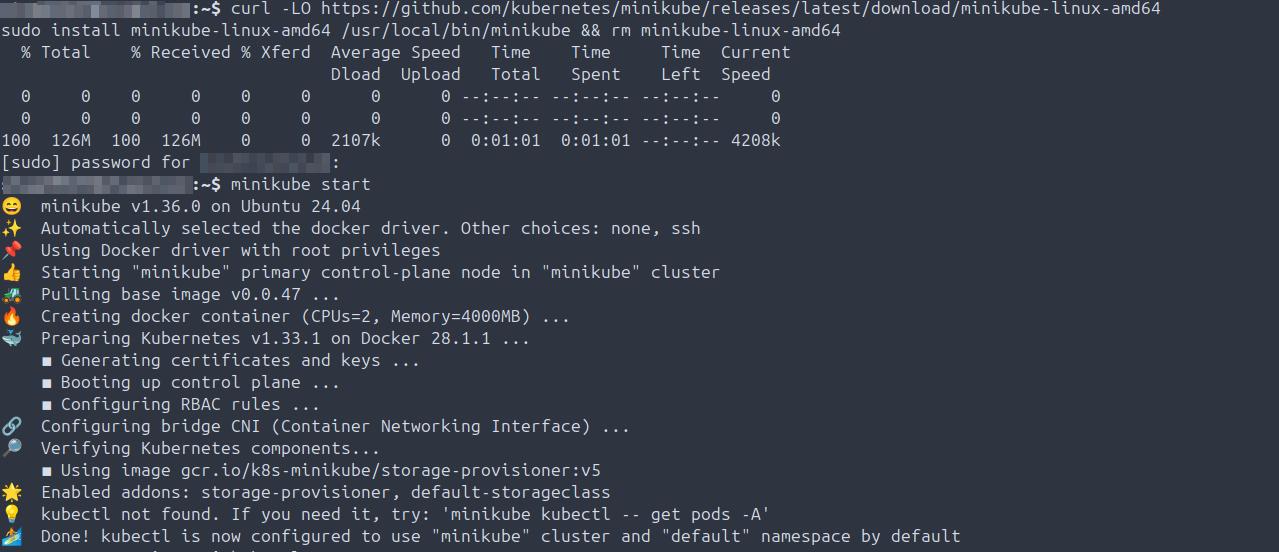
- 2025-08-12 Start cluster and validate Minikube version.
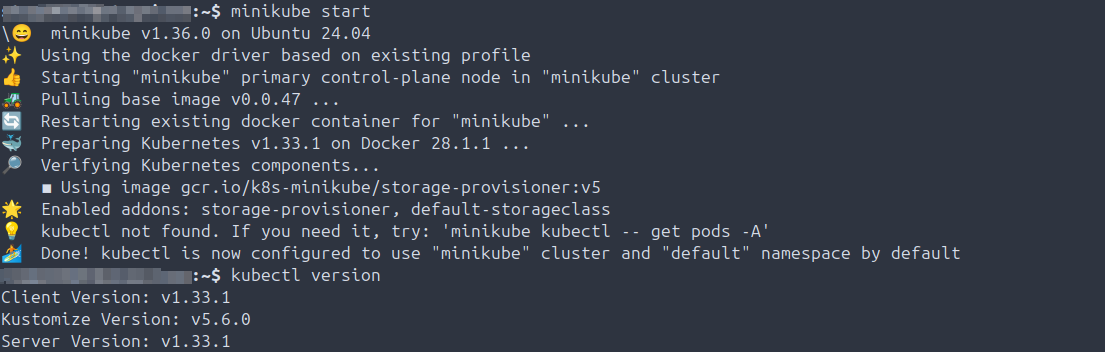
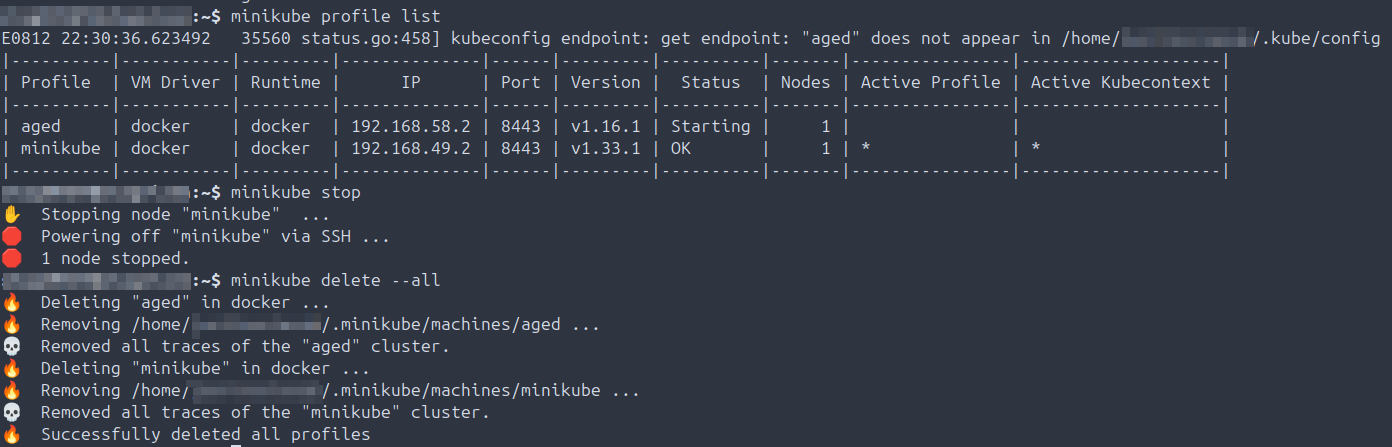
- 2025-08-12 Validate cluster is running, stop cluster, then delete.
- 2025-08-14 Install kubectl, start cluster, validate cluster info and kubectl version.
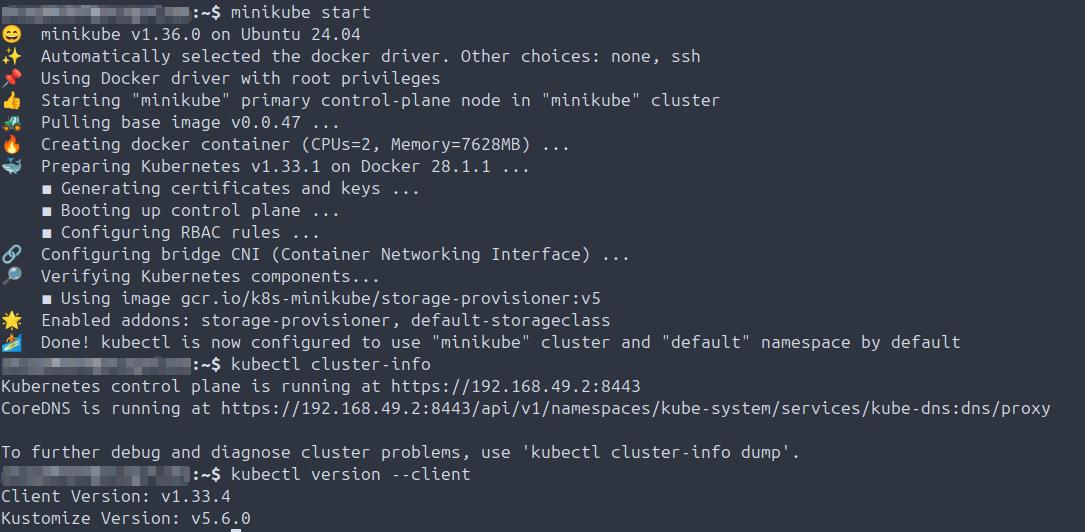
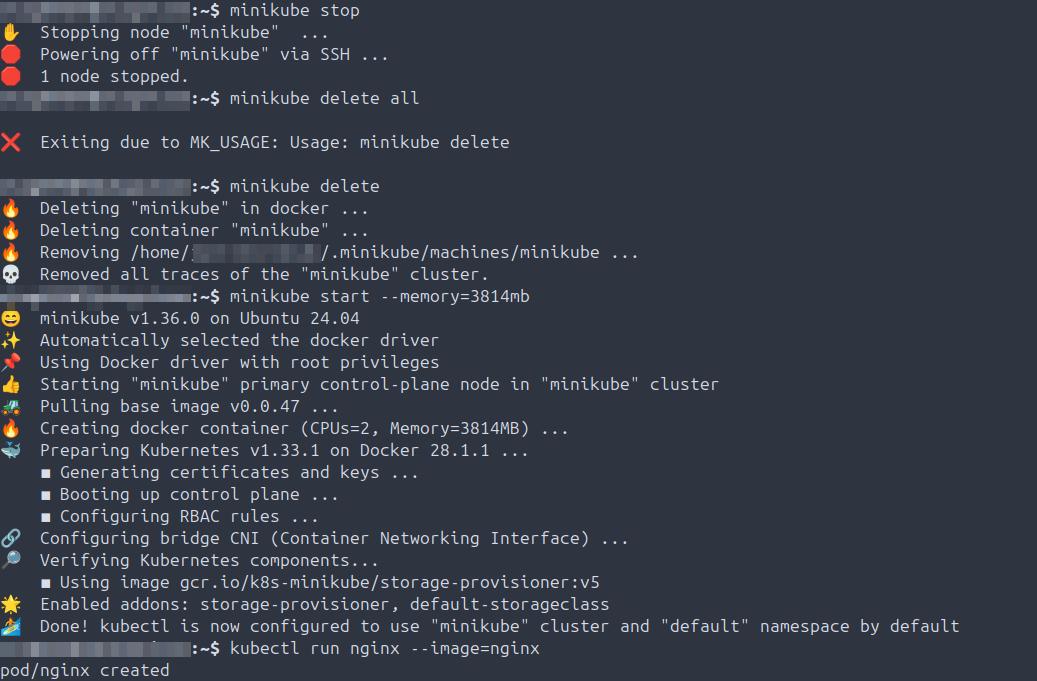
- 2025-08-16 Identify Minikube not launching due to memory allocation; reduce memory and start cluster, create nginx pod.
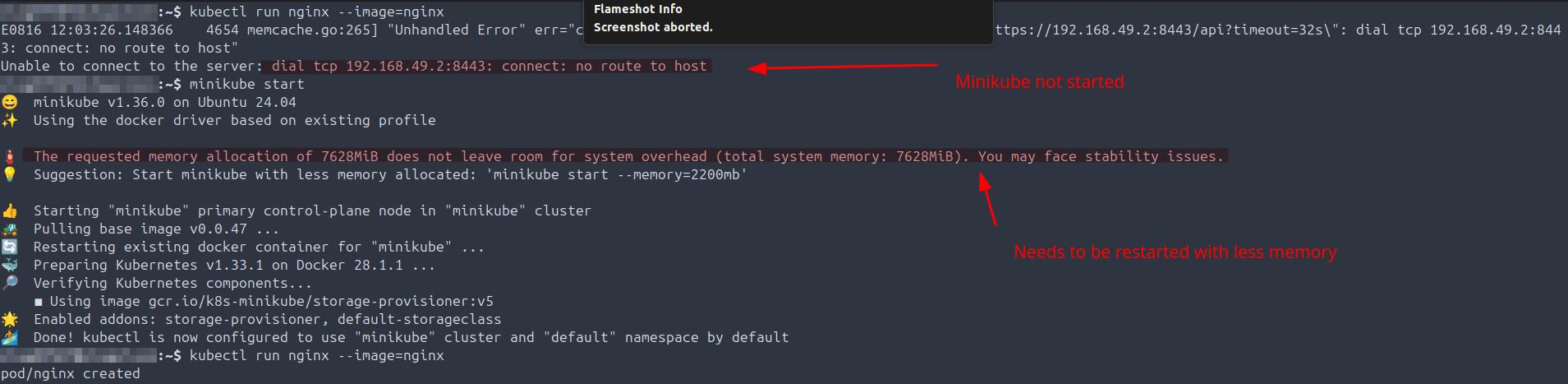
- 2025-08-16 Fix Minikube not starting, reduce memory allocation create pod, create nginx pod.
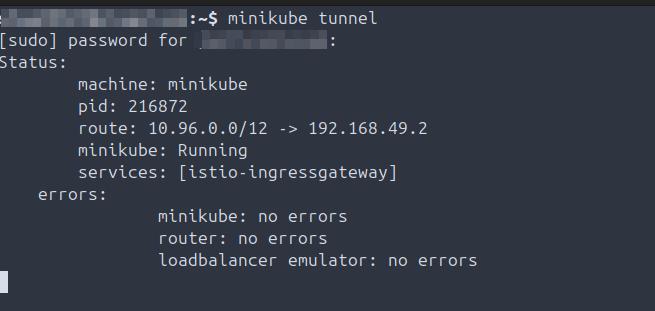
- 2025-08-29 Start and validate external load balancer in Minikube.
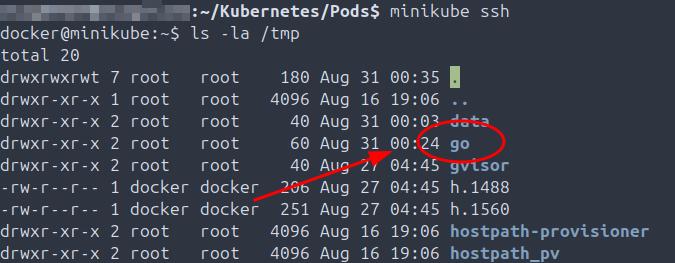
- 2025-09-02 Create and validate filesystem on Minikube VM.
Namespaces
Summary: Creating and managing Kubernetes namespaces, validating taints, and applying proper namespace scoping for resources.
- 2025-08-19: Create namespace using manifest, then create the first namespace.

- 2025-08-19: Create namespace directly with kubectl command.

- 2025-08-19: Inspect node for any existing taints.

- 2025-09-02: Create multiple namespaces and validate proper creation and functionality.

Networking
Summary: Applying network policies, identifying manifest errors, and validating connectivity to pods.
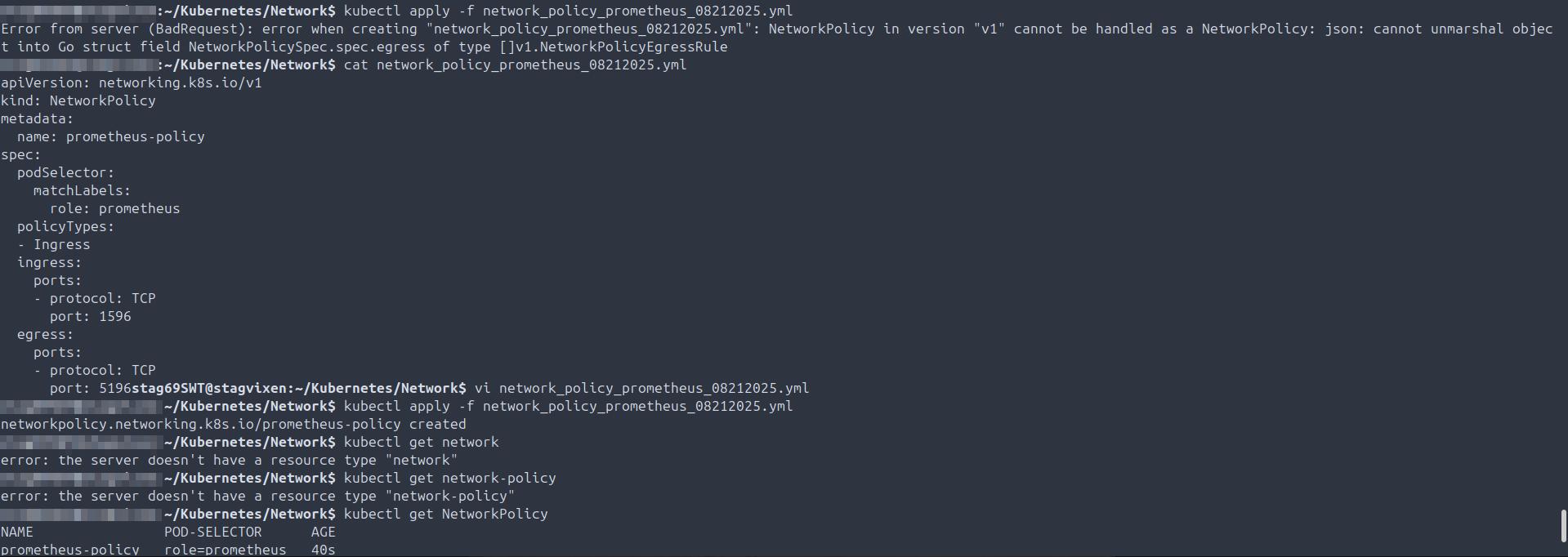
- 2025-08-24: TROUBLESHOOTING: Create a network policy manifest, apply it to the node, identify and correct JSON errors in the manifest, apply changes, and validate the policy is correctly applied to the pod.
OnPremIaC
Summary: Hypervisor and VMs management and troubleshooting. RBAC administration and enforcement via API authentication, administration and troubleshooting.
- 2025-09-14: OnPrem BareMetal hypervisor preperation - validate virtualization functionality is supported by the hardware, then confirm libvirtd is running which is a pre-requisite prior to install KVM followed by the ProxMox VE hypervisor.
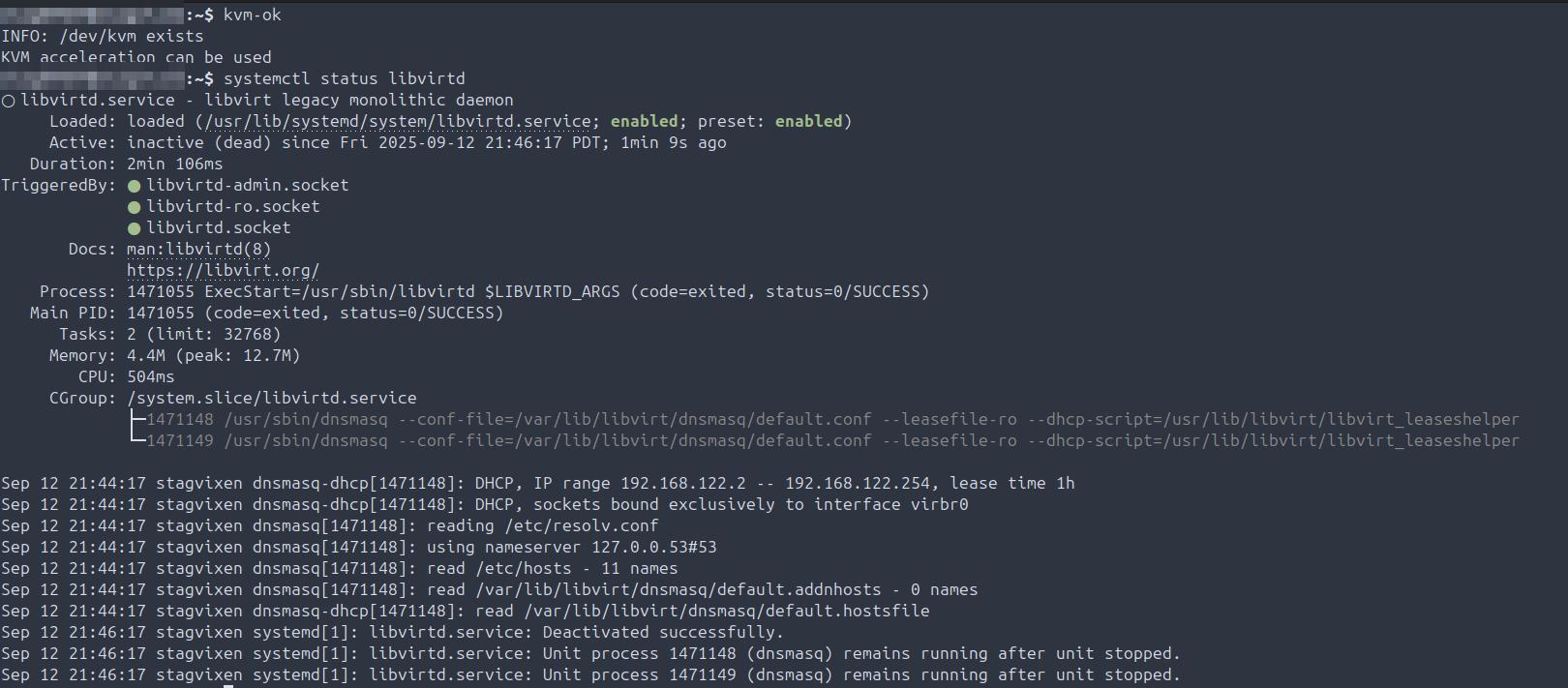
- 2025-09-14: Load modprobe, validate loaded and confirm nested Hypervisor virtualization is supported on hardware.

- 2025-09-14: Install KVM on hardware which is a pre-requisite to installing the ProxMoxVE hypervisor.
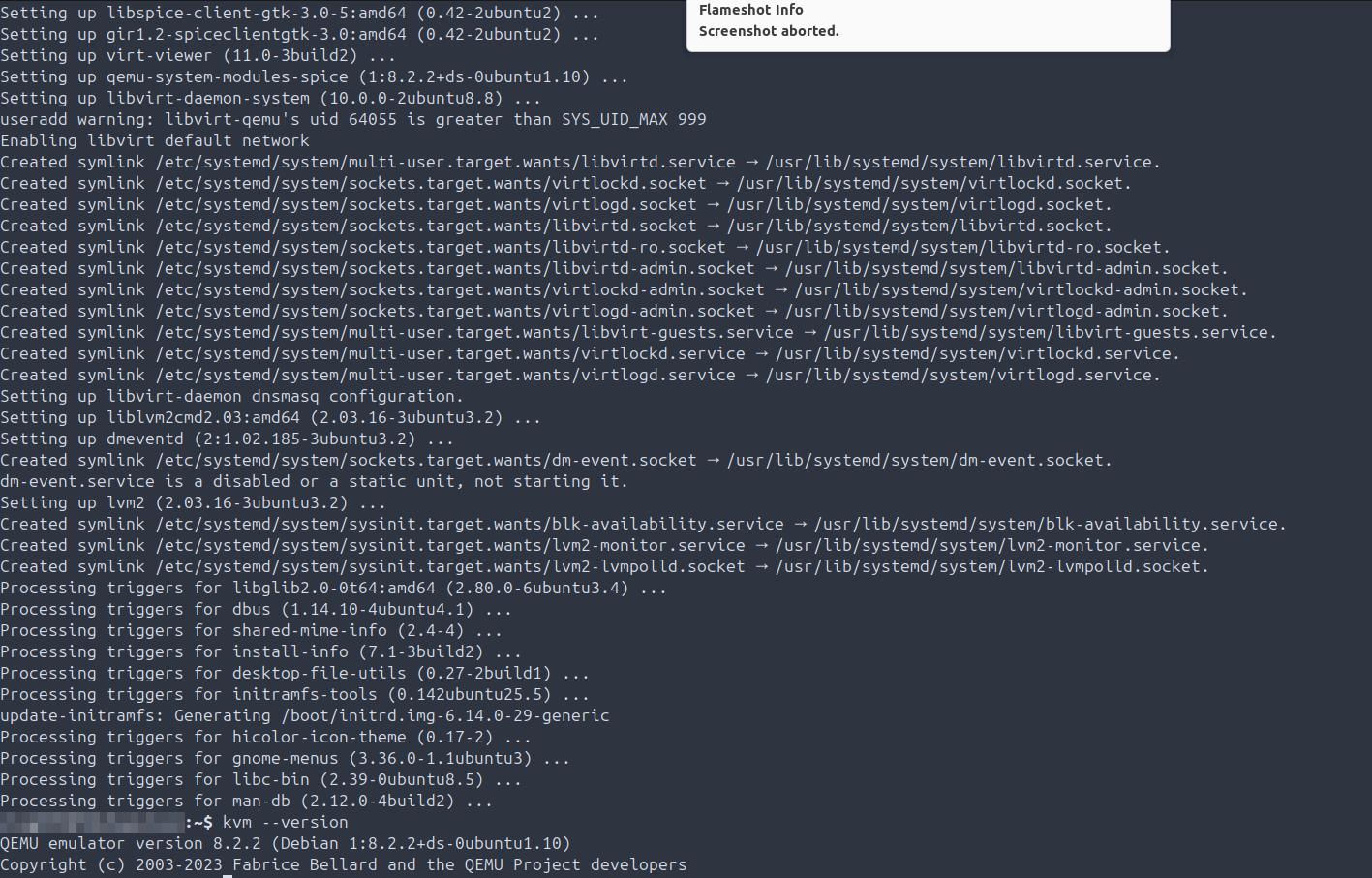
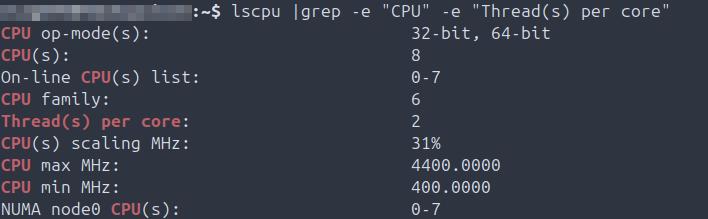
- 2025-09-14: Validate cores and threads per core hardware to ensure right-sizing of ProxMoxVE host and Alpine guests during provisioning.
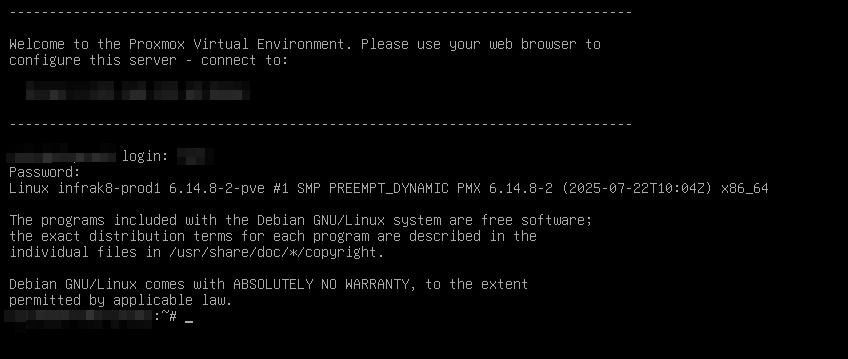
- 2025-09-14: Install ProxMoxVE Hypervisor and validate can access and authenticate into the console.
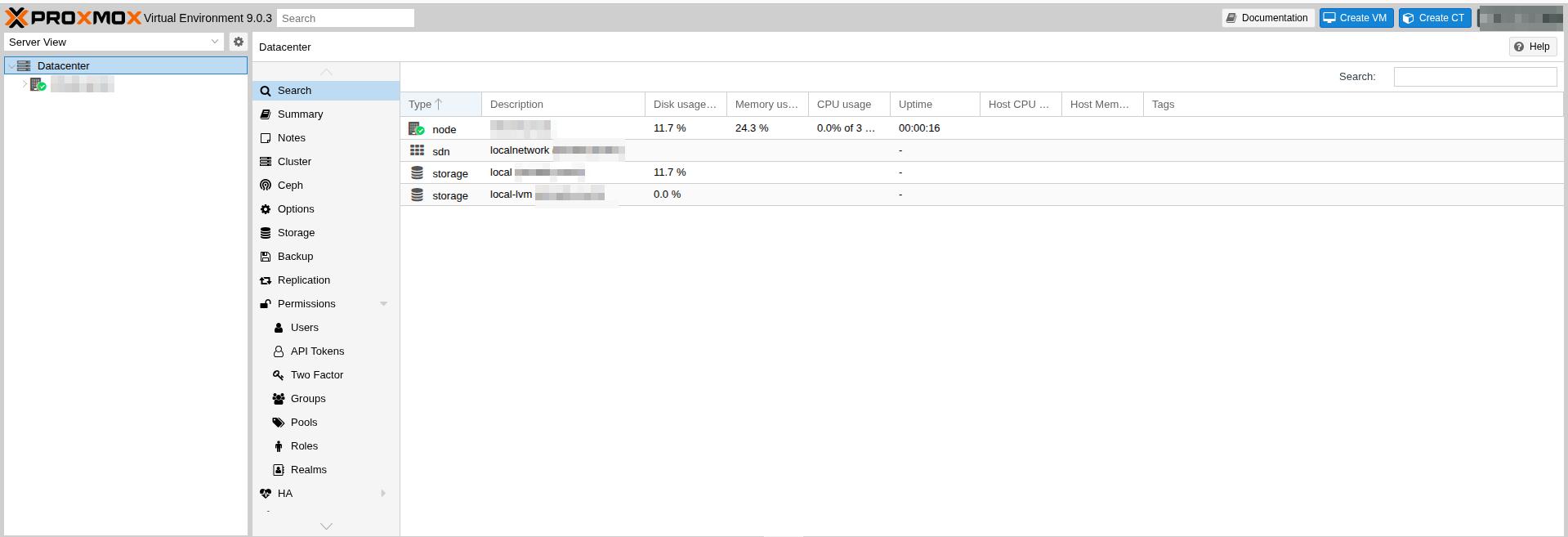
- 2025-09-14: Post install of ProxMoxVE Hypervisor, validate GUI is up and can authenticate in.
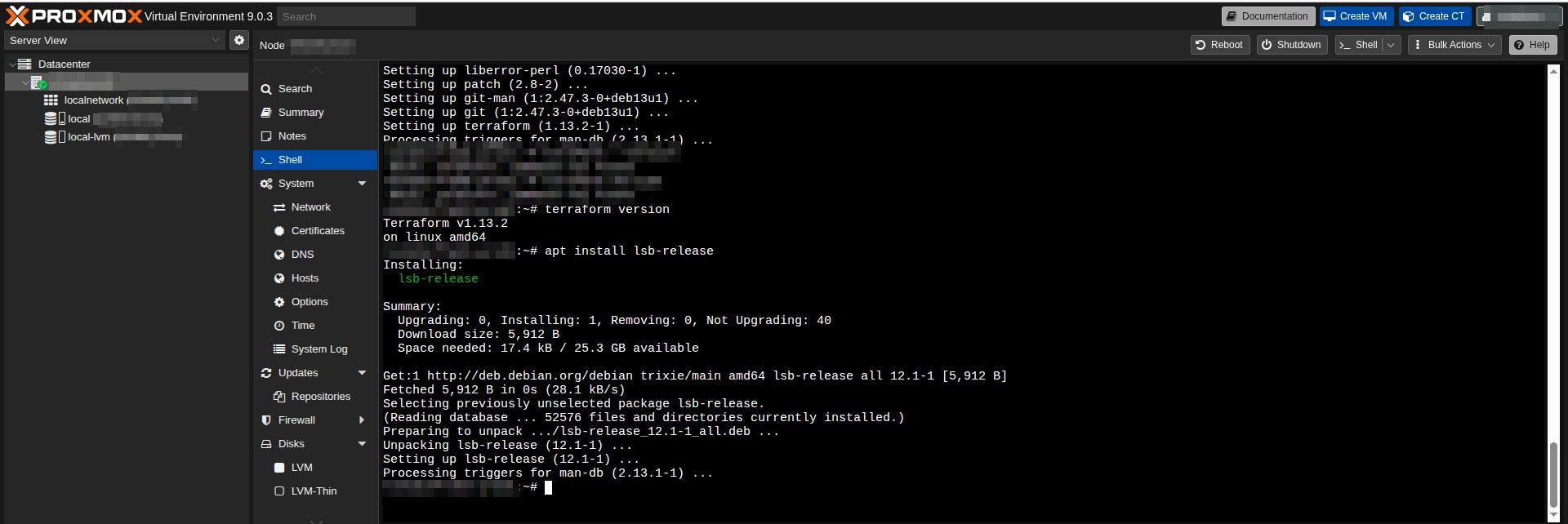
- 2025-09-14: Install both terraform and lsb-release on ProxMoxVE hypervisor.
- 2025-09-14: Create API authentication tokens for all user/service accounts on Hypervisor, enforce expiration on each IAW regular token rotation policy.
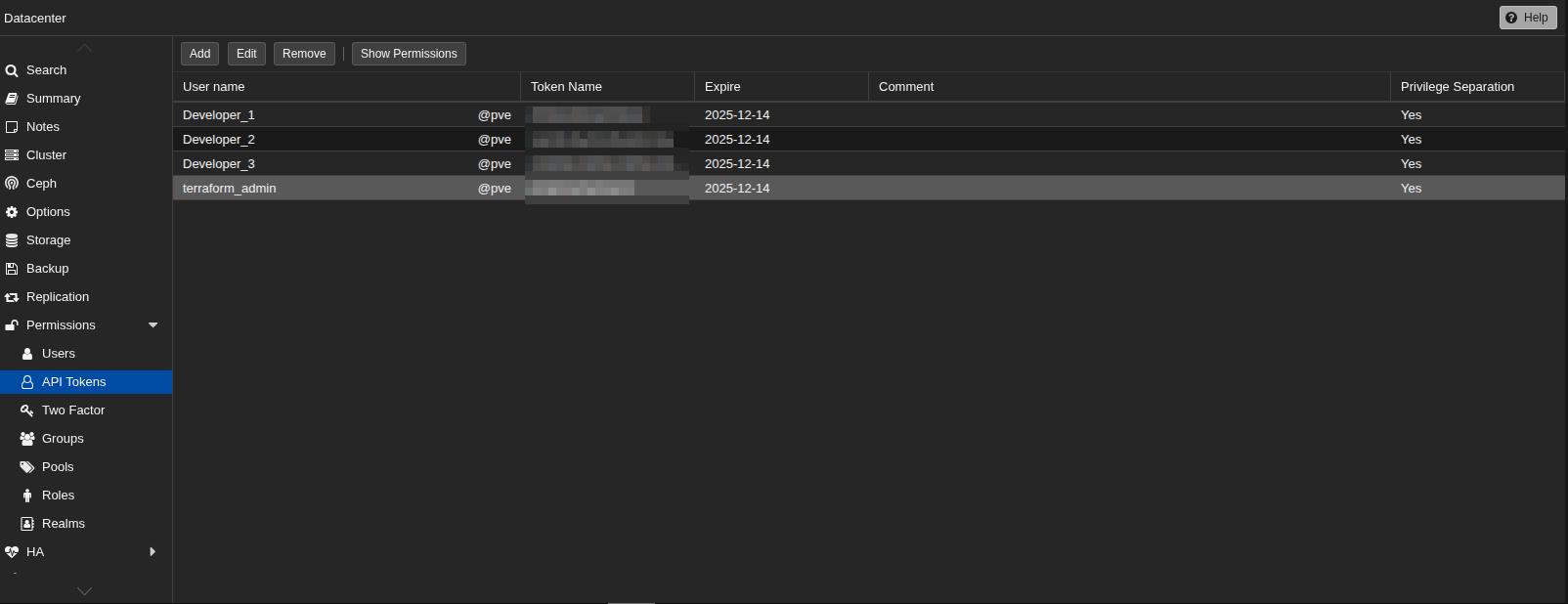
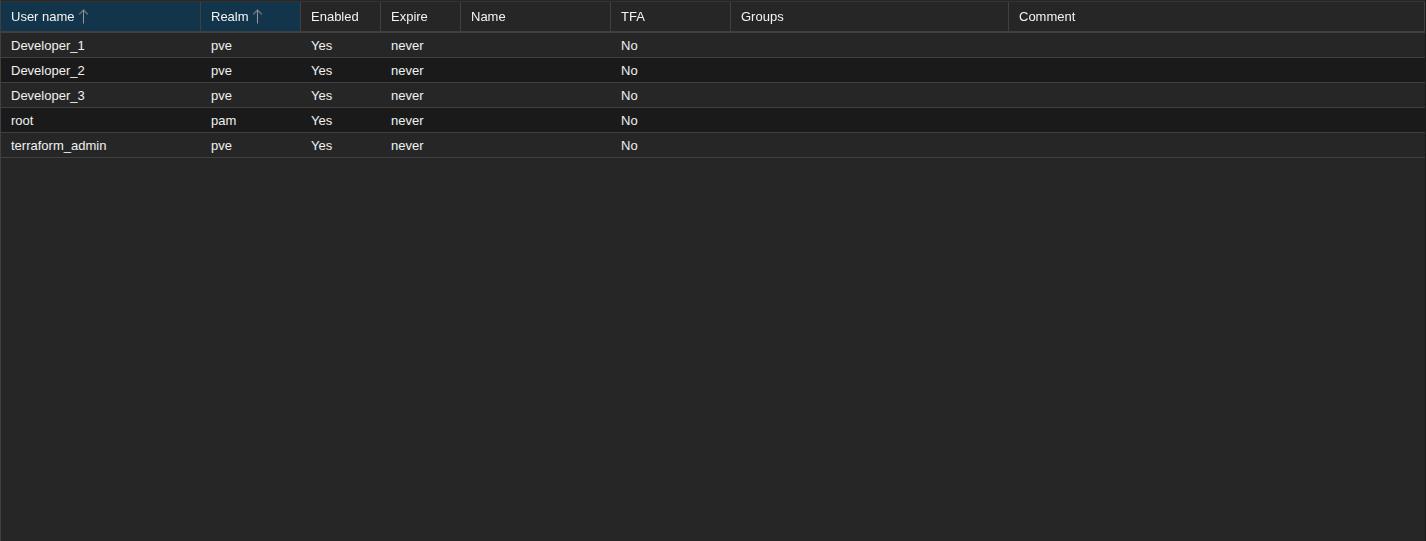
- 2025-09-14: Create user and service accounts on ProxMox hypervisor.
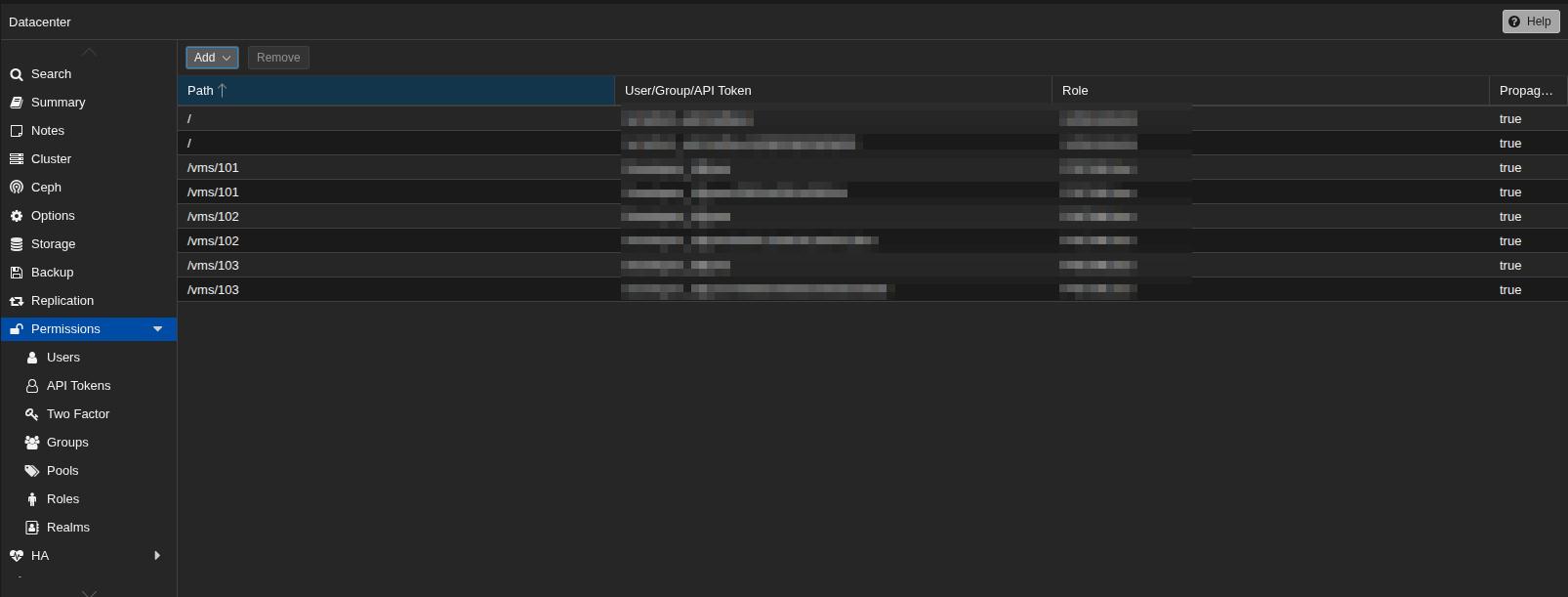
- 2025-09-14: Map users and API tokens to required roles and filesystems as part of RBAC schema on hypervisor.
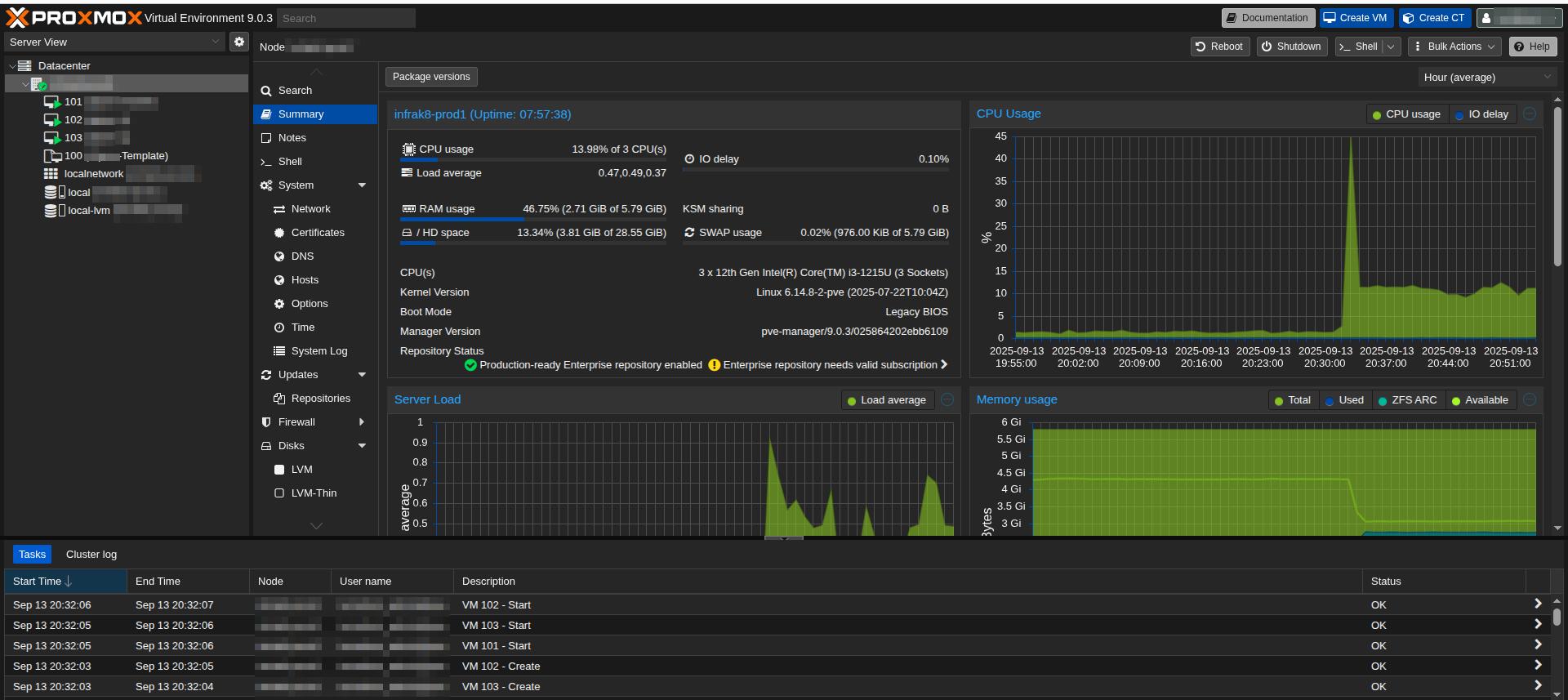
- 2025-09-14: Validate all VMs up and healthy on Hypervisor monitoring and observability dashboard.
- 2025-09-26: Configure guest on hypervisor, remove the ISO from guest boot sequence, reboot, validate script configurations settings survive guest reboot.
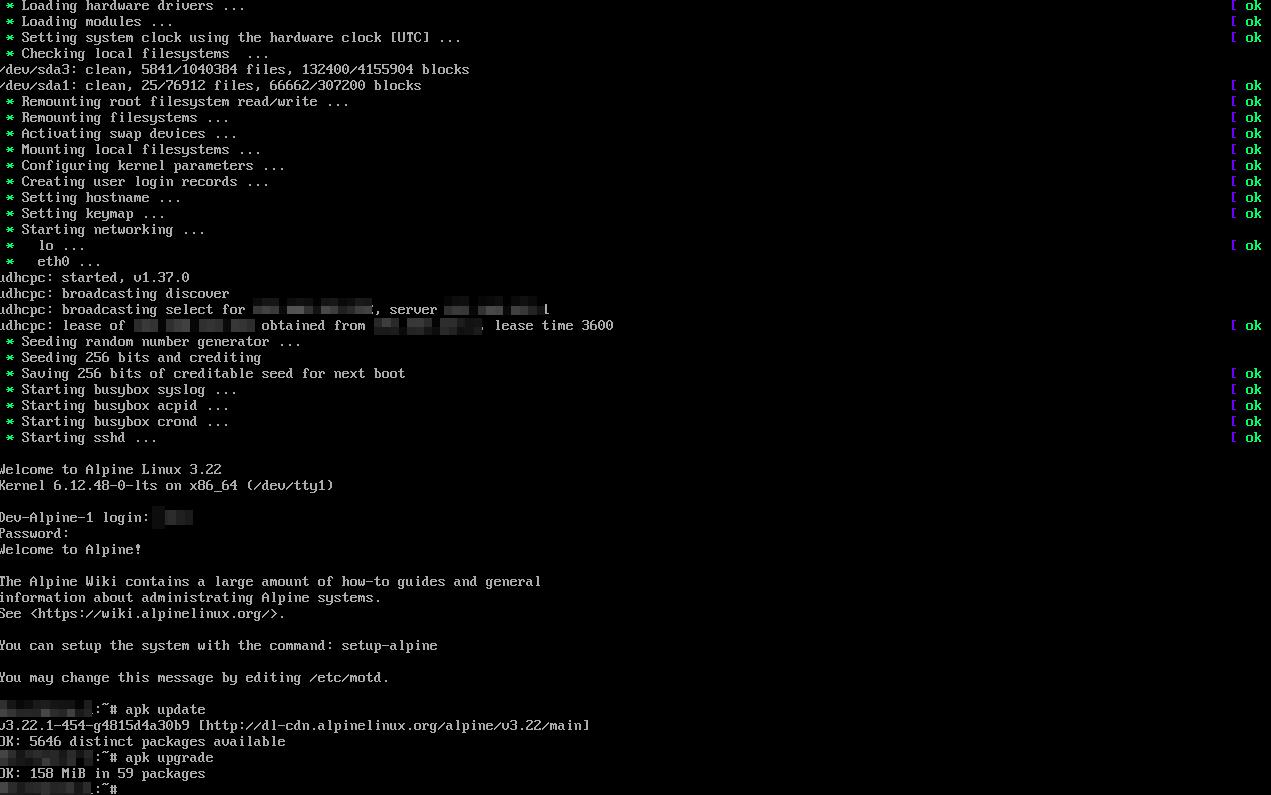
Pods
Summary: Creation, management, troubleshooting, and validation of pods. Includes manifest writing, exec into containers, volume mounts, and pod lifecycle events.
- 2025-08-16: Validate running pods on the node and review pod details.
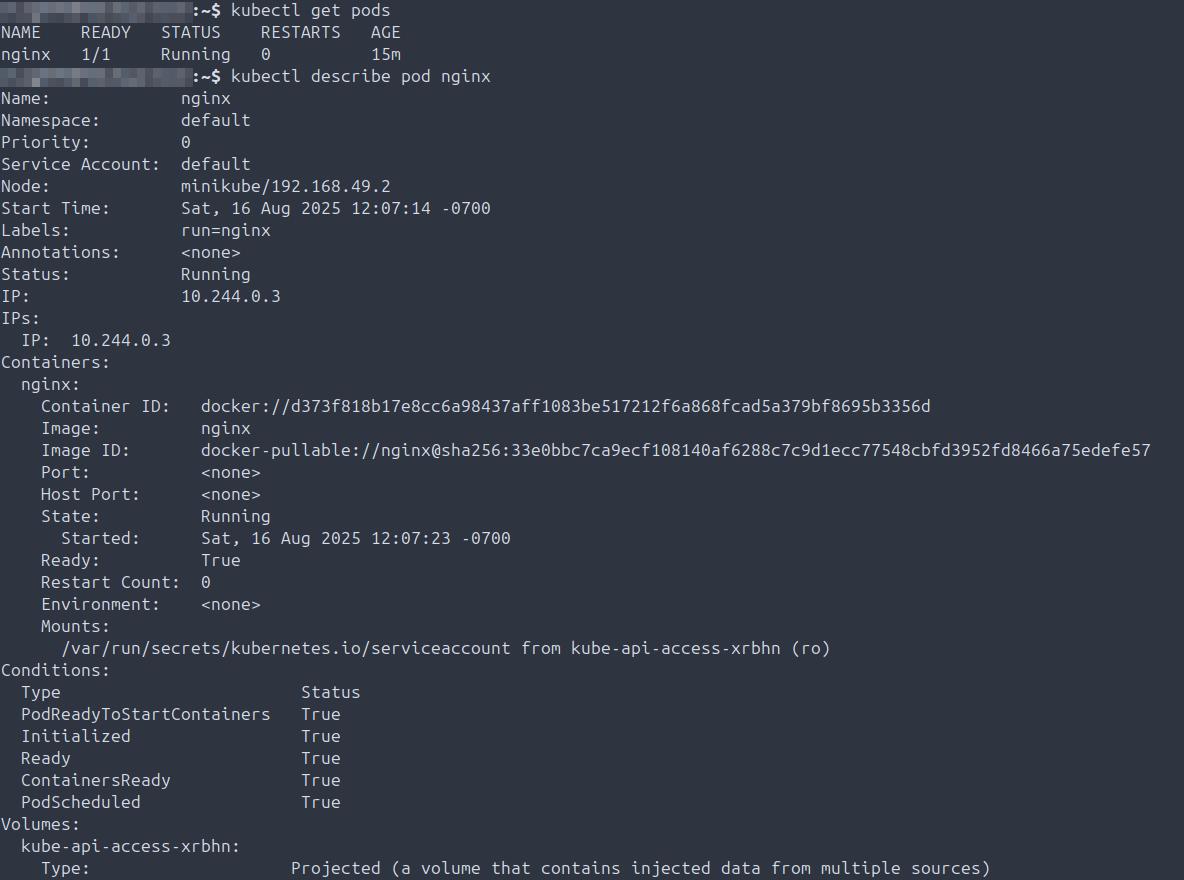
- 2025-08-16: Delete a pod and confirm it is no longer running on the node.

- 2025-08-16: Create pod manifests, validate formatting, spacing, and content correctness.
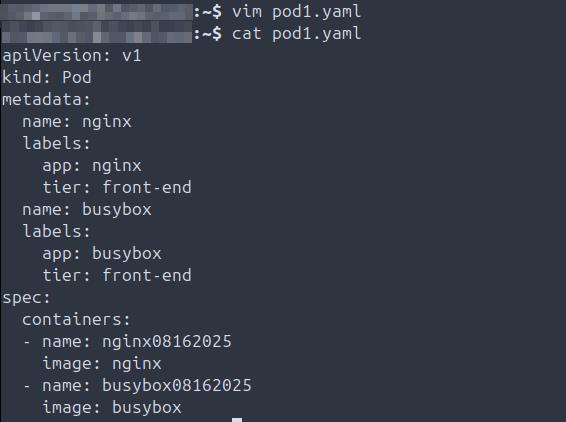
- 2025-08-16: TROUBLESHOOTING: Resolve a pod not starting due to a crash loop.

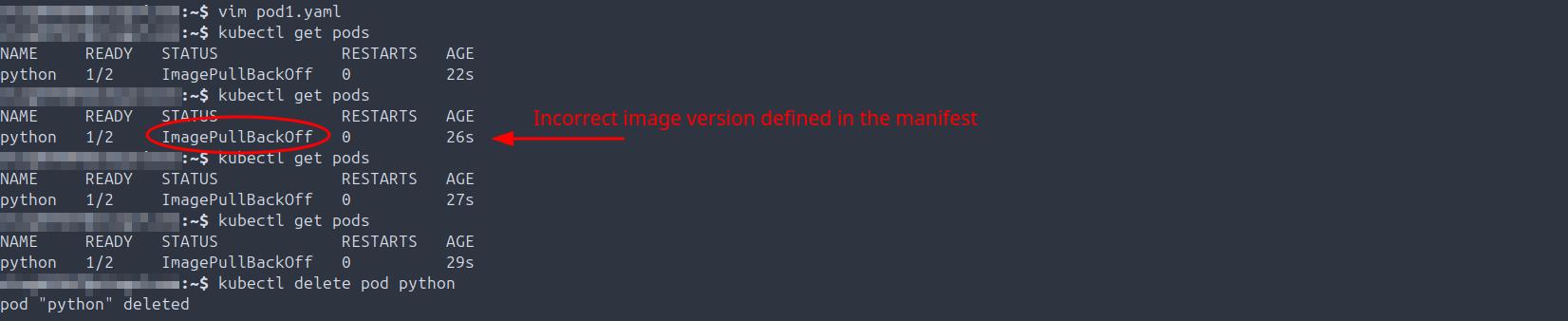
- 2025-08-16: TROUBLESHOOTING: Fix pod with the wrong image defined in the manifest.

- 2025-08-16: TROUBLESHOOTING: Correct pod with incorrect image version.
- 2025-08-16: Describe running pods and review start processes for all pods.
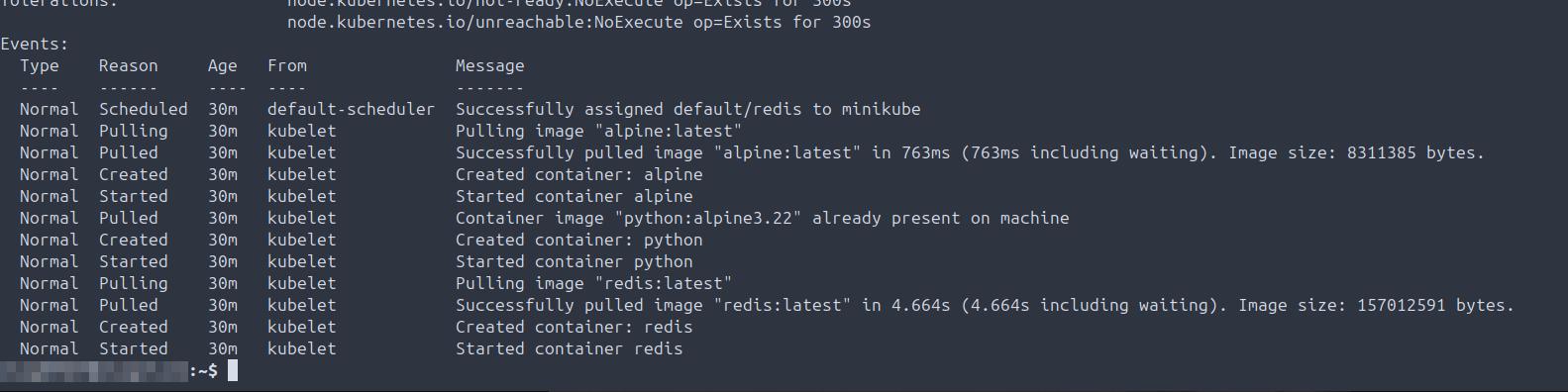
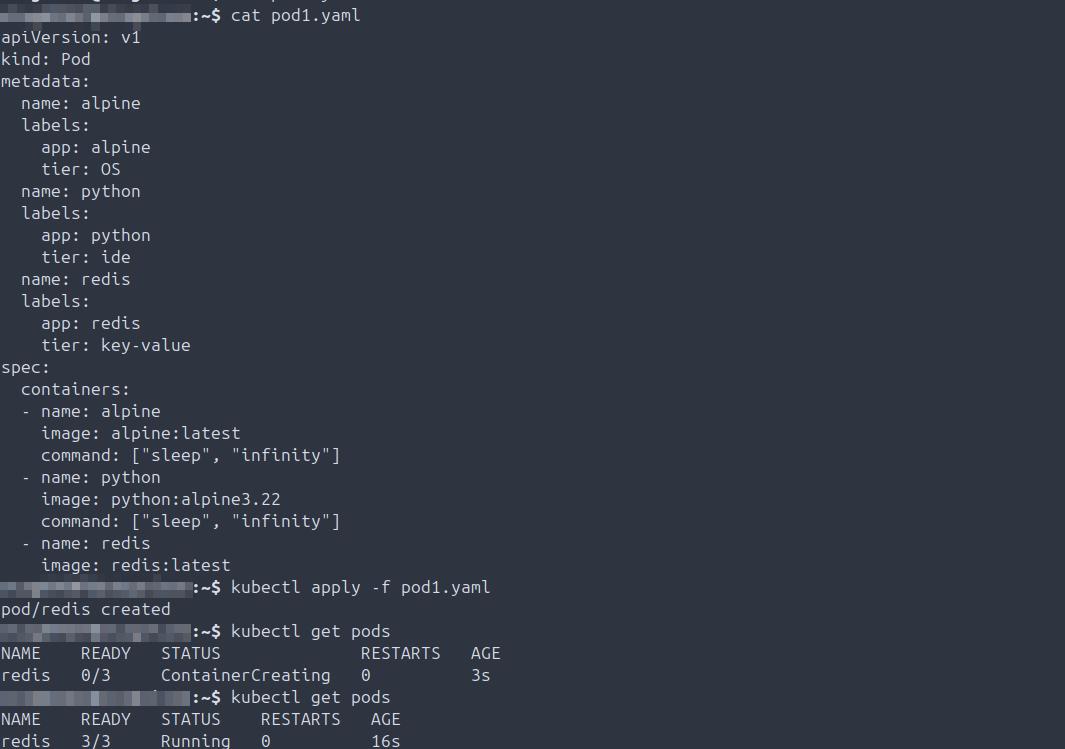
- 2025-08-16: Create multiple pods via manifest, start them, validate 3/3 are running.
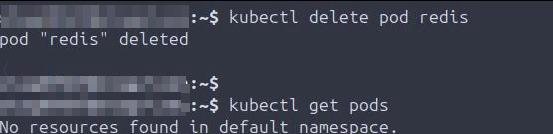
- 2025-08-16: Delete all pods and confirm none remain on the node.
- 2025-08-23: TROUBLESHOOTING: Correct pod creation failure due to DockerHub image name mismatch.
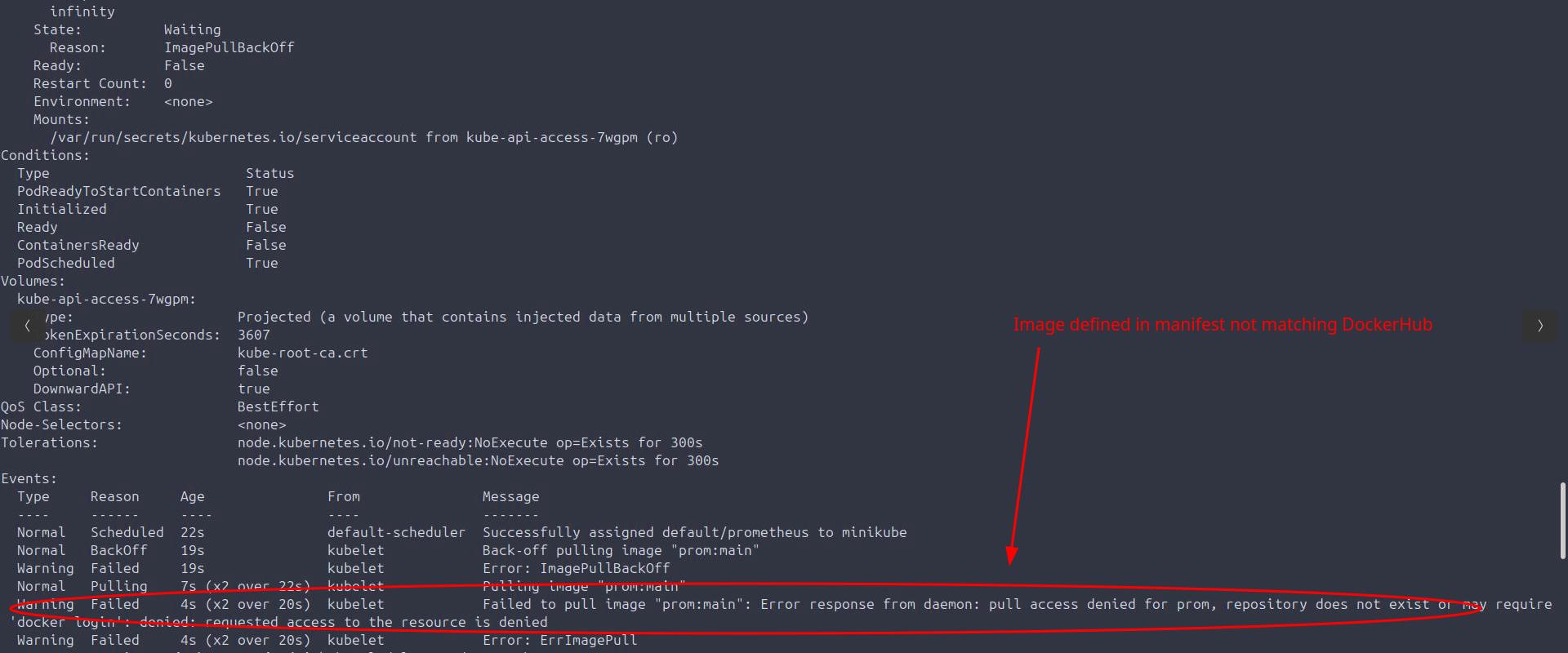
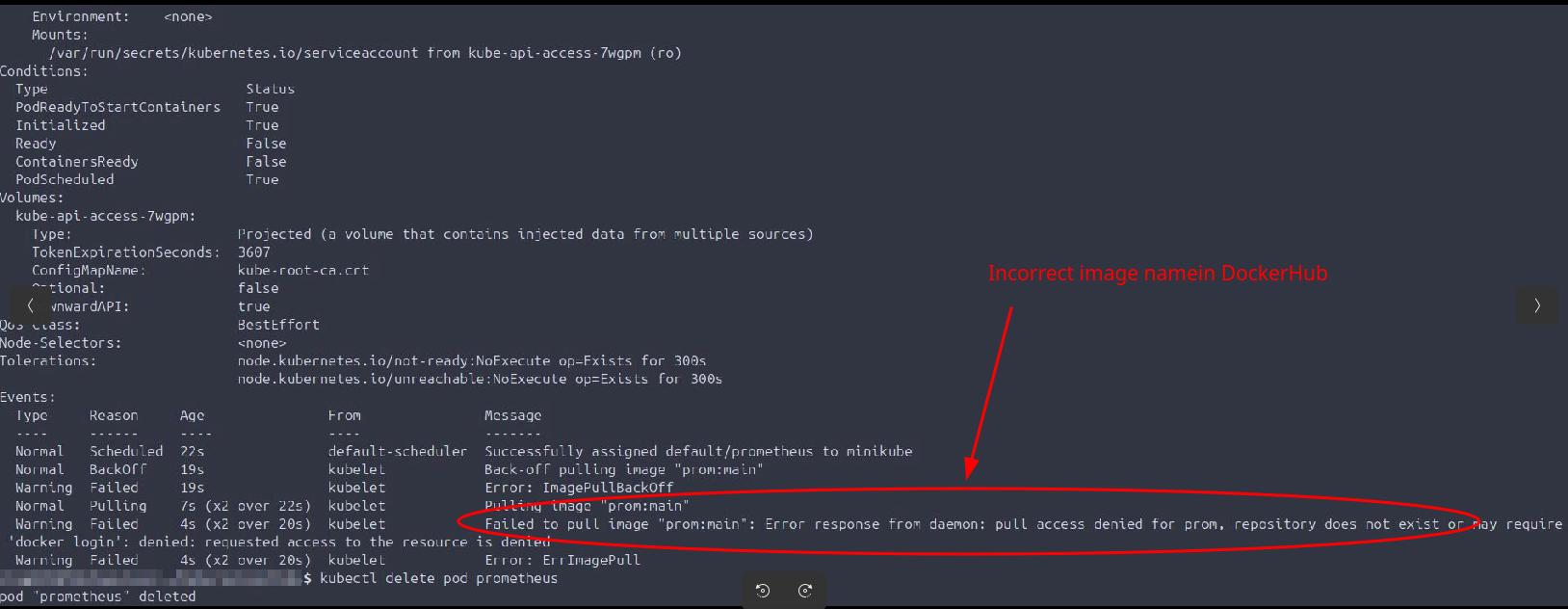
- 2025-08-23: TROUBLESHOOTING: Resolve Prometheus pod failing to start due to incorrect image.
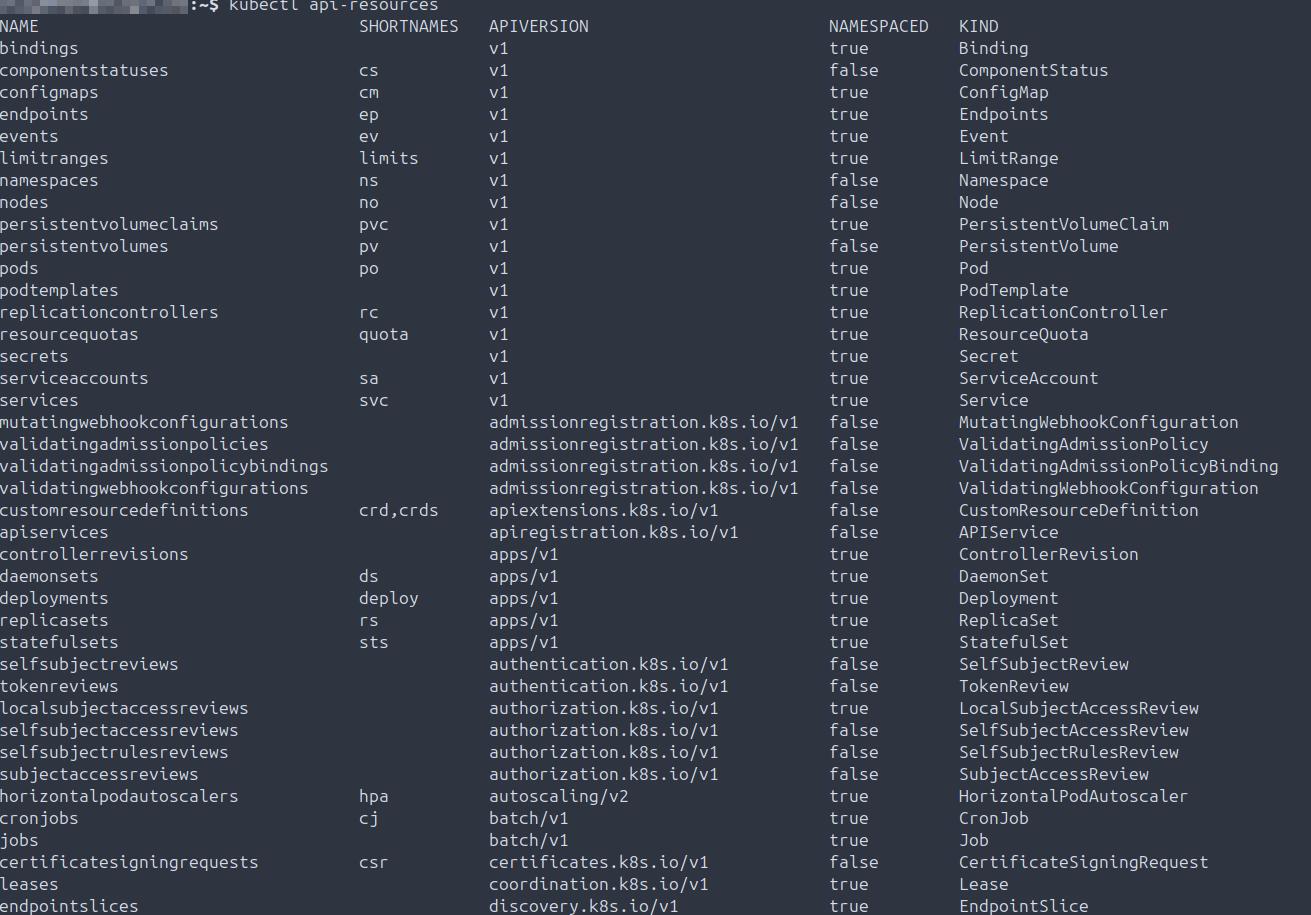
- 2025-08-23: Validate all available Kubernetes API resources on the node.
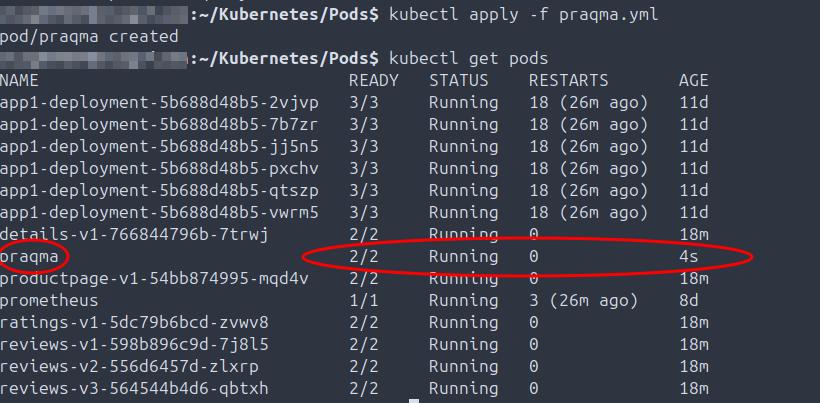
- 2025-08-29: Write and deploy Praqma pod manifest, validate pod is running.
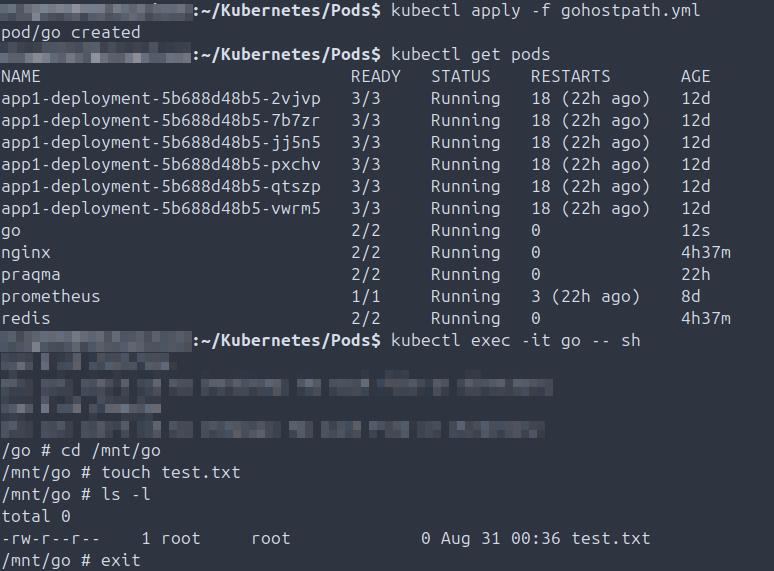
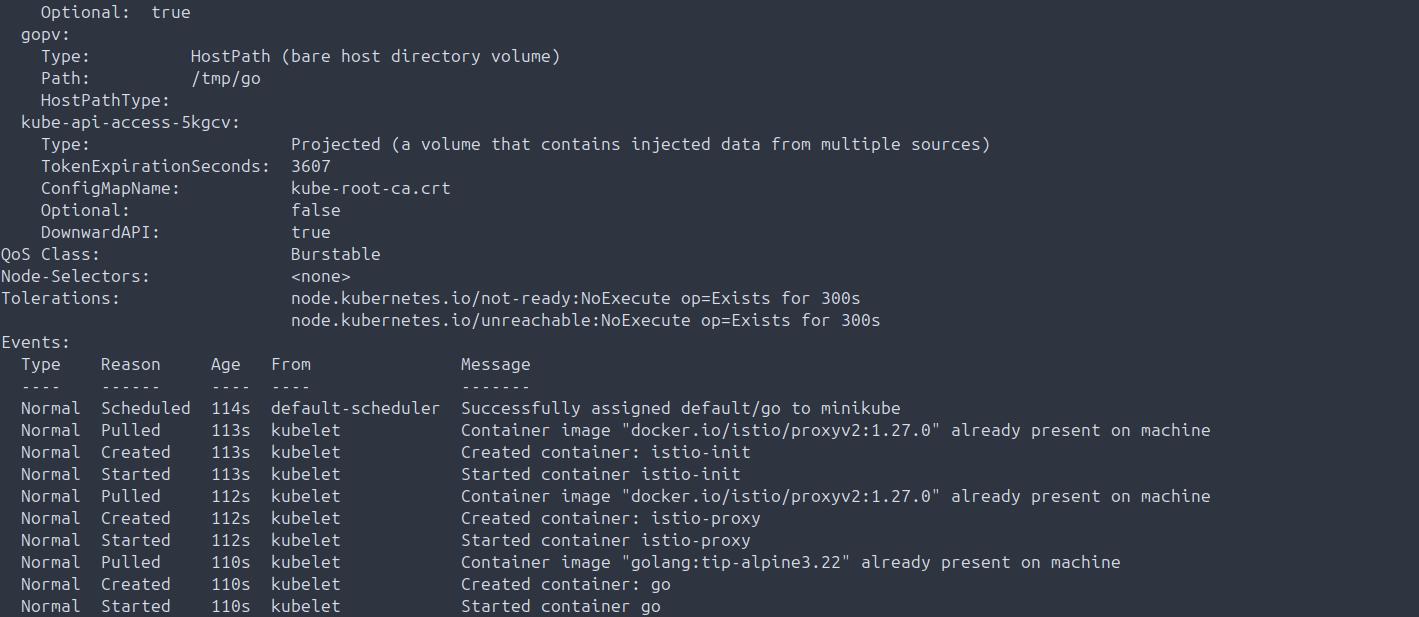
- 2025-09-01: Create Golang pod from manifest, validate running state, connect via exec -it, and confirm hostPath volume is writing data.
- 2025-09-01: Describe Golang pod to confirm hostPath volume mount and configuration.
- 2025-09-02: Validate pod label selectors properly filter and sort pods by assigned labels.

- 2025-09-07: Create config map for prometheus in monitoring namespace.

Prometheus
Summary: Monitoring and observability of pods, ensuring visibility into pod up status and overall health checks of defined metrics.
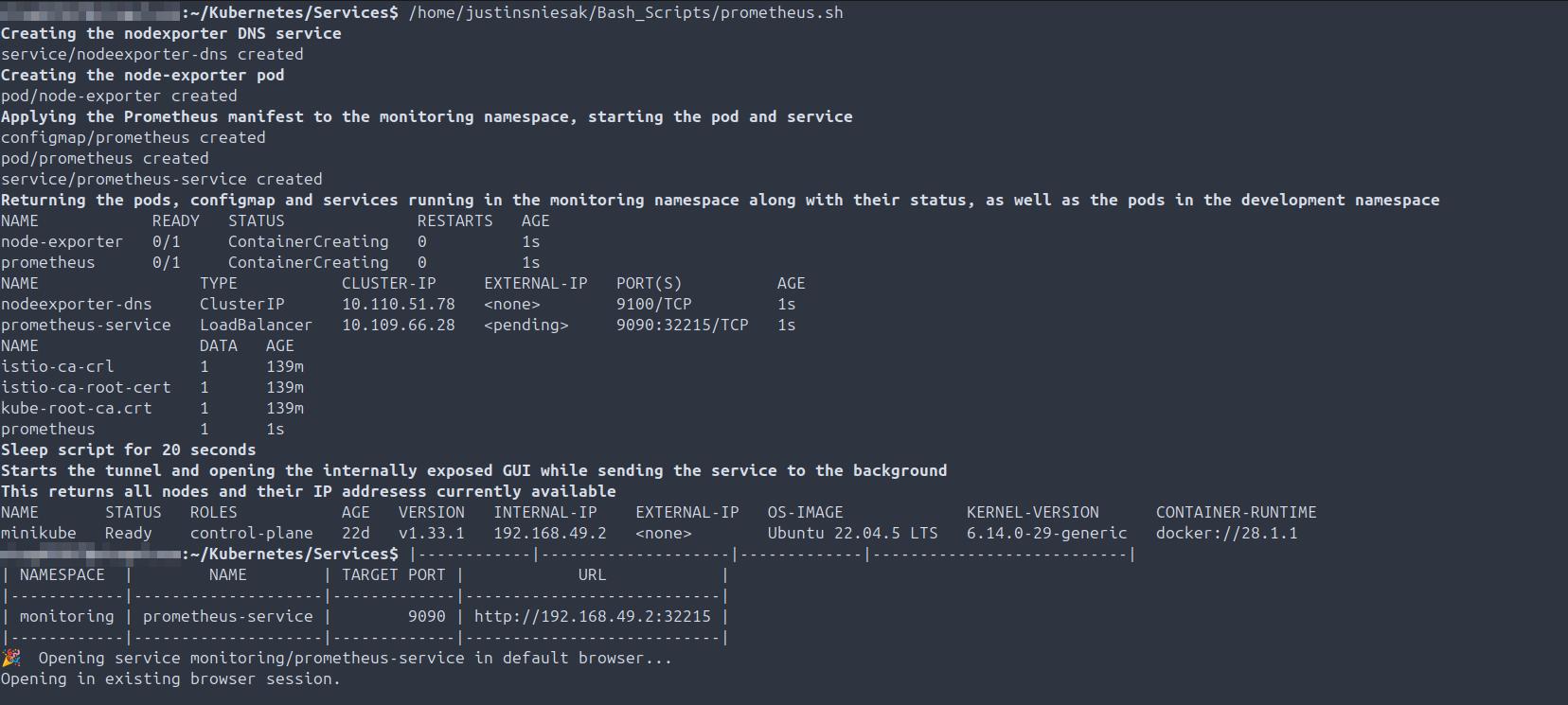
- 2025-08-17: Create and run bash script -> this apply the manifest to the DNS services, pods and configmaps in the monitoring namespace, sleeps the prometheus podfor 20 seconds to allow time for it to initialize, starts port forwarding and finally internally exposes the Prometheus GUI so scraped data may be visualized.
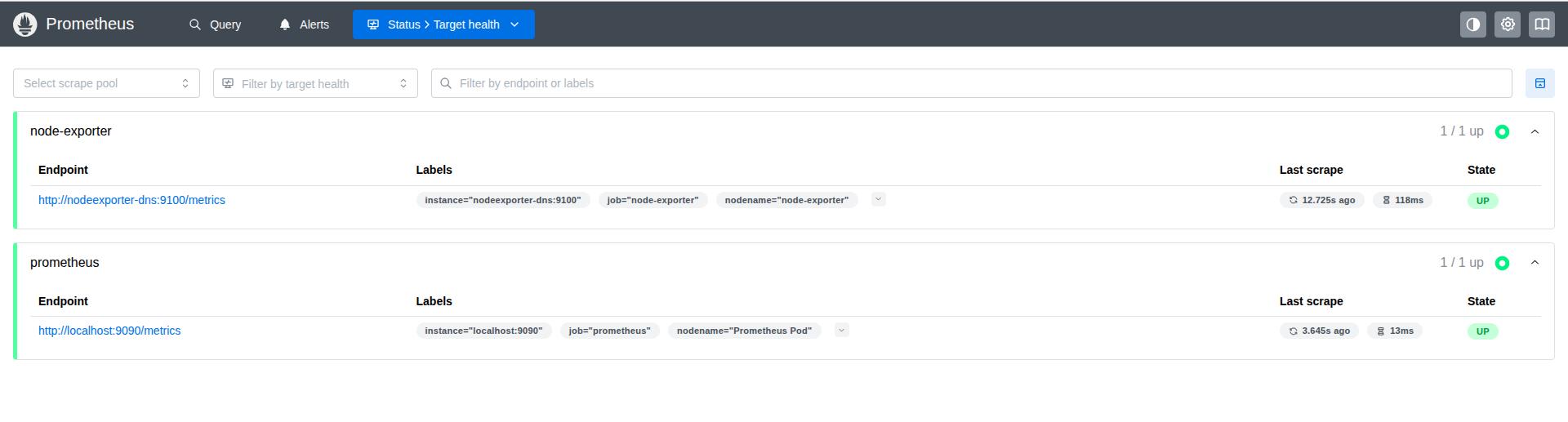
- 2025-08-17: Validate the pods exposed to the prometheus service are showing up in monitoring and their up state may be validated under target health status.
ReplicaSets
Summary: ReplicaSet manifest creation, scaling, validating replica counts, and ensuring high availability.
- 2025-08-17: Create ReplicaSet manifest in Visual Studio Code, validate accessibility via bash.
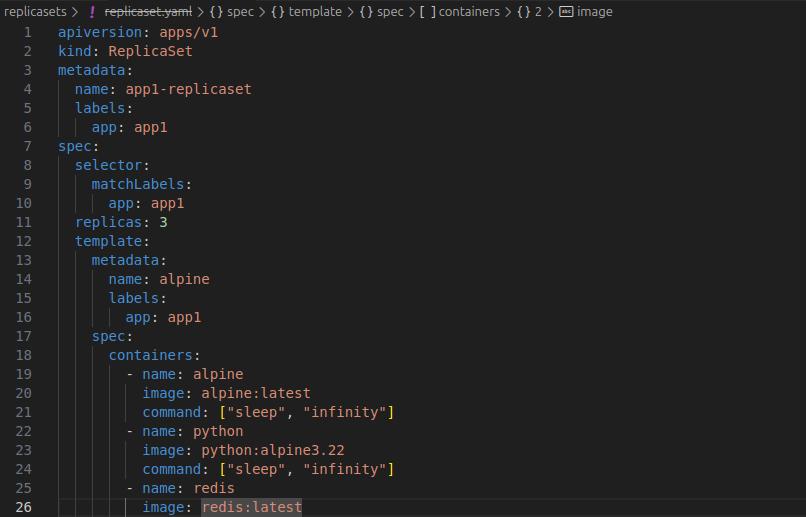
- 2025-08-17: Create ReplicaSet manifest via bash, validate correct number of pods are running and healthy.
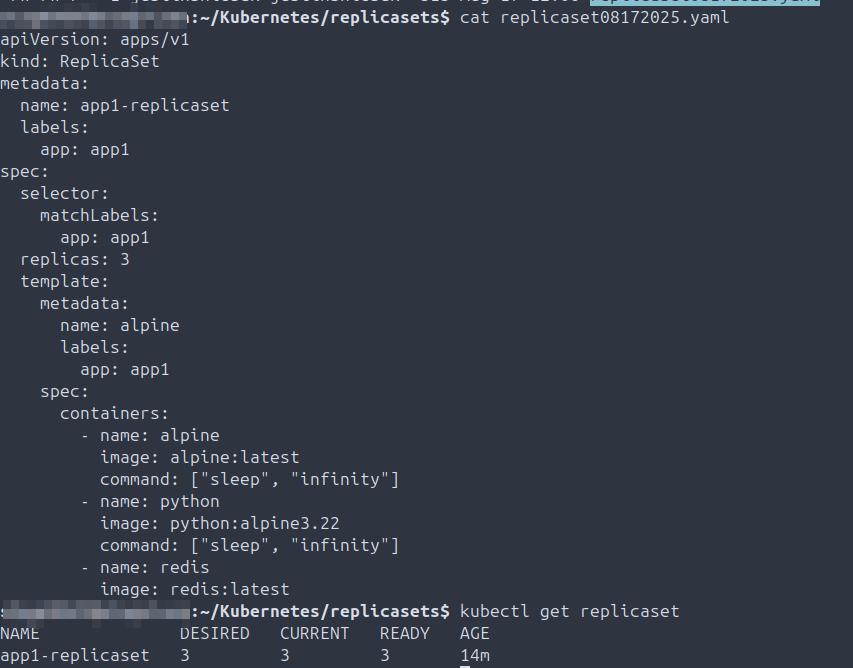
- 2025-08-17: Create new pod manifest in Visual Studio Code for ReplicaSet testing, validate availability in bash.
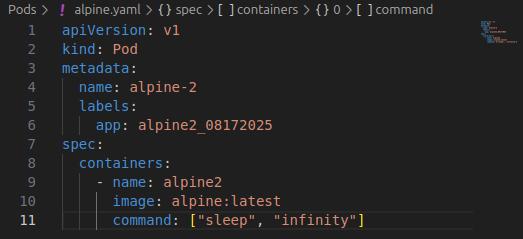
- 2025-08-17: Confirm correct number of pods defined in the ReplicaSet are running.

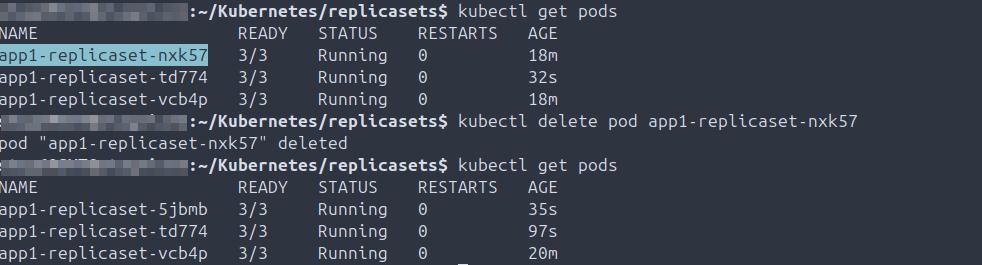
- 2025-08-17: Delete a pod and validate that ReplicaSet automatically creates a new pod; ensure 3/3 pods are running (HA validation).
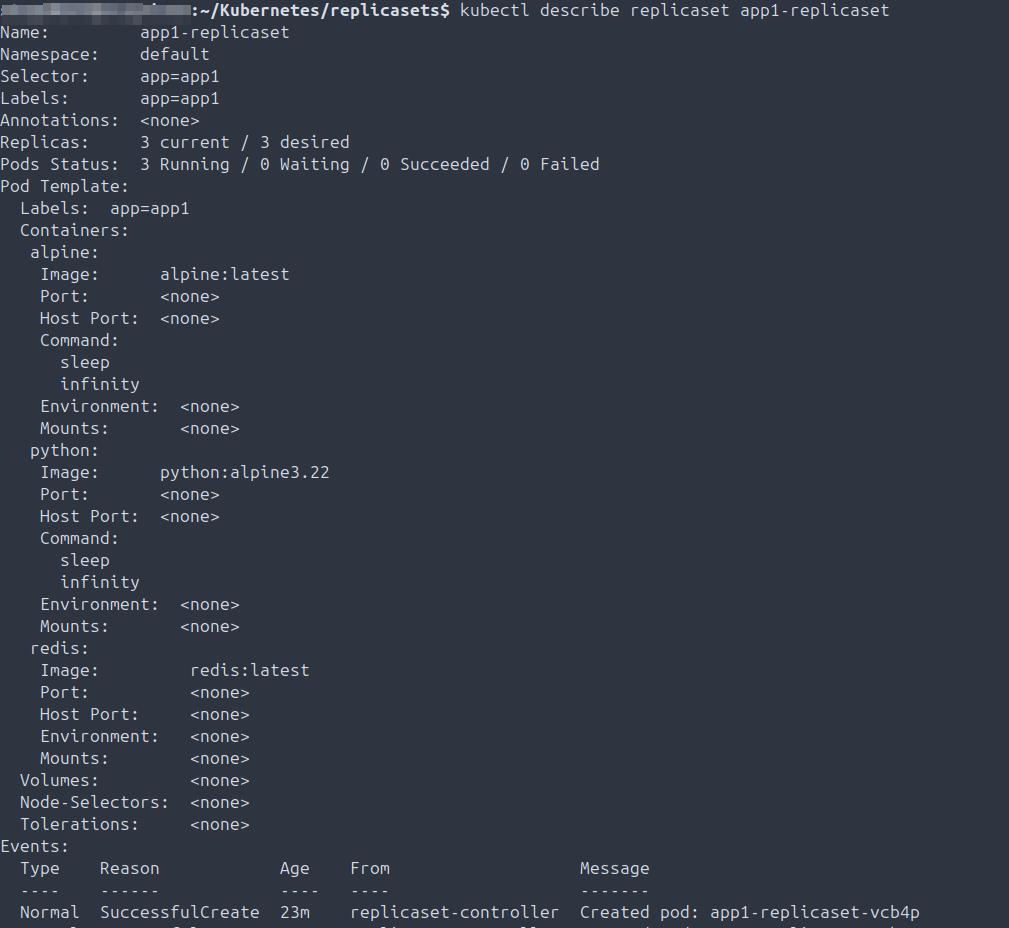
- 2025-08-17: Check details of the ReplicaSet, including replica and pod counts.
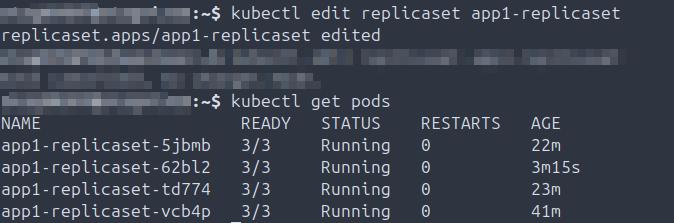
- 2025-08-17: Edit ReplicaSet manifest to scale replicas to 4, confirm the fourth pod is created and running.
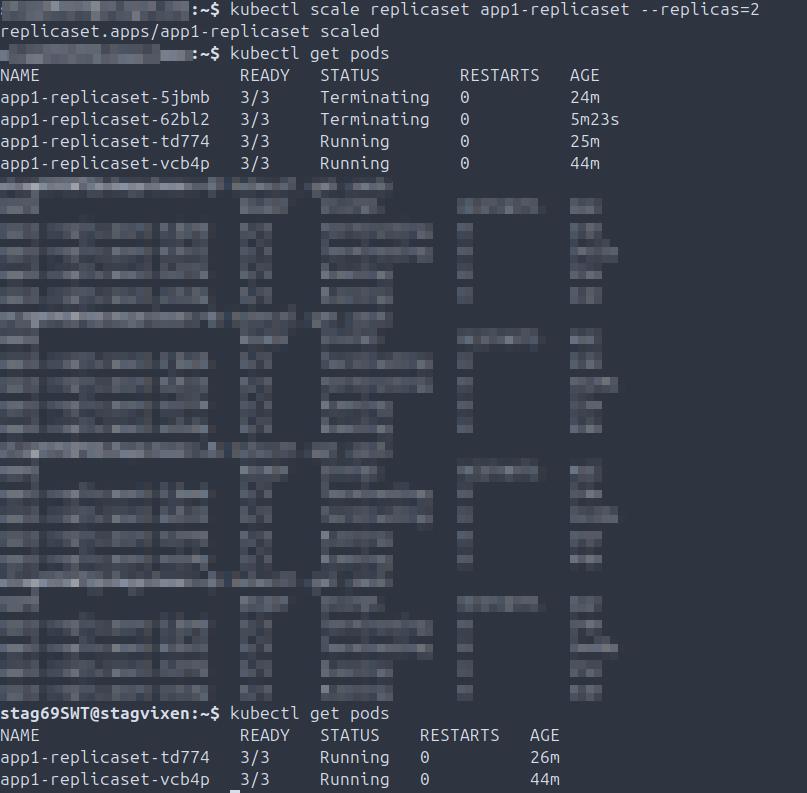
- 2025-08-17: Scale down replicas to 2 using CLI without editing the manifest, validate only two pods are running.
Security
Summary: Certificate creation for Kubernetes - signing, managing gservice account keys, and creating Kubernetes secrets to secure sensitive credentials.
- 2025-08-21: Create the root certificate.

- 2025-08-21: Create and sign an administrator certificate.

- 2025-08-21: Create and sign the system masters certificate.

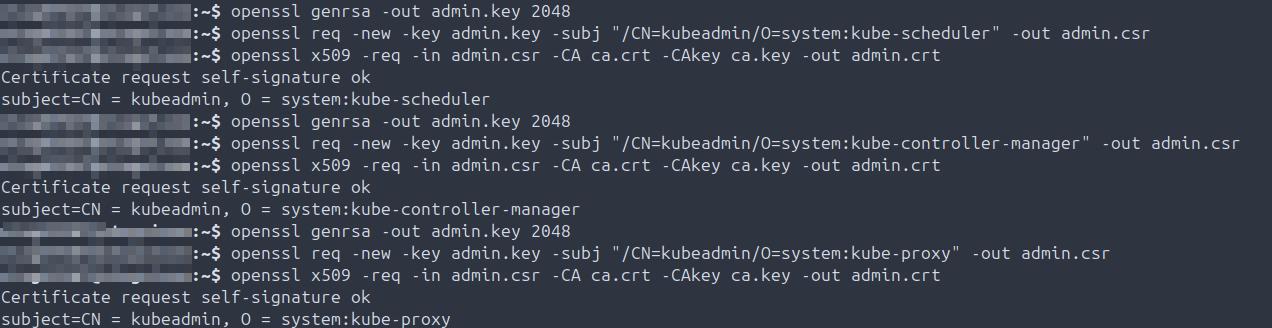
- 2025-08-21: Create and sign certificates for kube-scheduler, kube-controller-manager, and kube-proxy services.
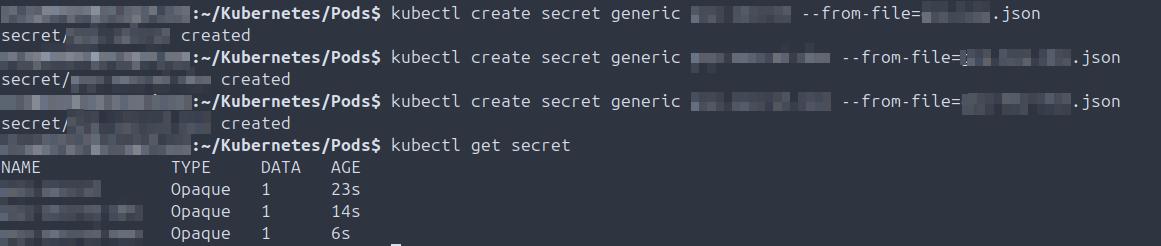
- 2025-09-02: Create JSON keys and assign them to each applicable GCP service account.

- 2025-09-02: Create Kubernetes secrets from JSON keys for use by all three GCP service accounts.
ServiceAccounts
Summary: Service account creation, attaching io pods, decoding JWT tokens, validating token TTL, and troubleshooting service account deployment issues.
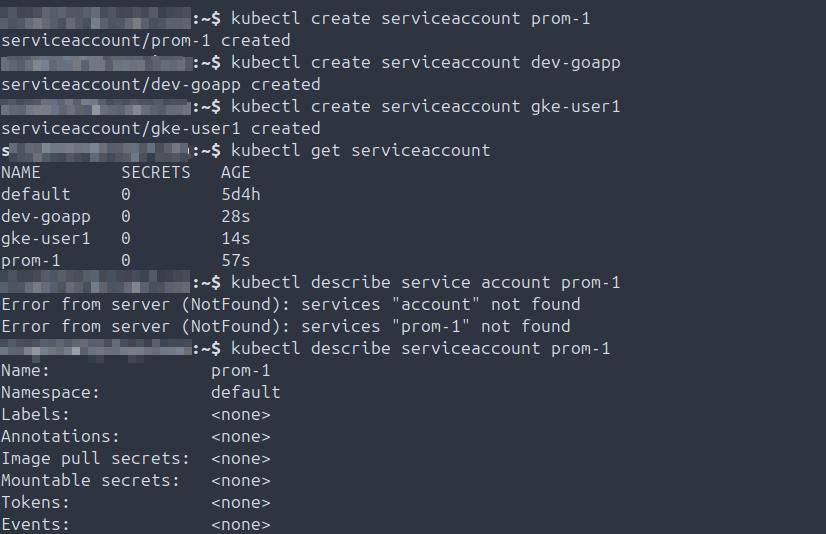
- 2025-08-21: Create a service account, validate on the node, describe the service account.
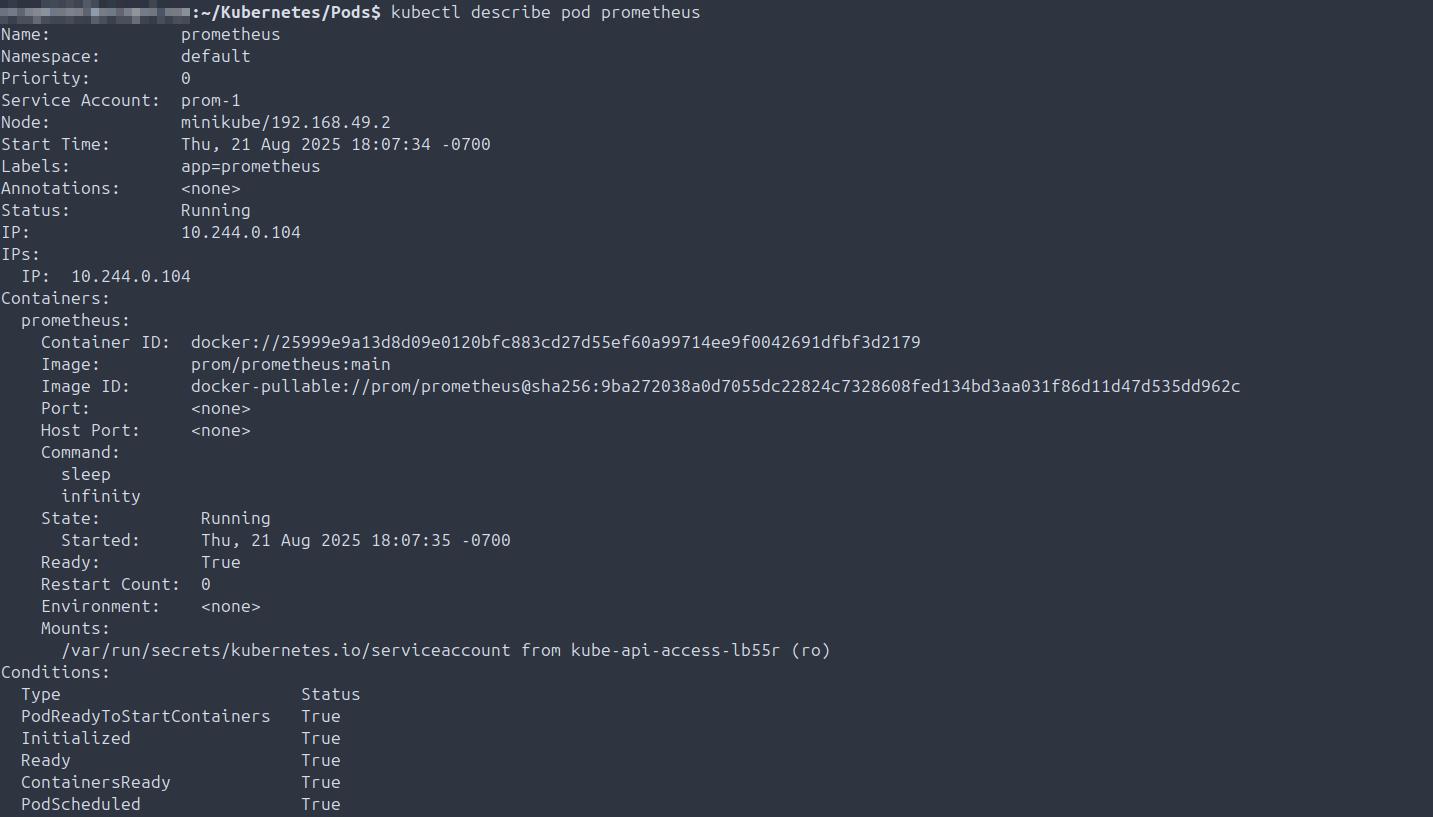
- 2025-08-21: Describe a pod with an attached service account.
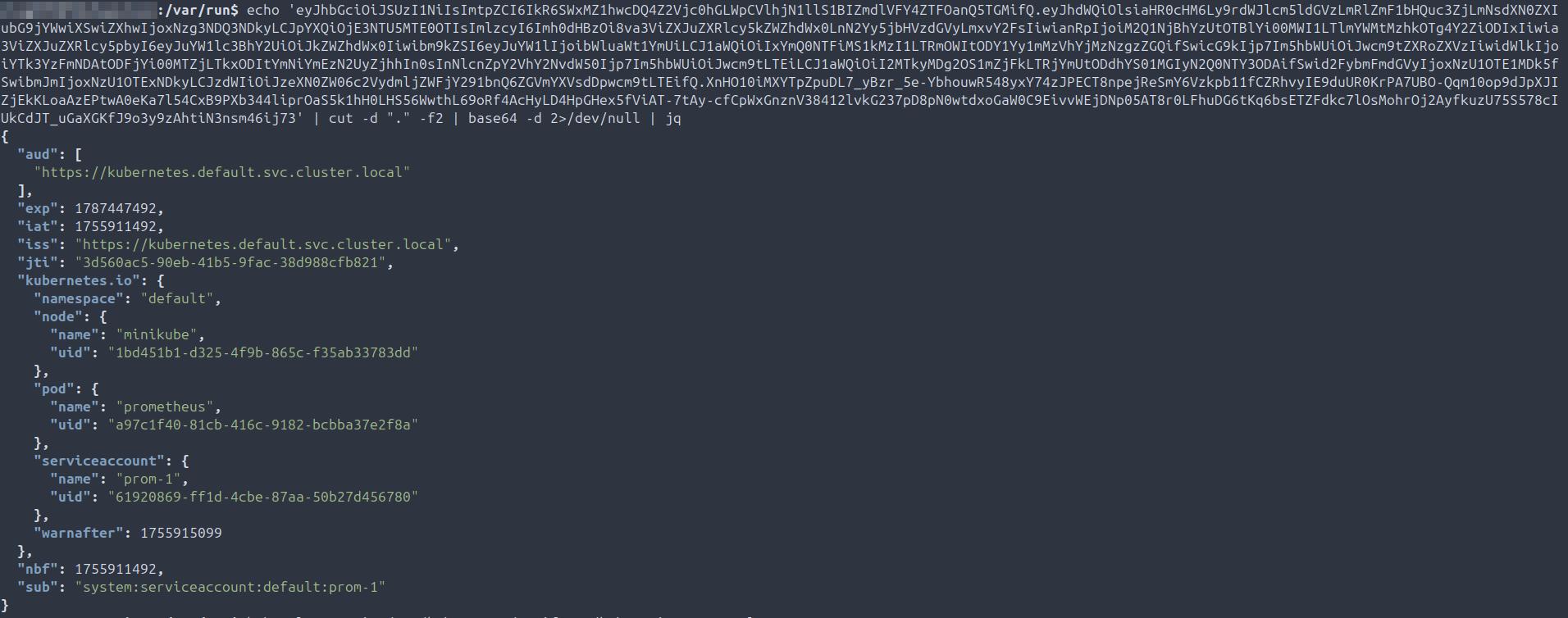
- 2025-08-23: Grab Java Web Token (JWT) for the Prometheus pod.

- 2025-08-23: Install jq locally to view the decoded token JSON; check exp and iat values to confirm token expiration is set for one year.
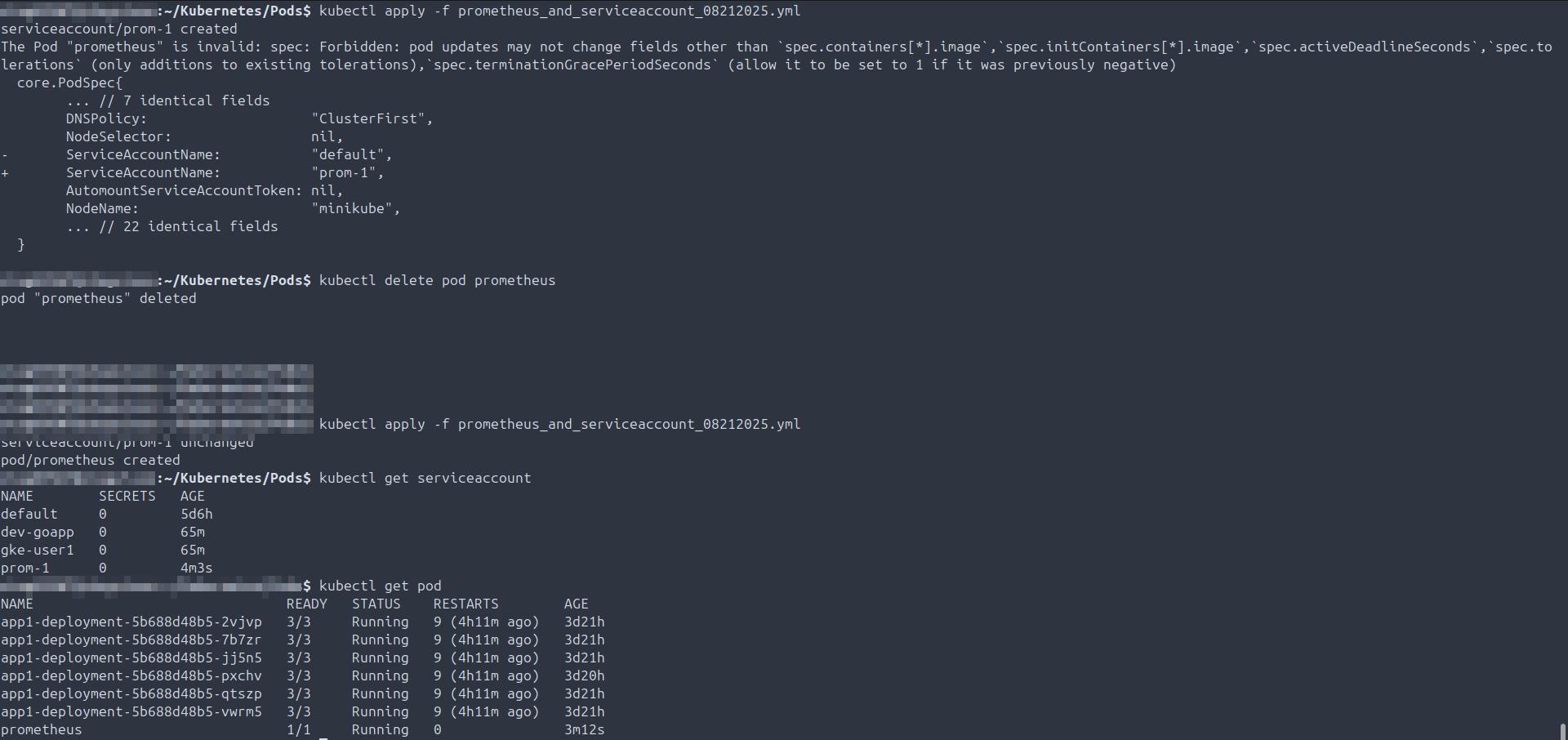
- 2025-08-23 TROUBLESHOOTING: Manifest not creating service account or pod; updated the manifest on the node, deleted the pod, re-applied the manifest, validated creation.
Storage
Summary: PersistentVolume (PV) and PersistentVolumeClaim (PVC) creation, ephemeral storage validation, mounting across pods, multi-namespace validation, and StorageClass creation.
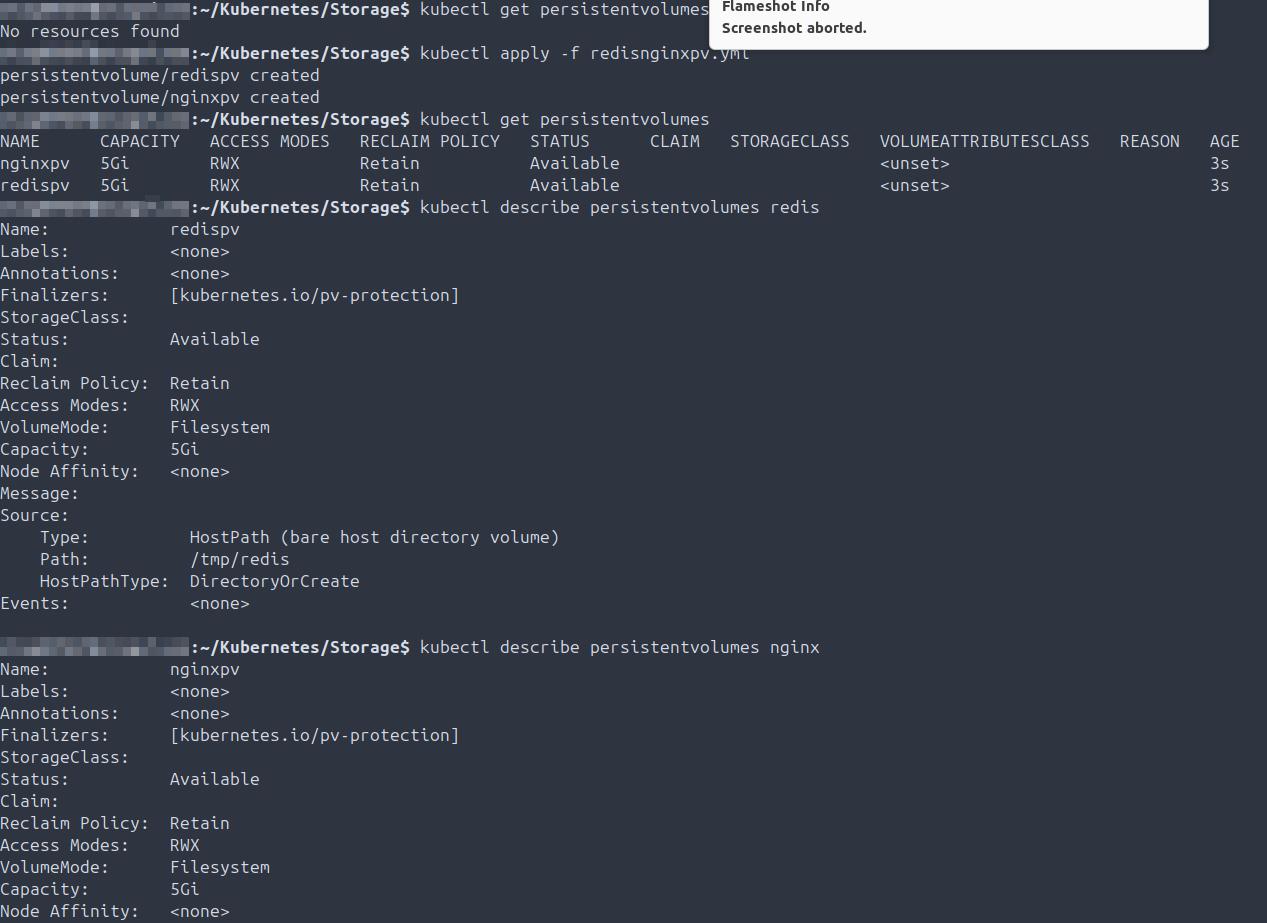
- 2025-09-01: Write PersistentVolume manifest for both Redis and Nginx pods, validate creation and review details via kubectl describe.
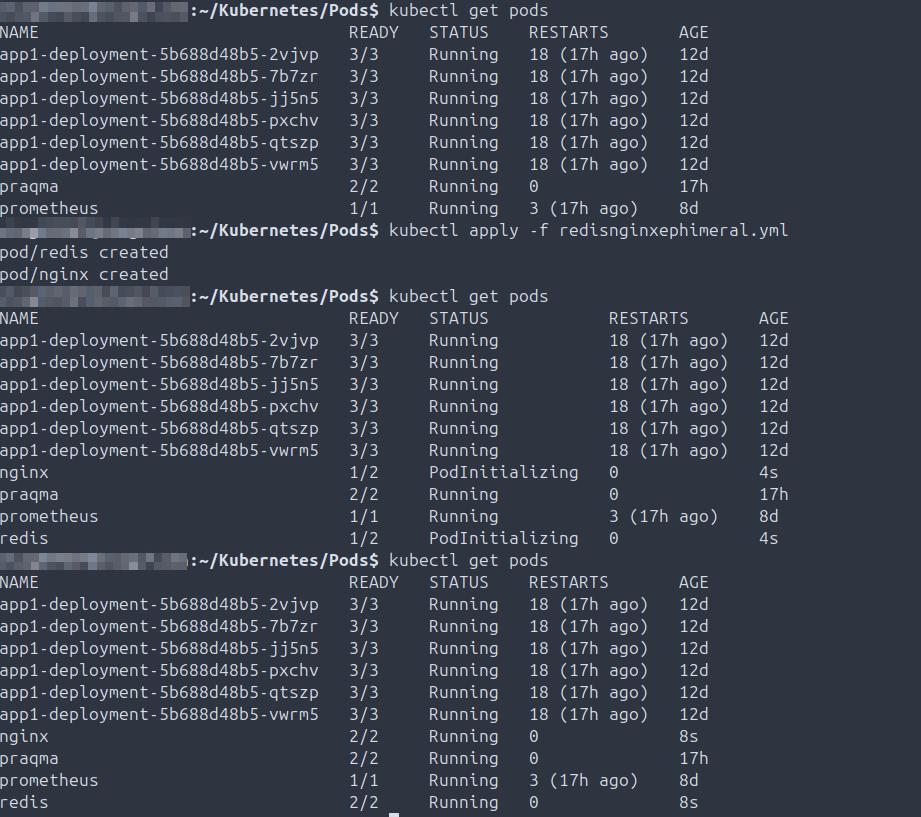
- 2025-09-01: Write manifest for both Nginx and Redis pods, start and validate running 2/2; illustrate difference between persistent and ephemeral storage.
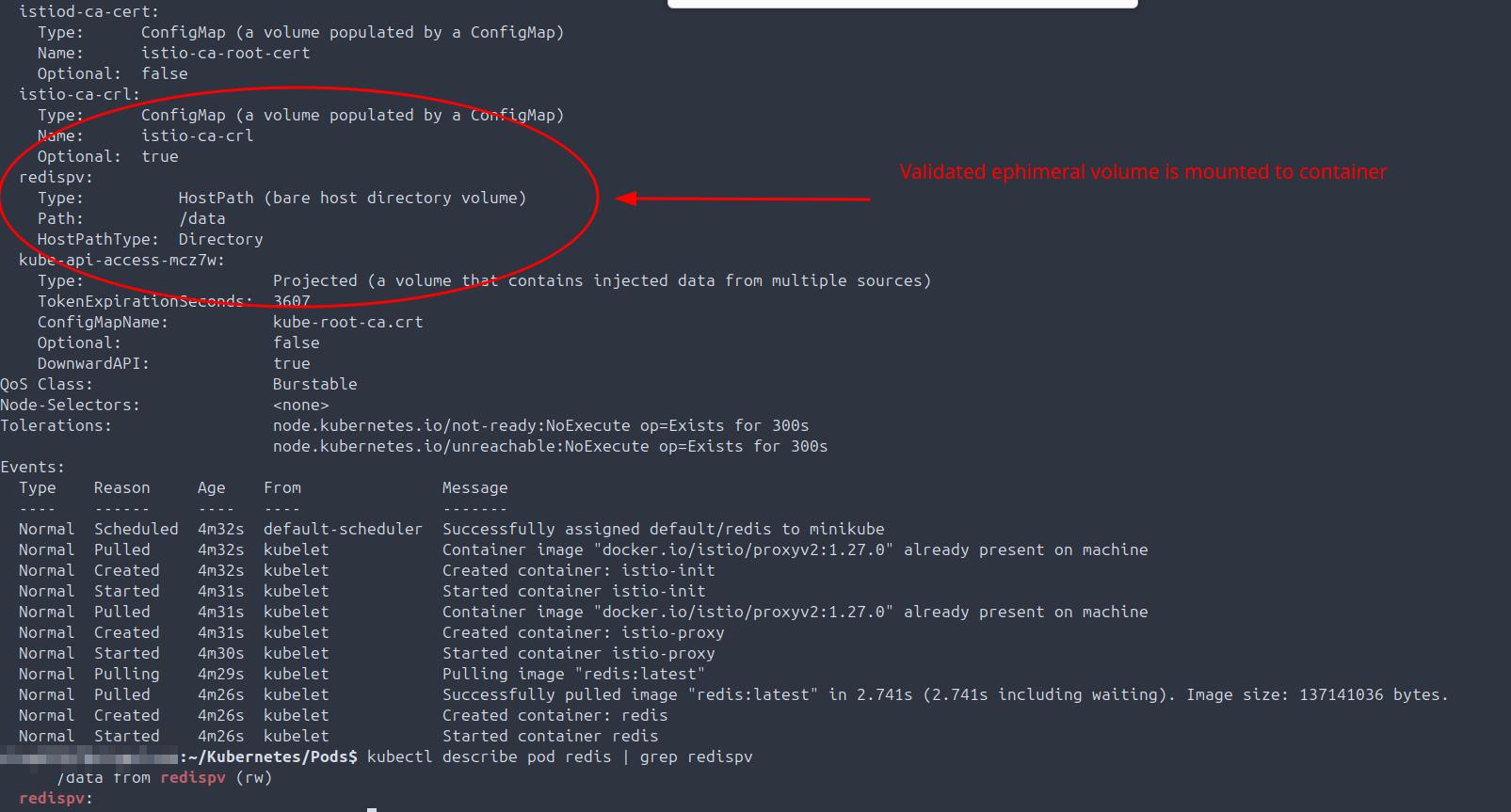
- 2025-09-01: Describe Redis pod and validate automatically created ephemeral volume is present and mapped to the pod; check mountpoint.
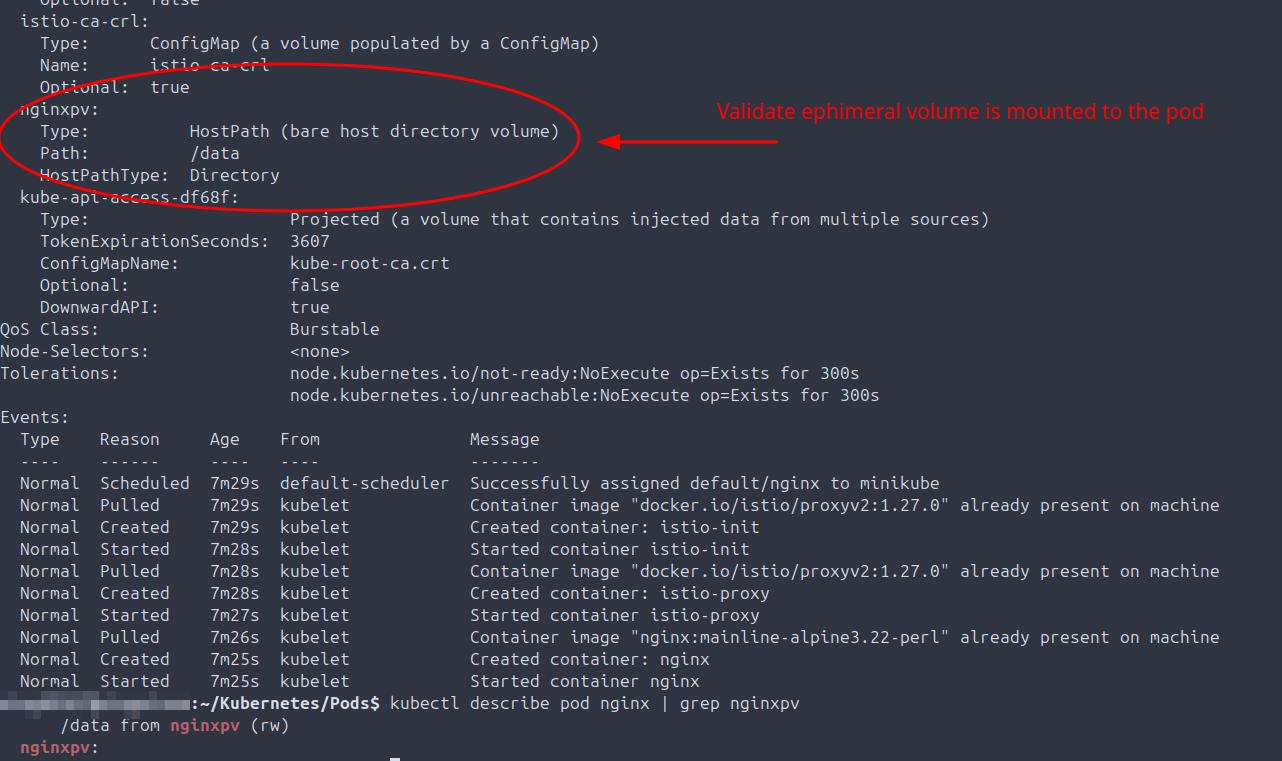
- 2025-09-01: Describe Nginx pod and validate automatically created ephemeral volume is present and mapped to the pod; check mountpoint.
- 2025-09-01: Write PersistentVolumeClaim (PVC) manifest, apply, validate bound to PersistentVolume (PV).

- 2025-09-02: Create multiple pods and associated PersistentVolumes in multiple namespaces, validate creation, ready status, and namespace.
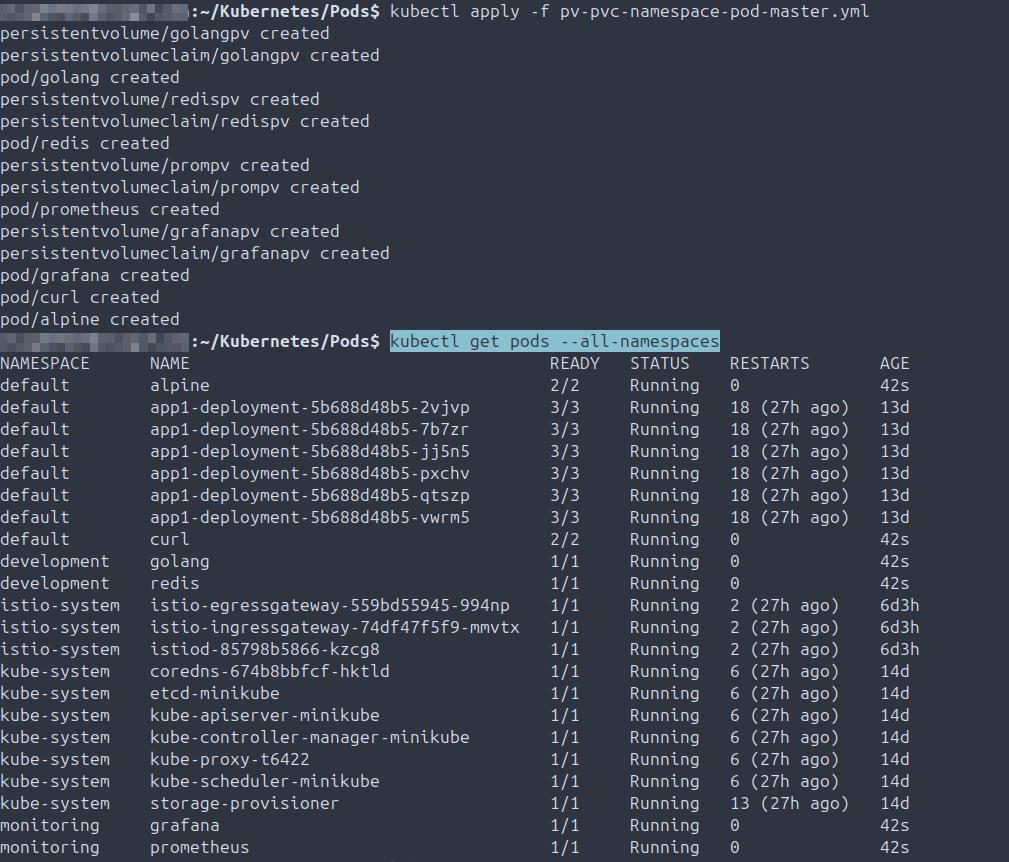
- 2025-09-02: Validate multiple PV and PVC bind status across multiple namespaces.

- 2025-09-02: Create and validate StorageClass on node.

Terraform
Summary: Declarative infrastructure management in GCP and on-prem including installing Terraform, initializing, planning, applying manifests, and destroying resources declaratively.
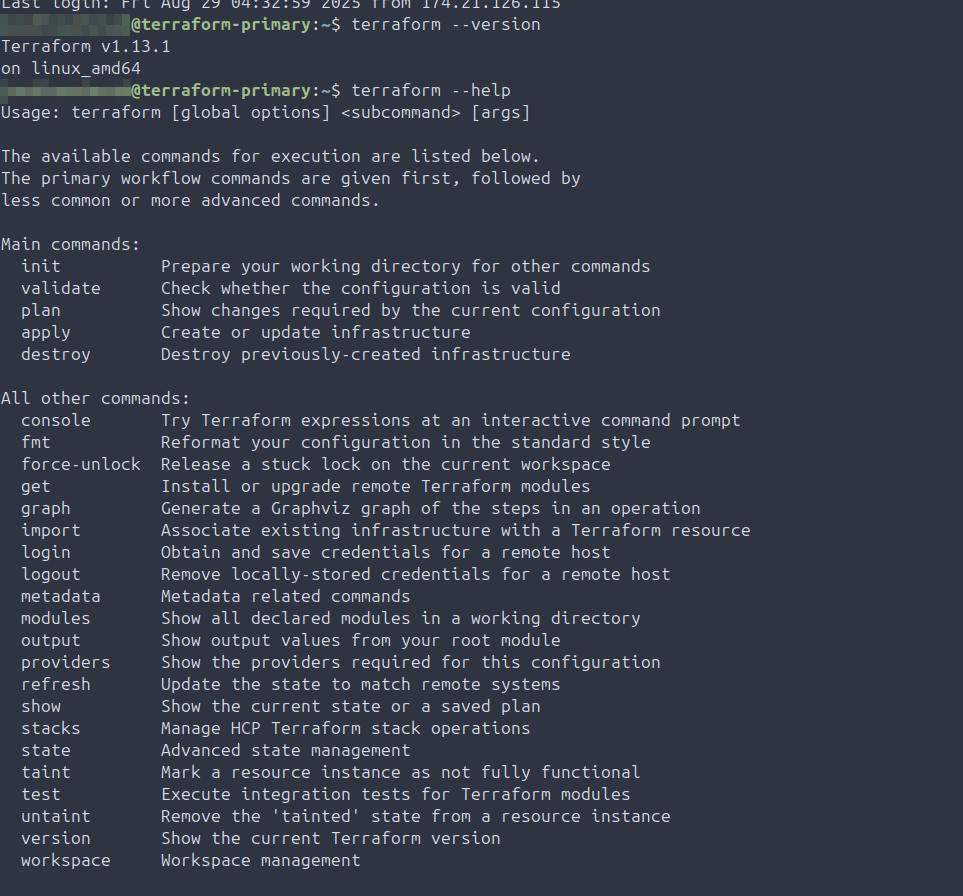
- 2025-08-29: Install Terraform and validate on primary GCP VM.
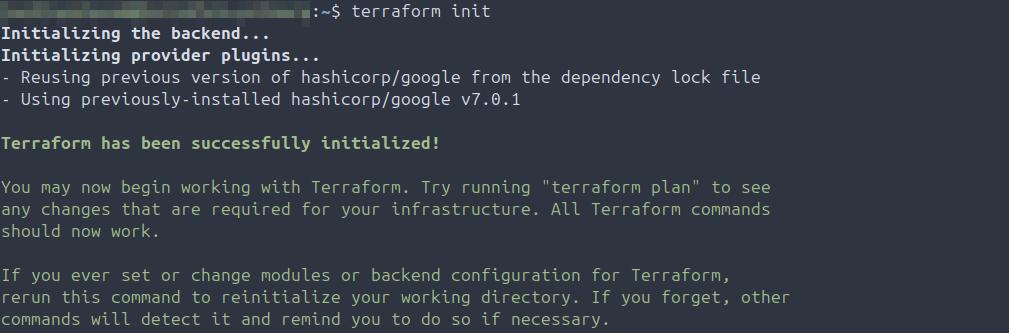
- 2025-09-02: Initialize Terraform, validate no issues.
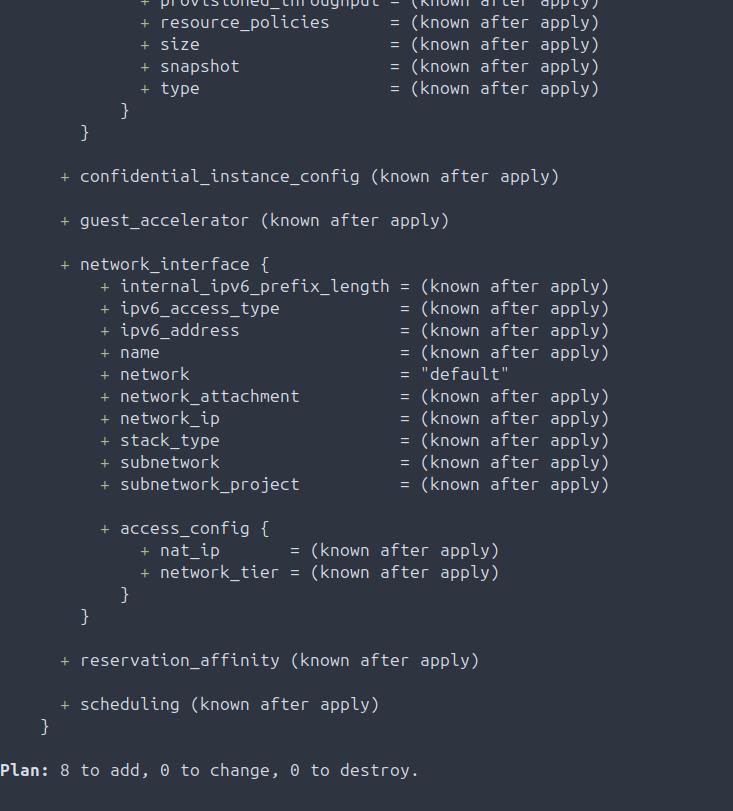
- 2025-09-02: Run terraform plan against manifest, validate no issues.
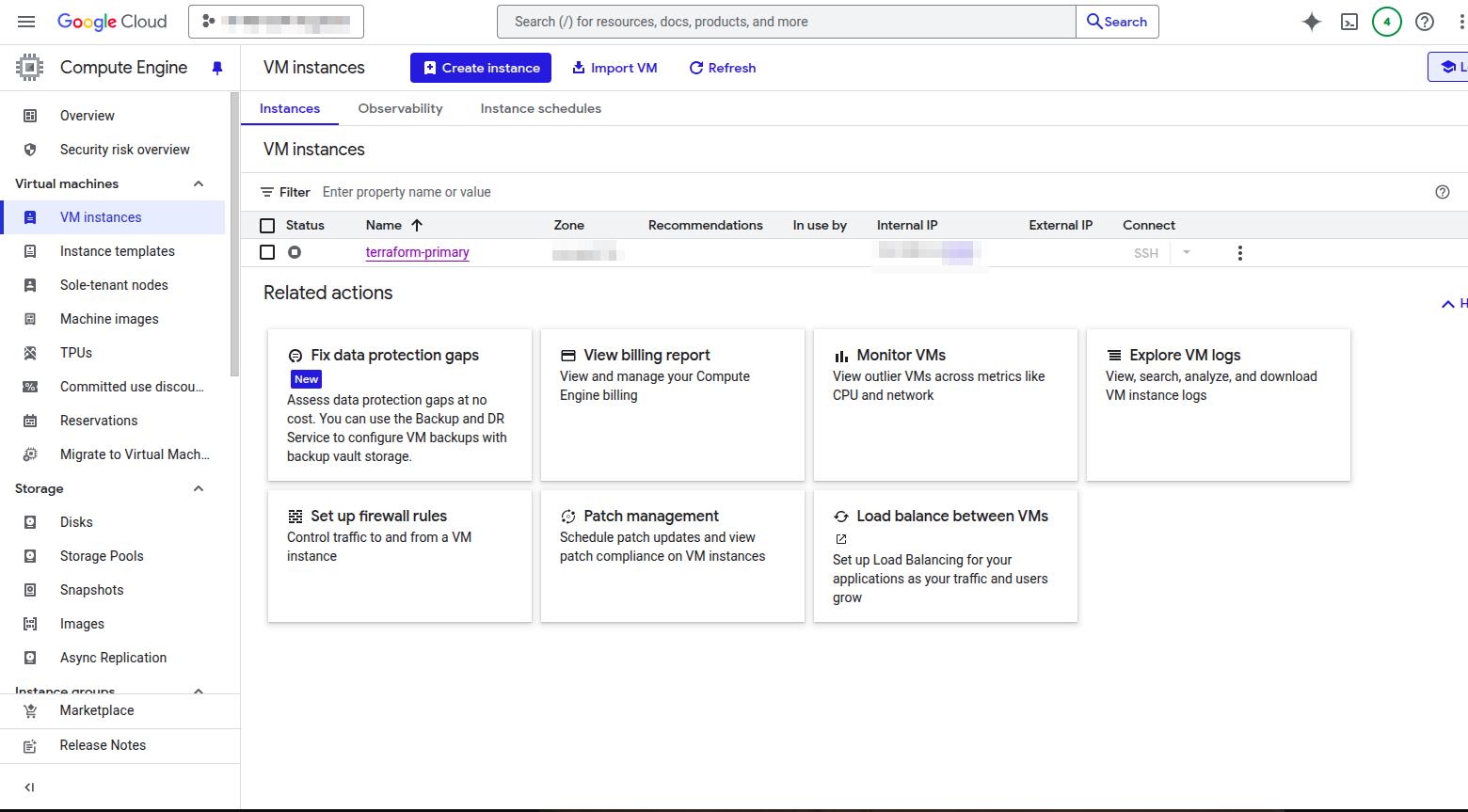
- 2025-09-02: Validate GCP compute environment prior to applying compute manifest.
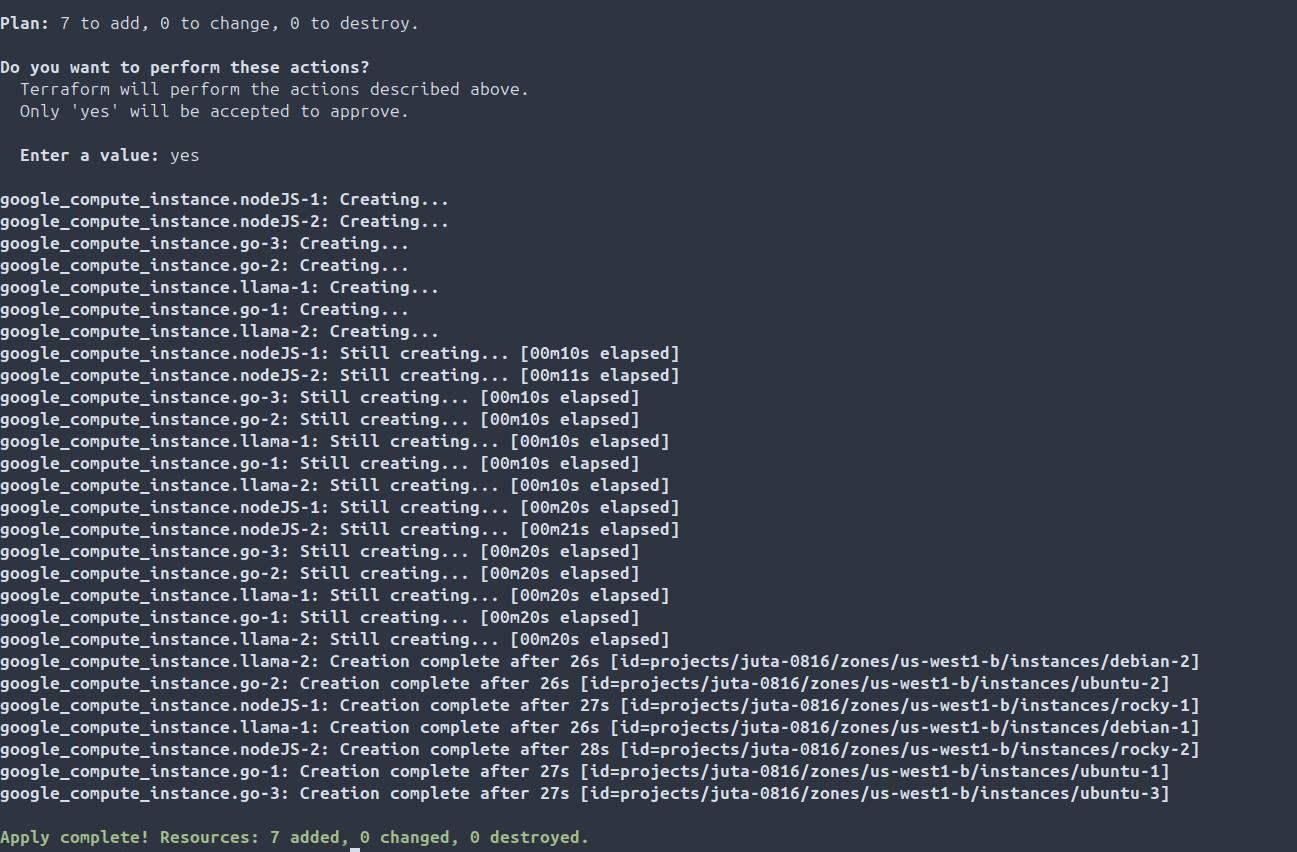
- 2025-09-02: Apply compute manifest using Terraform, validate additional compute resources have been provisioned declaratively.
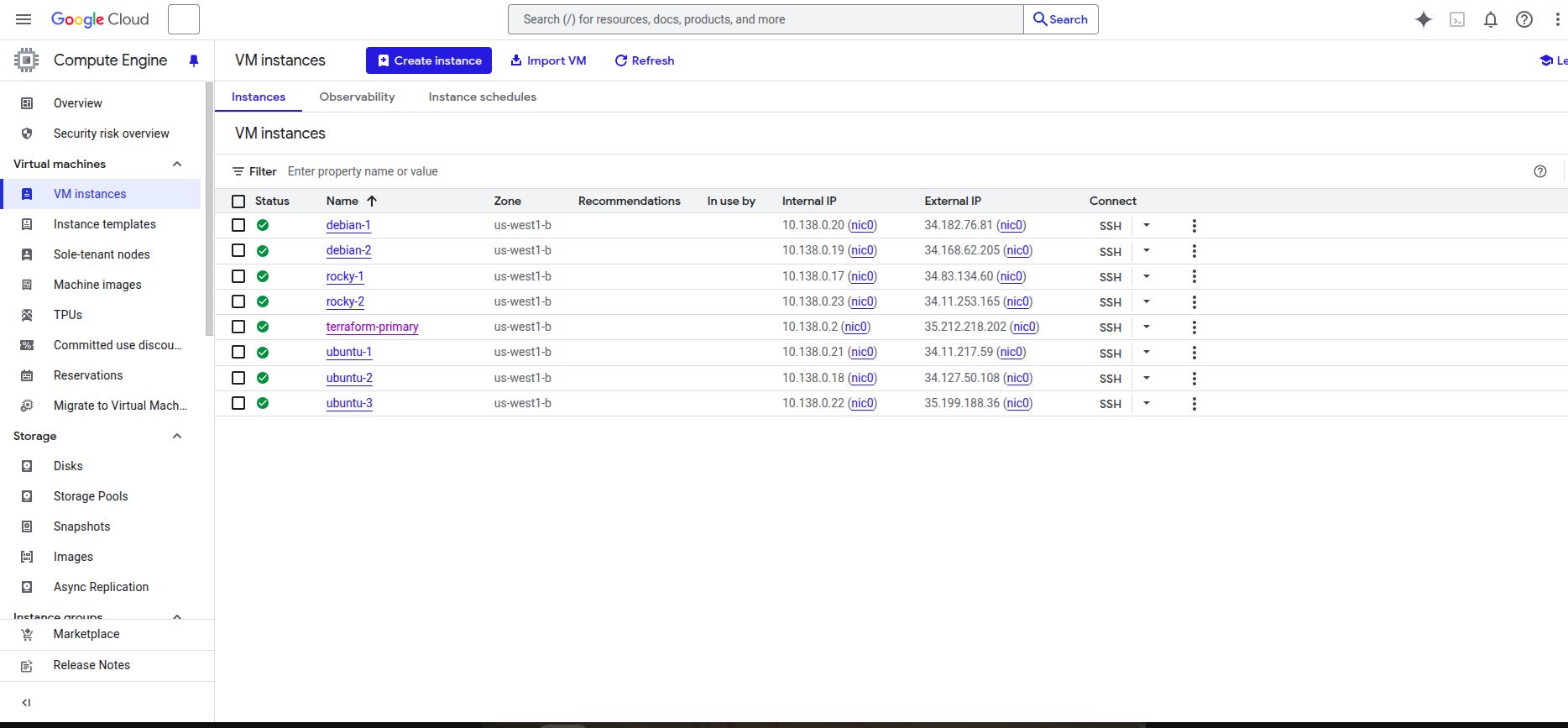
- 2025-09-02: Validate additional compute resources (VMs) are present in the GCP project compute service.
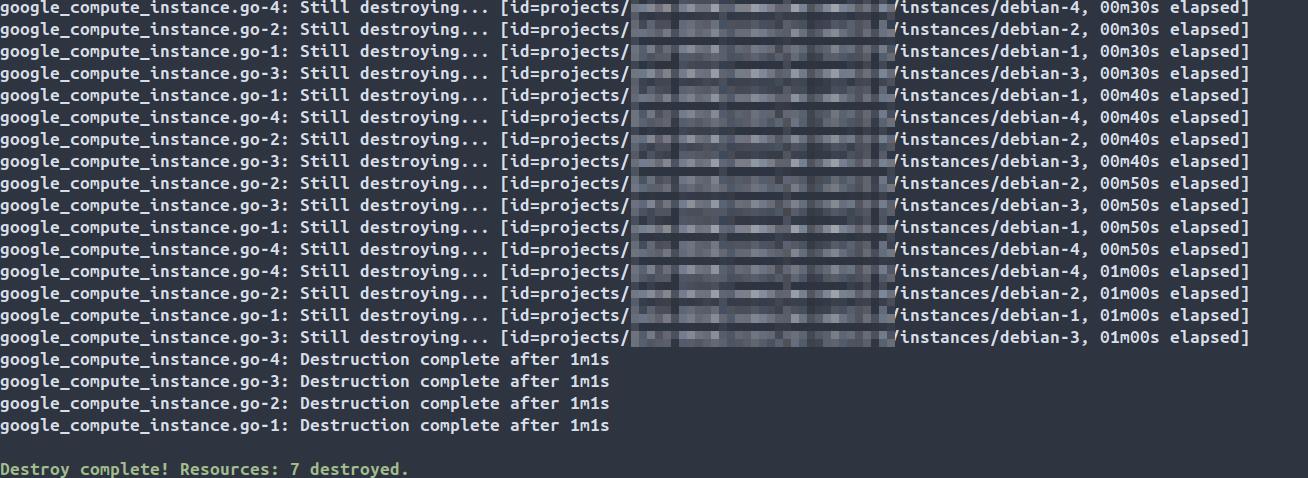
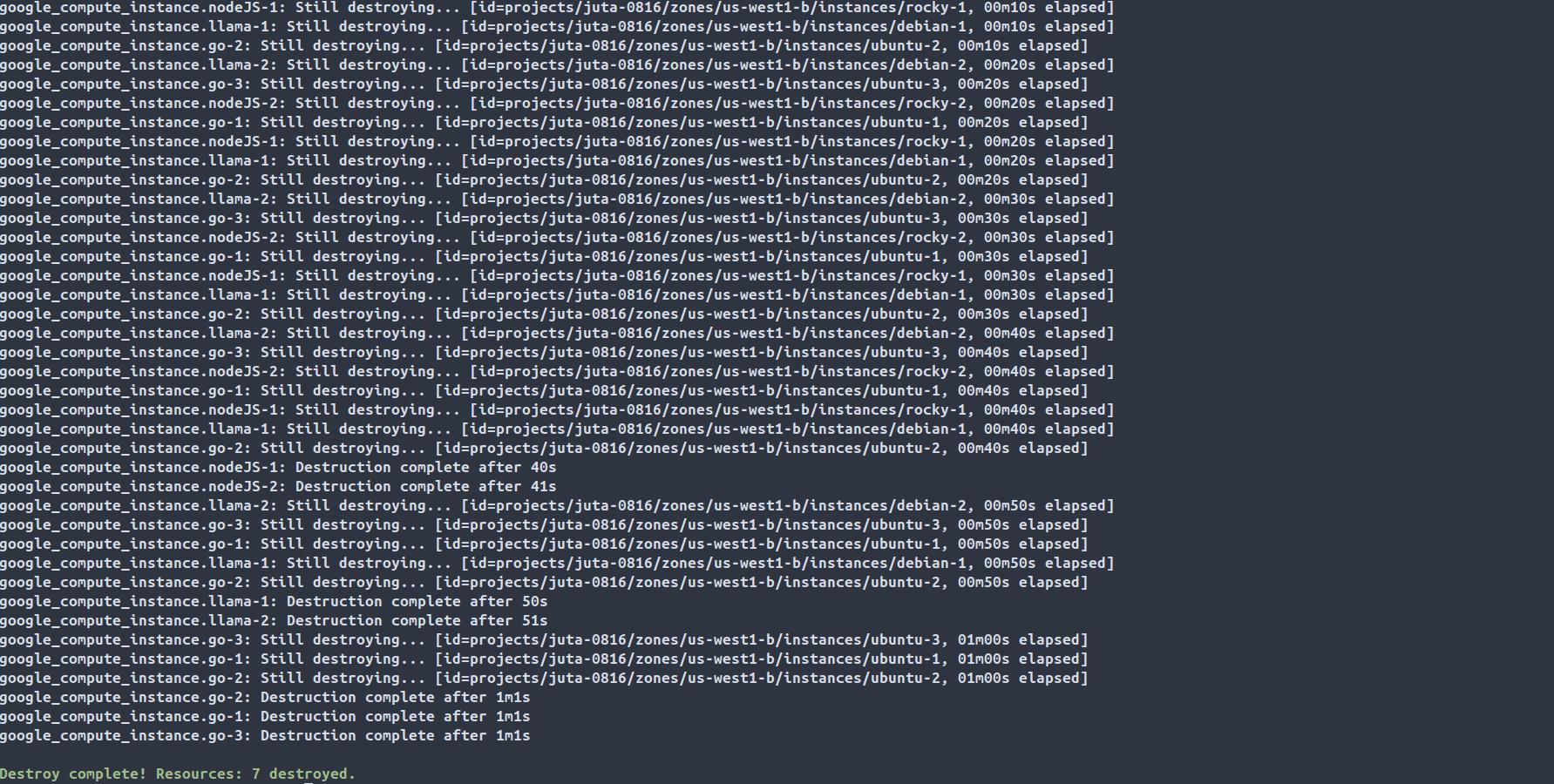
- 2025-09-02: Apply compute manifest using Terraform, validate additional compute resources have been destroyed declaratively.
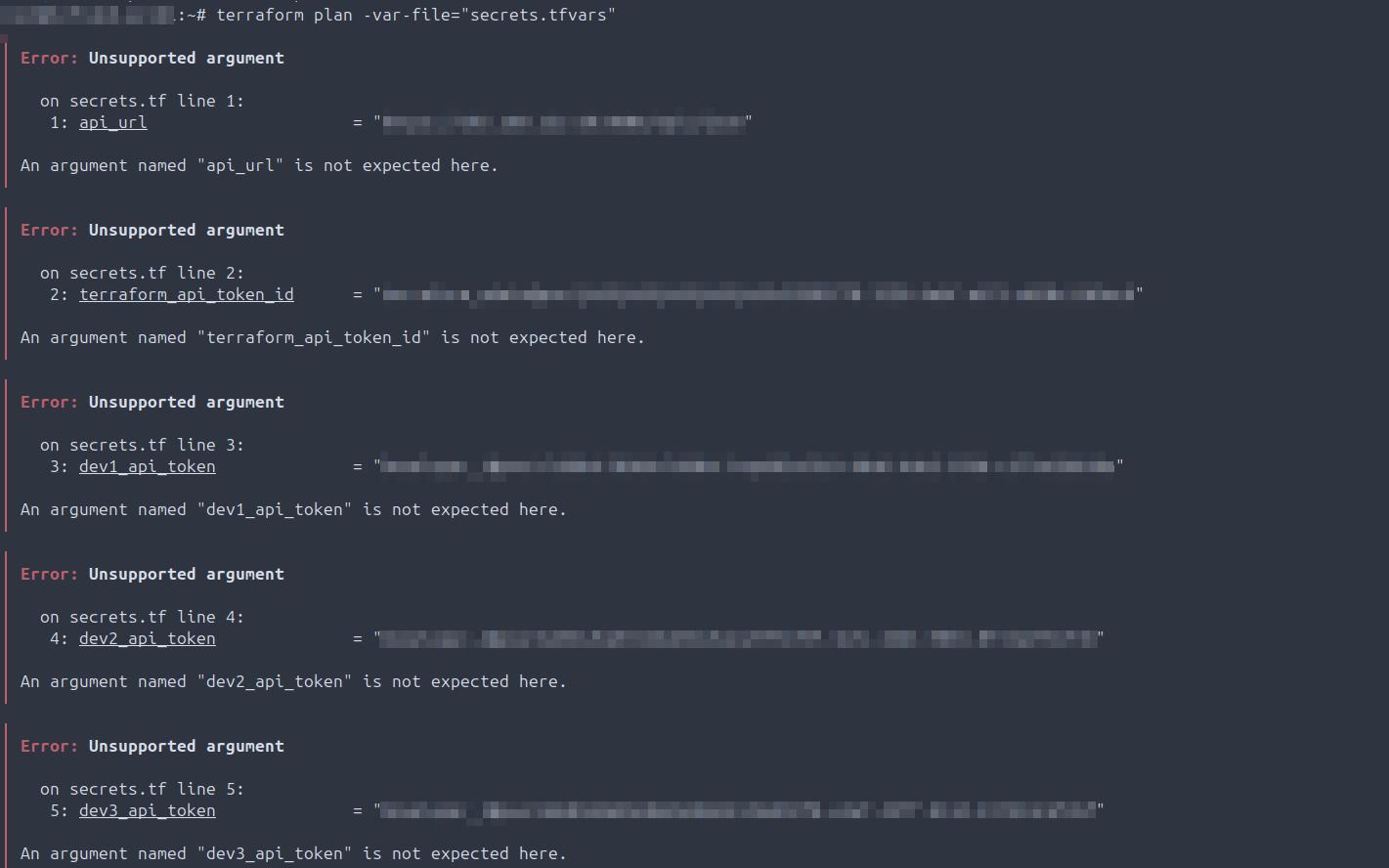
- 2025-09-14: TROUBLESHOOTING: During the execution of the compute_proxmox.tf config file, found that the API URL, service account name, API token name, API token secret were being passed to the terminal as output. This was occuring because secrets.tf was not correctly using the proper file format of .tfvar. Additionally, it was discovered via additional errors that API.URL was the incorrect format in the provider block of computer_proxmox.tf. The correct format for this per the provider documentation is that is api_url. Finally, this specific key: value pair was also defined incorrectly in the variables.tf configuration file.
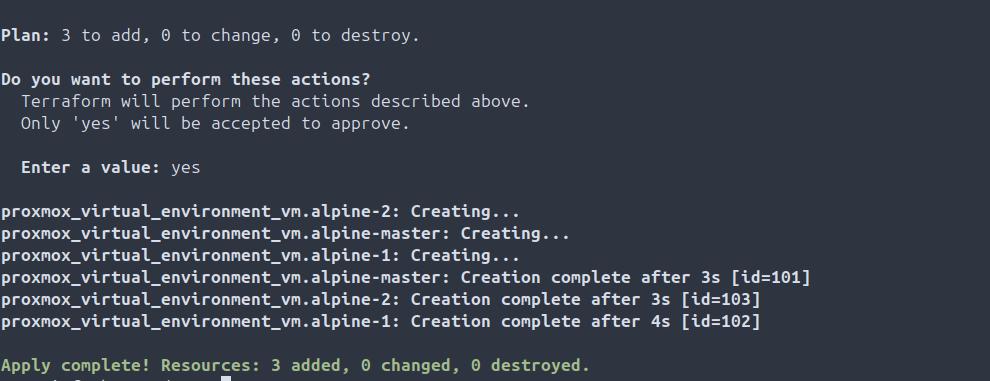
- 2025-09-02: Compute infrastructure declaritivly provisioned on hypervisor using Terraform.
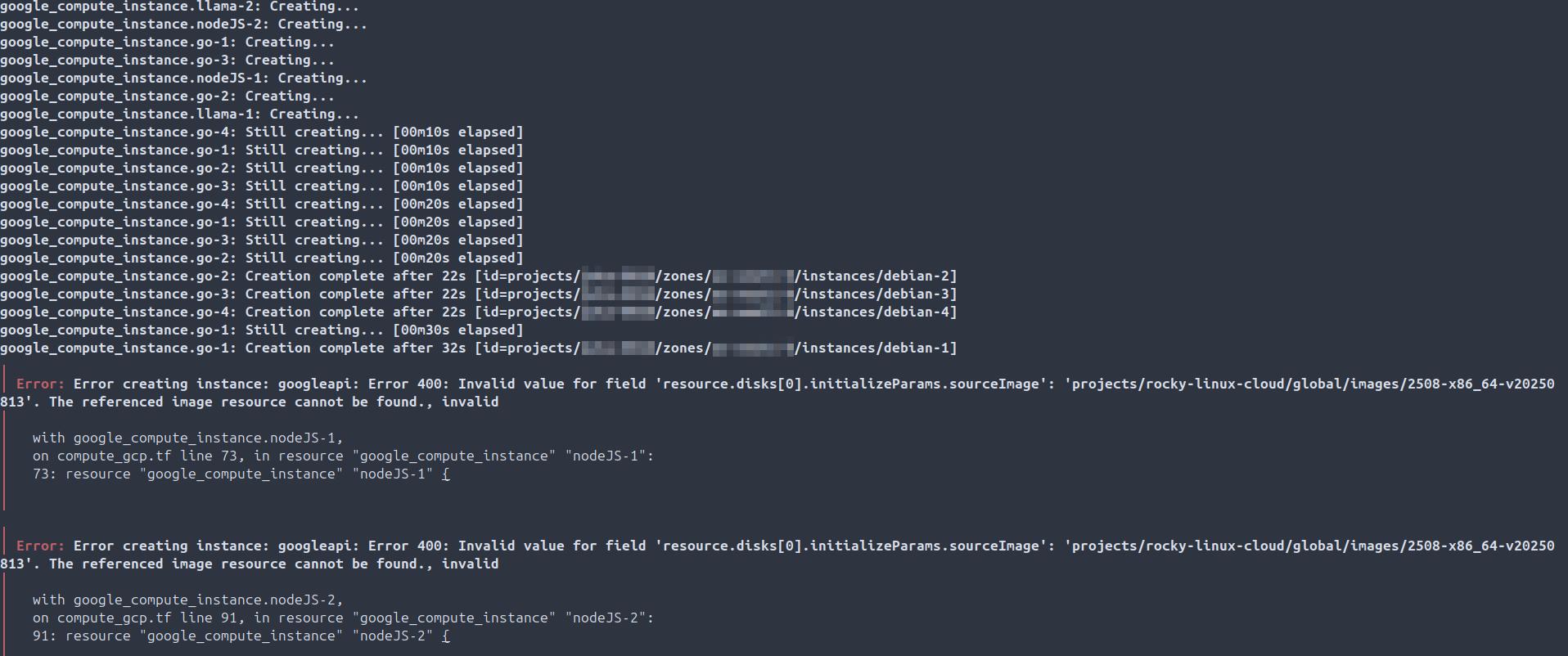
- 2025-09-20: TROUBLESHOOTING: Compute engine VMs not creating due to incorrect boot disk image URL defined in compute manifest via gcloud CLI.
- 2025-09-20: Compute engine resource creation from laptop using service account authenticating via api and local install of Terraform.
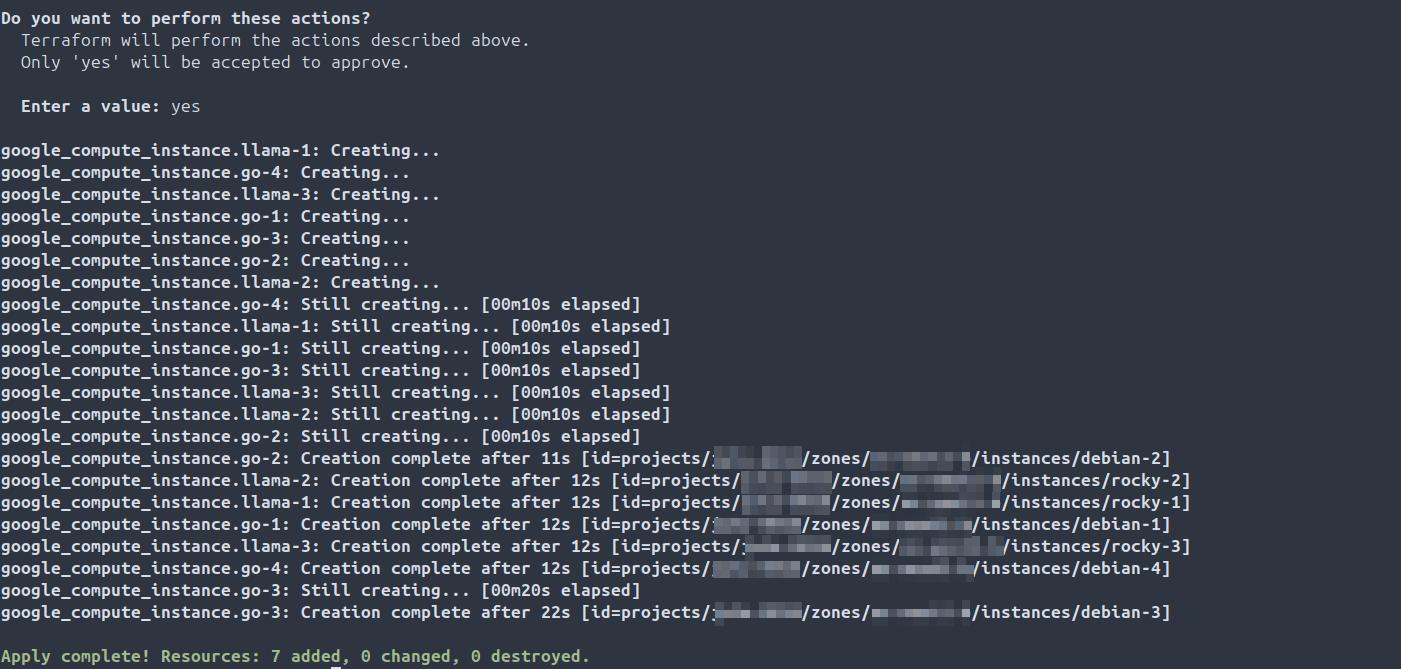
- 2025-09-20: Smoke Test creation of compute engine resources via Terraform in GCP from on-prem laptop.
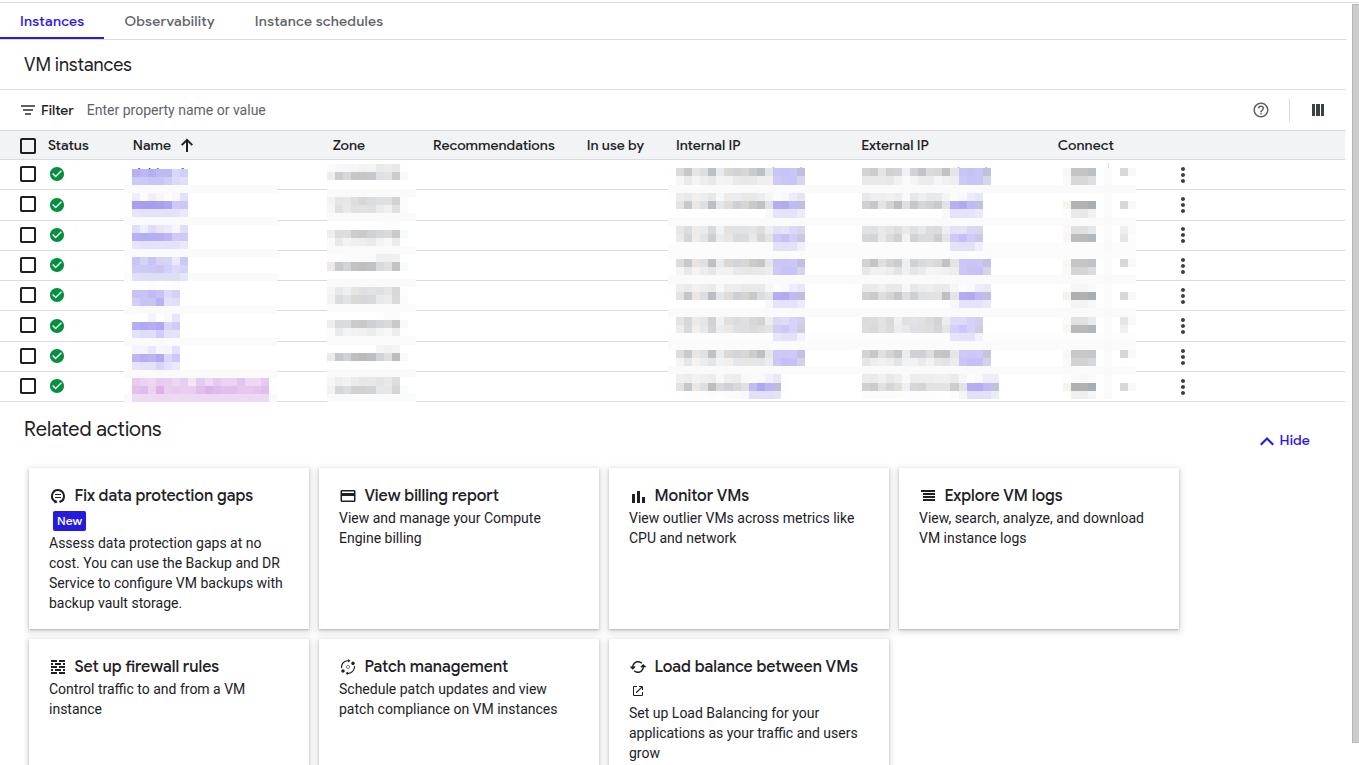
- 2025-09-20: Compute engine resource destruction from laptop using service account authenticating via api and local install of Terraform.